Screen-Time Activities for Kids: Fun, Creative & Educational Ideas
Introduction
Screen time is a normal part of modern childhood, but how children use screens can be just as important as how long they use them. Instead of allowing children to spend their screen time only watching videos or playing repetitive games, parents can introduce creative and interactive activities.
Coloring, drawing, puzzles, educational games, digital storytelling, and music can turn some screen sessions into opportunities for creativity and learning. Experts and educators also emphasize the importance of balancing screen-based activities with offline play, movement, creativity, and family interaction.
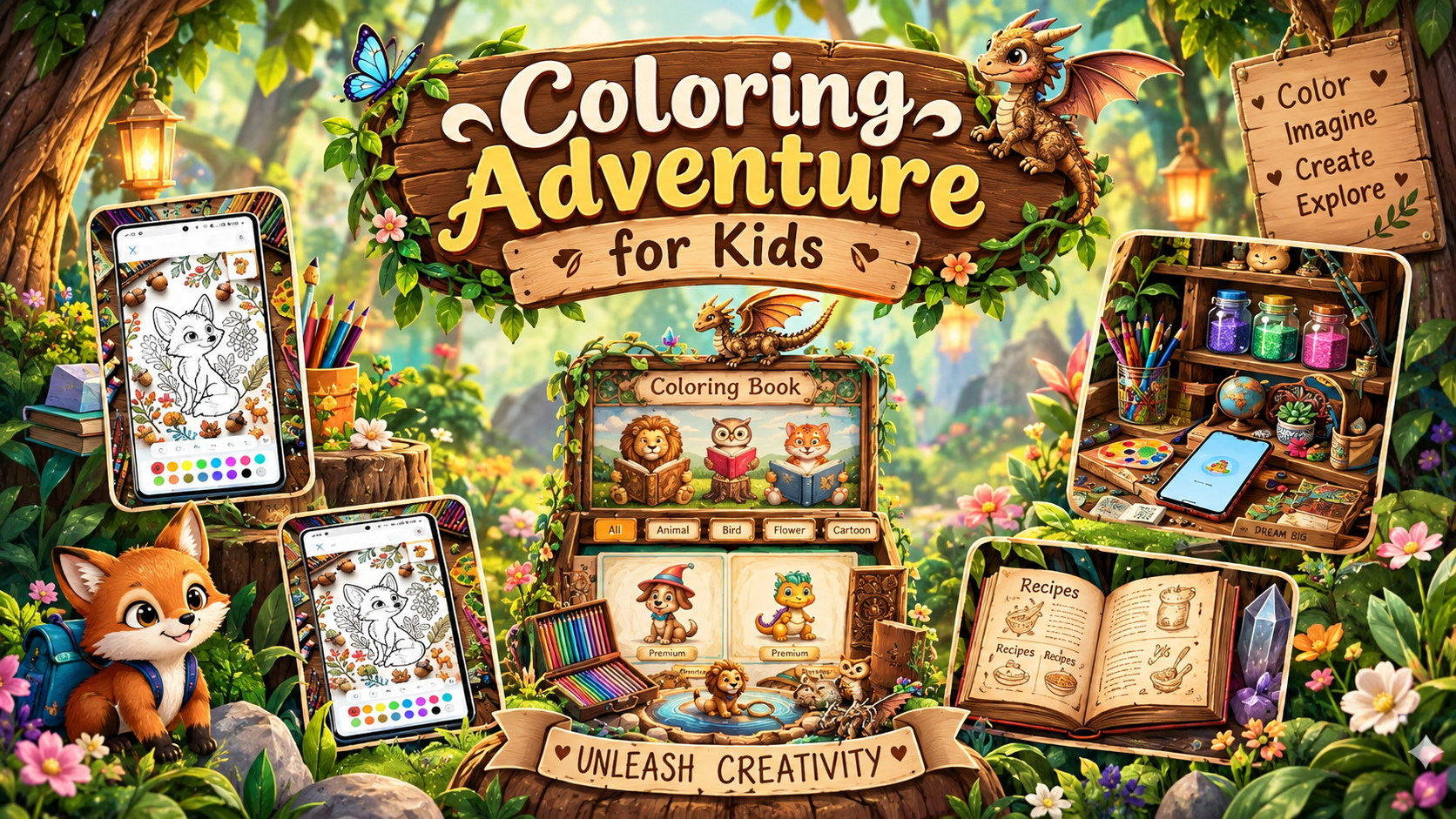
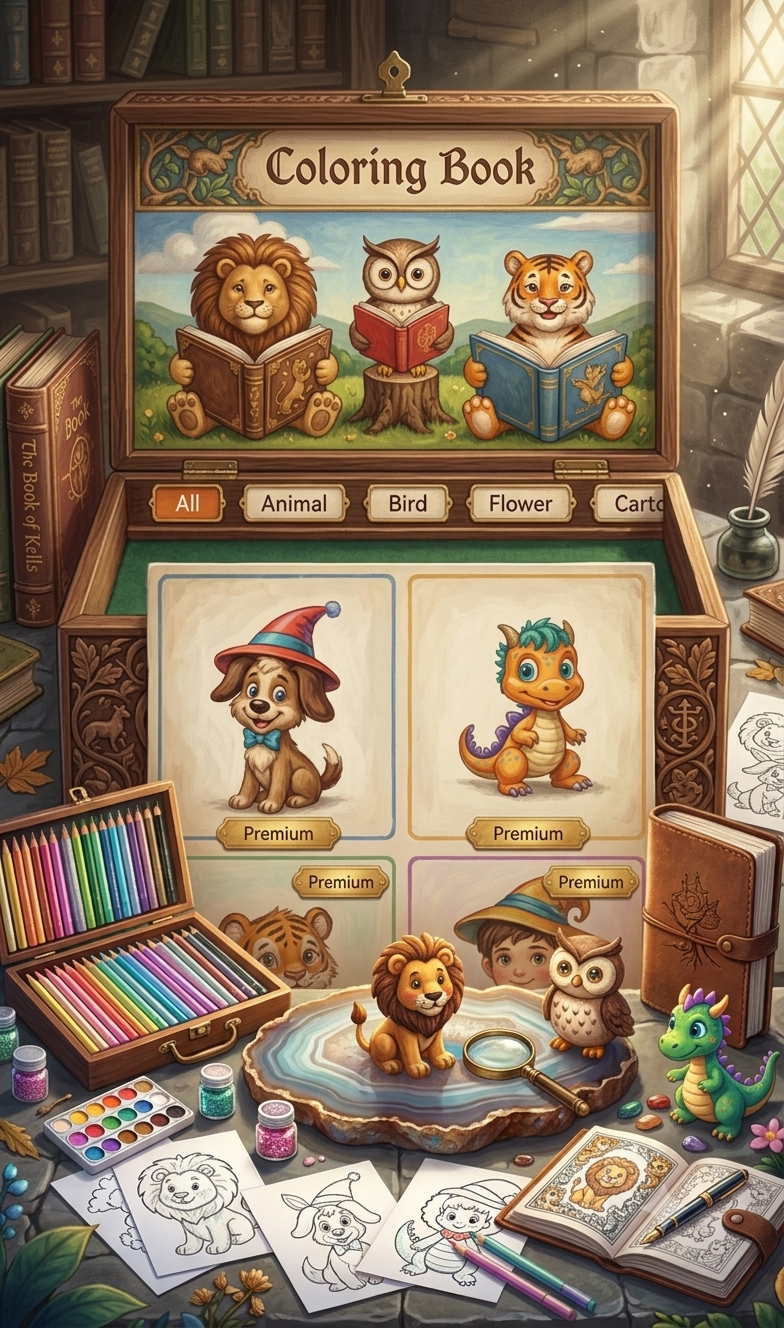
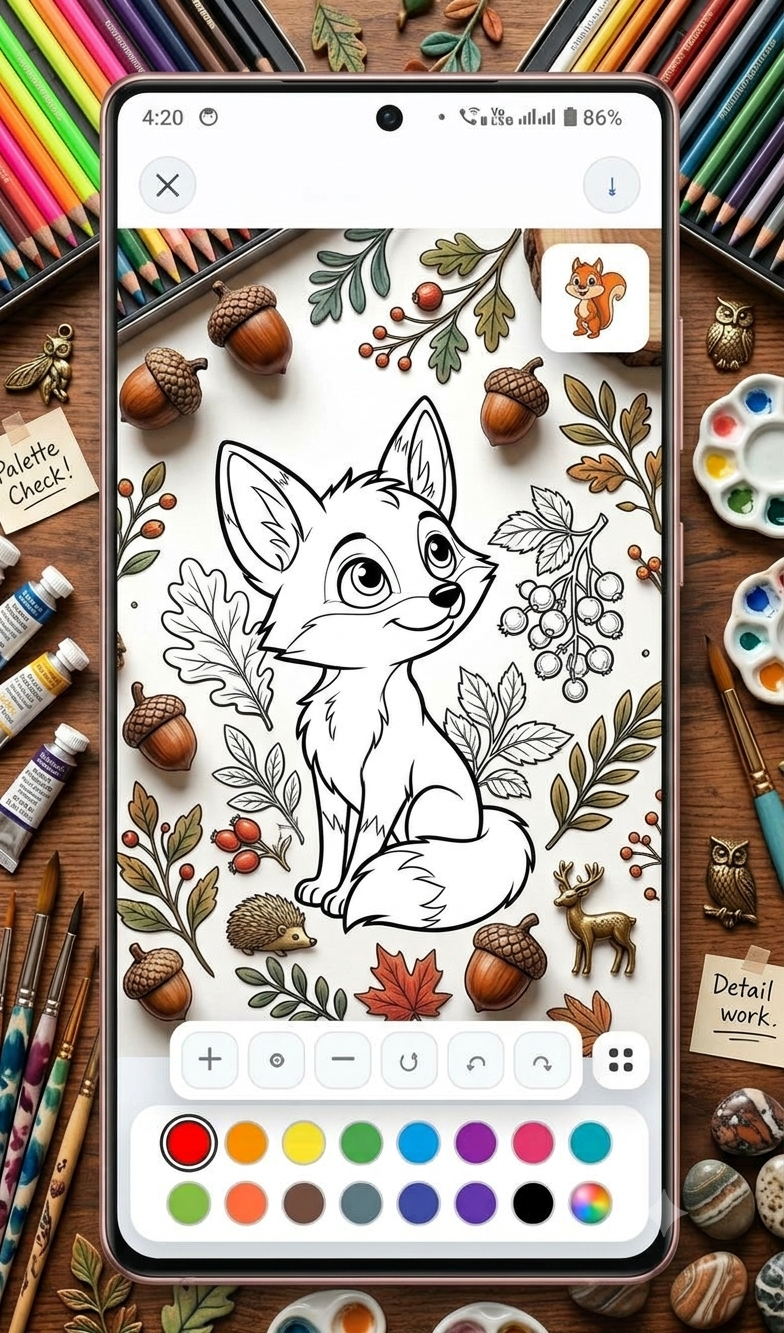
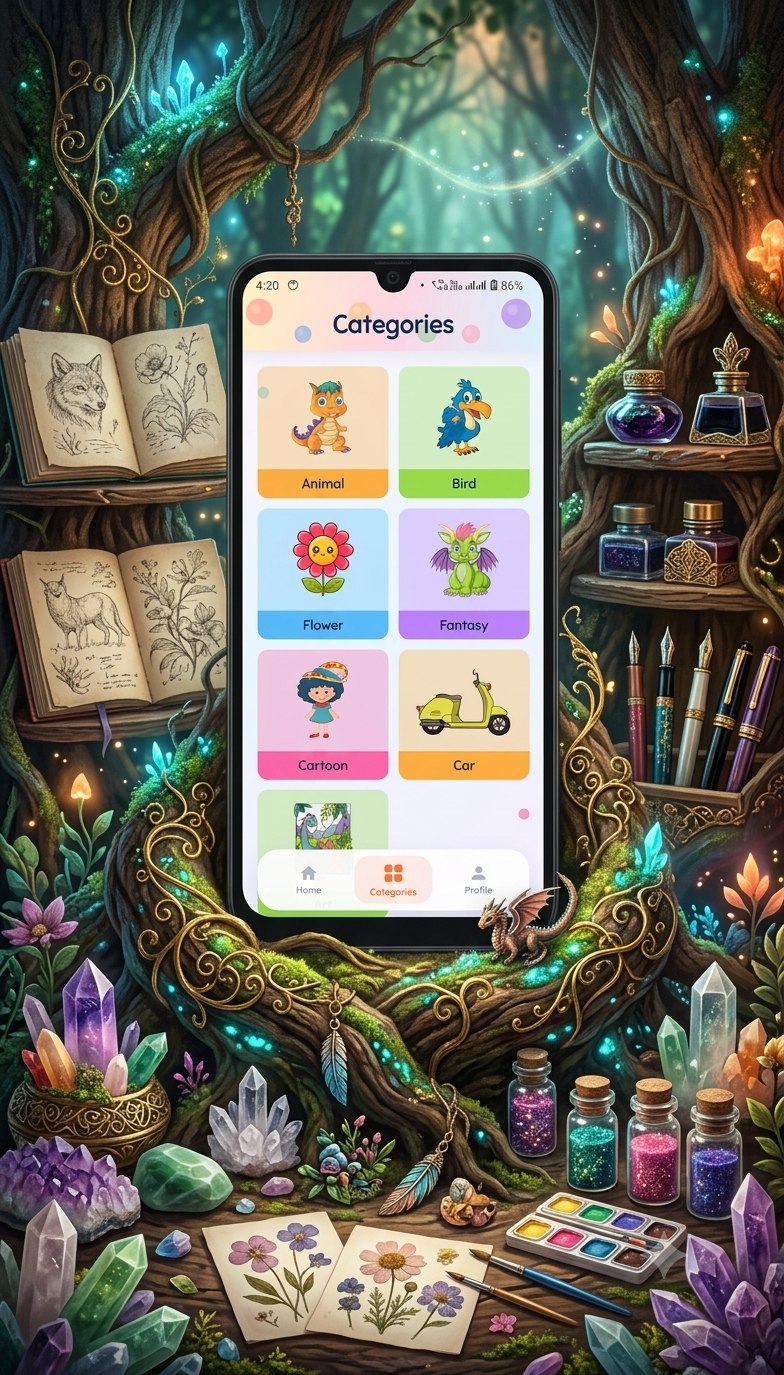
One simple option for younger children is a coloring activity. Kidos – Kids Coloring Game provides digital coloring pages featuring animals, birds, cartoon characters, flowers, vehicles, and nature. Its controls are designed to be simple enough for children to use independently.
What Are Screen-Time Activities for Kids?
Screen-time activities are things children can do using a smartphone, tablet, computer, or television.
Not every screen activity has the same purpose. For example:
- 🎨 Digital coloring can encourage creativity.
- 🧩 Puzzle games can encourage problem-solving.
- 📚 Digital stories can support reading and listening.
- 🎵 Music activities can encourage rhythm and movement.
- 🔤 Educational games can introduce letters, numbers, colors, and shapes.
- ✏️ Drawing applications can give children a digital space to experiment.
The goal is to make screen time purposeful, age-appropriate, and balanced rather than simply using a device to keep children occupied.
Best App for Screen-Time Activities for Kids
10 Fun Screen-Time Activities for Kids
1. Digital Coloring
Digital coloring is one of the easiest creative activities for younger children.
Children can choose a picture, select different colors, and create their own artwork. With Kidos, children can color pictures of animals, birds, flowers, vehicles, cartoons, and nature. The app also allows colored artwork to be saved to the gallery.
Try this activity:
Ask your child to create a colorful animal or design a flower using three favorite colors.
2. Digital Drawing
Drawing apps can give children an opportunity to experiment with shapes, lines, and colors.
Give your child a simple challenge such as:
- Draw your favorite animal
- Draw your dream house
- Draw a family picture
- Draw a garden
- Draw a funny cartoon character
Afterward, ask them to explain their picture. This adds a storytelling element to the activity.
3. Educational Games
Educational games can combine entertainment with learning.
Depending on the child’s age, activities can involve:
- Alphabet recognition
- Number games
- Matching games
- Shape recognition
- Color recognition
- Simple puzzles
- Memory games
The important thing is to choose activities that match the child’s developmental level.
4. Digital Storytelling
Storytelling does not have to happen only with physical books.
Parents can use digital storybooks or storytelling activities to encourage children to listen, imagine, and participate.
After a story, ask questions such as:
“Who was your favorite character?”
or
“What would you do if you were in the story?”
This can turn passive viewing into an interactive activity.
Best Kids Coloring App for Creative Screen Time
5. Virtual Drawing Challenges
Turn screen time into a small creative challenge.
Give your child five or ten minutes to draw something based on a prompt.
Some ideas include:
- 🐱 A superhero cat
- 🚗 A flying car
- 🌈 A magical rainbow
- 🏠 A dream house
- 🦋 A colorful butterfly
- 🚀 A space adventure
Short challenges can make digital creativity more exciting.
6. Digital Coloring + Offline Creativity
You don’t have to choose between digital and traditional coloring.
Try combining both.
For example:
Step 1: Let your child color an animal digitally.
Step 2: Ask them to draw the same animal on paper.
Step 3: Compare the two pictures.
Step 4: Let the child explain which version they prefer.
This creates a bridge between screen-based creativity and hands-on art.
7. Music and Movement Activities
Screen time can also encourage children to move.
Play an age-appropriate song and ask your child to:
- Dance to the rhythm
- Copy simple movements
- Clap along
- Create their own dance
- Stop and freeze when the music pauses
This makes the activity more interactive instead of simply watching the screen.
Fun Coloring App for Kids to Enjoy Screen Time
8. Virtual Nature Learning
Children can explore nature through educational videos, pictures, or interactive activities.
After viewing something about animals or plants, encourage the child to draw what they learned.
For example:
Watch → Learn → Draw → Explain
This can make digital learning more active and memorable.
9. Puzzle and Problem-Solving Games
Puzzles are another useful category of screen-time activity.
Depending on age, children can try:
- Matching games
- Memory puzzles
- Shape puzzles
- Simple mazes
- Pattern games
- Logic challenges
Parents can participate too and turn the activity into a shared challenge.
Best Creative App for Kids’ Screen-Time Activities
10. Create a Screen-Time Project
Instead of using an app for only a few minutes of random play, create a small project.
For example, your child could make a “My Favorite Animals” project.
Day 1
Color an animal digitally.
Day 2
Draw the animal on paper.
Day 3
Learn three facts about it.
Day 4
Create a small story about the animal.
Day 5
Show the finished project to the family.
This gives screen time a clear purpose.
Kidos – Kids Coloring Game for Creative Screen Time
If you’re looking for a simple coloring activity for young children, Kidos – Kids Coloring Game is designed around digital coloring and creativity.
According to its Google Play listing, Kidos includes:
- 🎨 Cute coloring pages
- 🐶 Animal drawings
- 🐦 Bird drawings
- 🌸 Flower designs
- 🚗 Vehicle pictures
- 🦸 Cartoon characters
- 🌳 Nature-themed drawings
- 👆 Easy tap-to-color controls
- 🖌️ Painting tools
- 💾 Ability to save completed artwork
- 🌈 Color-focused creative activities
The Play Store currently lists it as Rated 3+ and says the app is designed to help children explore colors and creativity.
Download Kidos – Kids Coloring Game:
Kidos – Kids Coloring Game on Google Play
How to Make Screen Time More Creative
Simply giving a child a creative app isn’t always enough. Parents can make the activity more engaging by participating occasionally.
Ask questions
Instead of saying:
“What are you doing?”
try:
“Why did you choose that color?”
This encourages children to think about their choices.
Give small challenges
For example:
“Can you color this animal using only five colors?”
Encourage storytelling
After the picture is finished, ask your child to create a short story about it.
Display their artwork
If the child creates something they are proud of, save or print it when practical. Kidos includes an option to save colored artwork to the gallery.
Screen-Time Activities vs Screen-Free Activities
A healthy routine doesn’t have to eliminate screens completely. A mixture of digital and offline activities can give children different experiences.
| Screen-Time Activity | Offline Alternative |
|---|---|
| Digital coloring | Coloring book |
| Digital drawing | Drawing paper |
| Digital puzzles | Jigsaw puzzle |
| Digital storytelling | Physical storybook |
| Music videos | Singing and dancing |
| Educational games | Board games |
| Nature videos | Outdoor nature walk |
| Digital creativity | Art and craft |
Screen-free activities can include drawing, crafts, reading, puzzles, physical play, nature activities, cooking, and imaginative play.
Simple 30-Minute Creative Screen-Time Routine
Parents who want a structured routine can try:
10 minutes – Coloring
Let the child choose a picture and experiment with colors.
5 minutes – Talk about the artwork
Ask what they created and why.
10 minutes – Offline drawing
Give them paper and crayons and ask them to create another picture.
5 minutes – Movement
Finish with stretching, dancing, or another simple physical activity.
This approach makes screen time one part of a broader activity rather than the entire experience.
Kids Coloring Game for Fun and Educational Screen Time
Tips for Parents
1. Choose age-appropriate content
Always consider the child’s age and developmental stage.
2. Prefer interactive activities
Coloring, drawing, puzzles, and creative games can be more engaging than passive viewing.
3. Take regular breaks
Encourage children to look away from the screen and move around.
4. Keep offline activities available
Have crayons, books, puzzles, blocks, or craft materials ready.
5. Participate sometimes
A few minutes of parent-child interaction can turn an individual activity into a shared experience.
6. Don’t use screens as the only source of entertainment
Children should have opportunities for physical play, social interaction, creativity, reading, and exploration.
Benefits of Creative Screen-Time Activities
When chosen appropriately, creative activities can give children opportunities to practice:
- 🎨 Creativity
- 🌈 Color recognition
- 🧠 Problem-solving
- ✋ Hand-eye coordination
- 💭 Imagination
- 🗣️ Communication
- 📖 Storytelling
- 🎯 Concentration
- 🧩 Pattern recognition
For example, the Kidos Play listing specifically describes its coloring activities as supporting creativity, imagination, and color recognition.
Final Thoughts
Screen time doesn’t have to mean passive entertainment. With the right activities, a smartphone or tablet can become a tool for coloring, drawing, storytelling, puzzles, learning, and creativity.
For younger children who enjoy art, Kidos – Kids Coloring Game offers a simple digital coloring experience with animals, birds, flowers, vehicles, cartoons, and nature-themed pictures.
The best approach is to combine digital activities with offline play, physical movement, reading, family interaction, and hands-on creativity. This gives children a more varied and balanced daily routine.



Leave a Reply