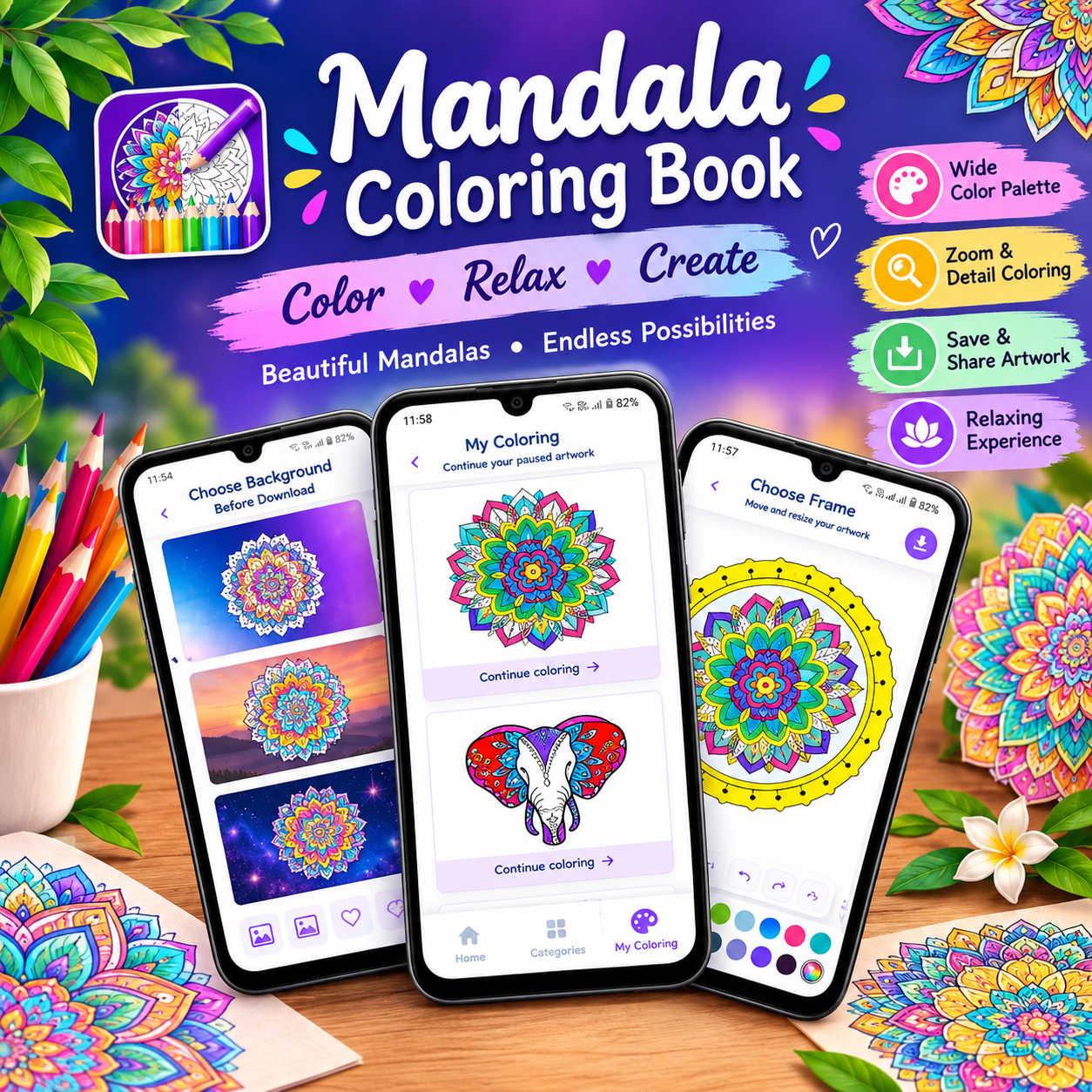
Mandala – Coloring Book Game: Complete Guide
What is Mandala – Coloring Book?
Mandala – Coloring Book is a relaxing and creative digital coloring game designed for users who enjoy coloring beautiful artwork directly on their Android devices.
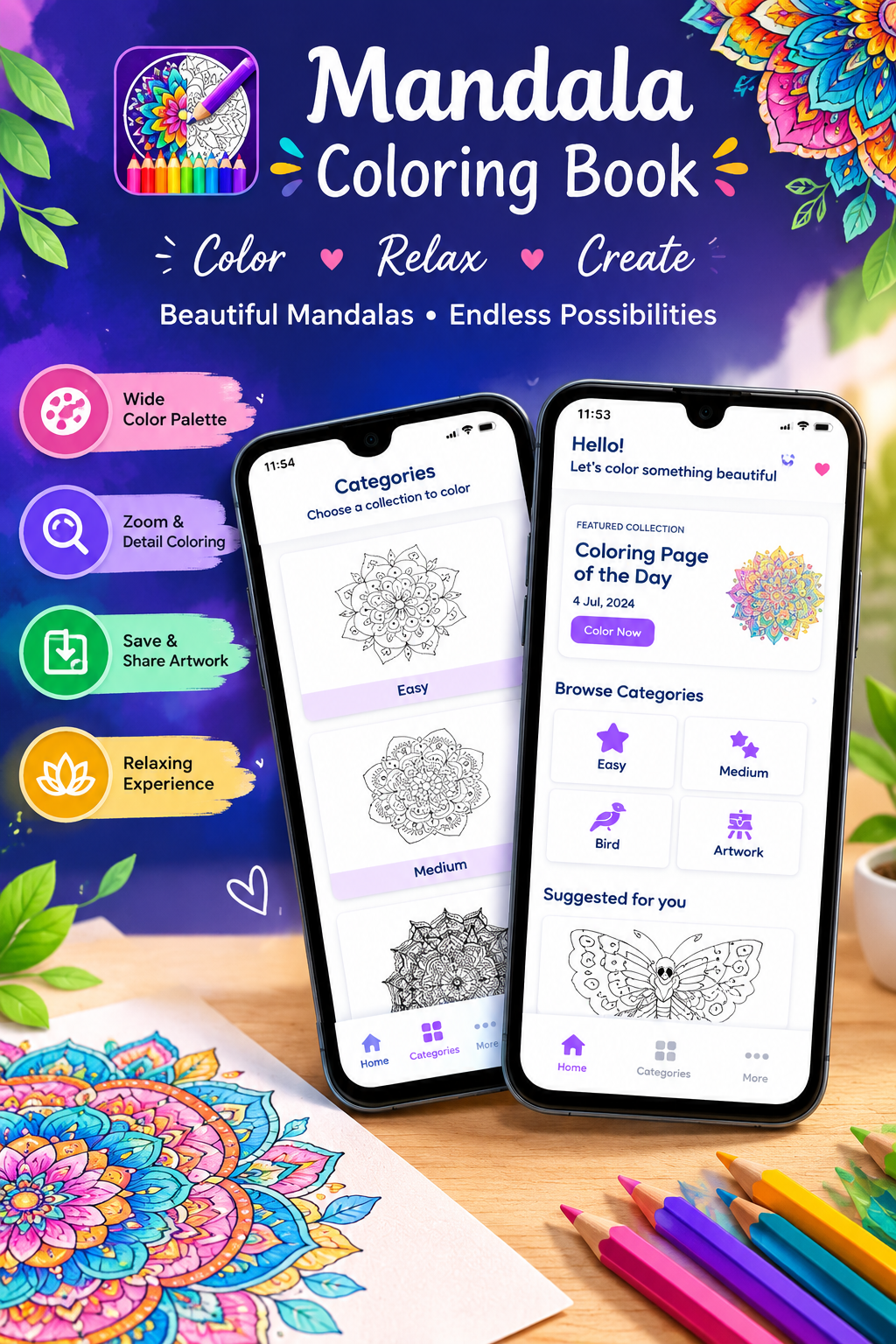
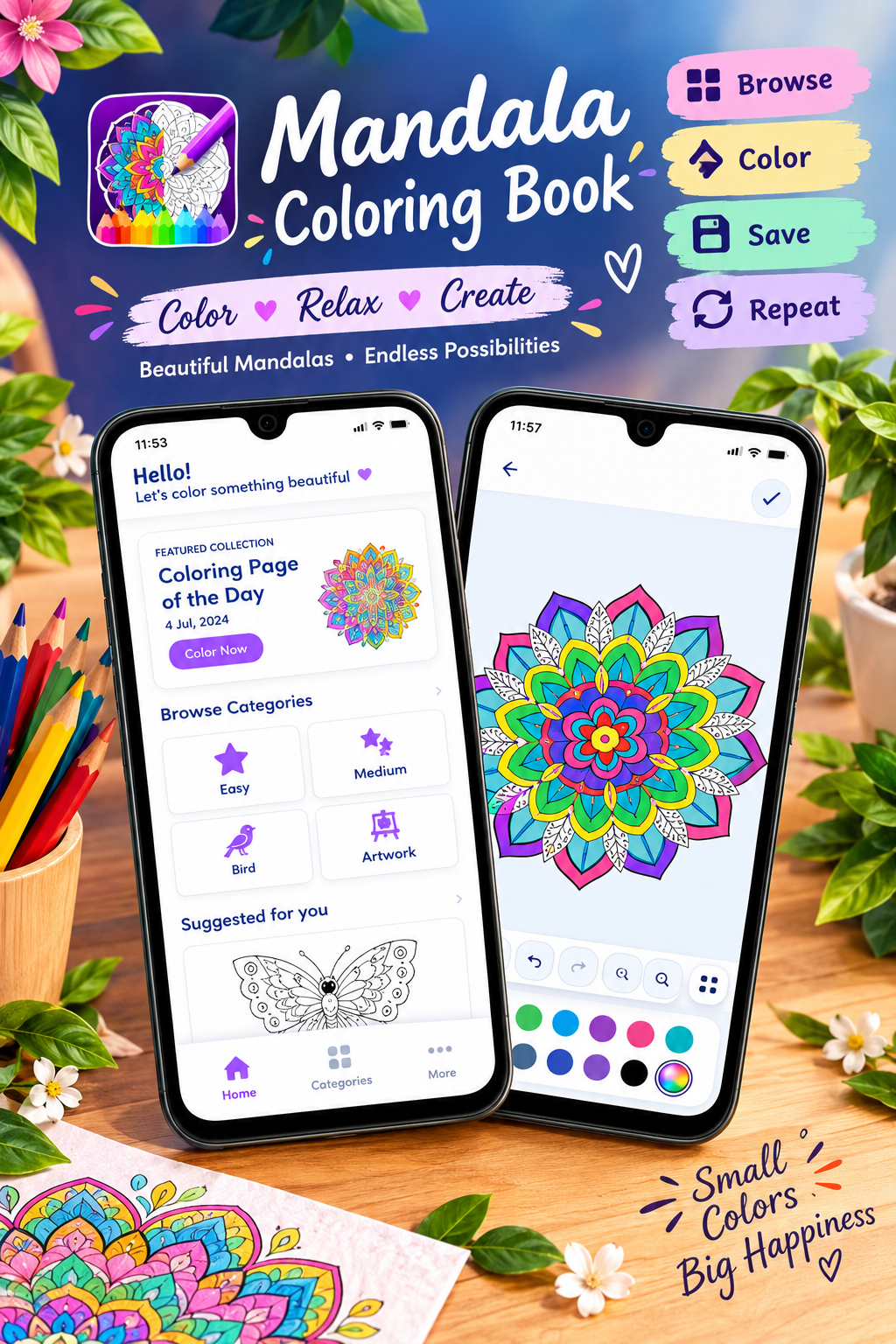
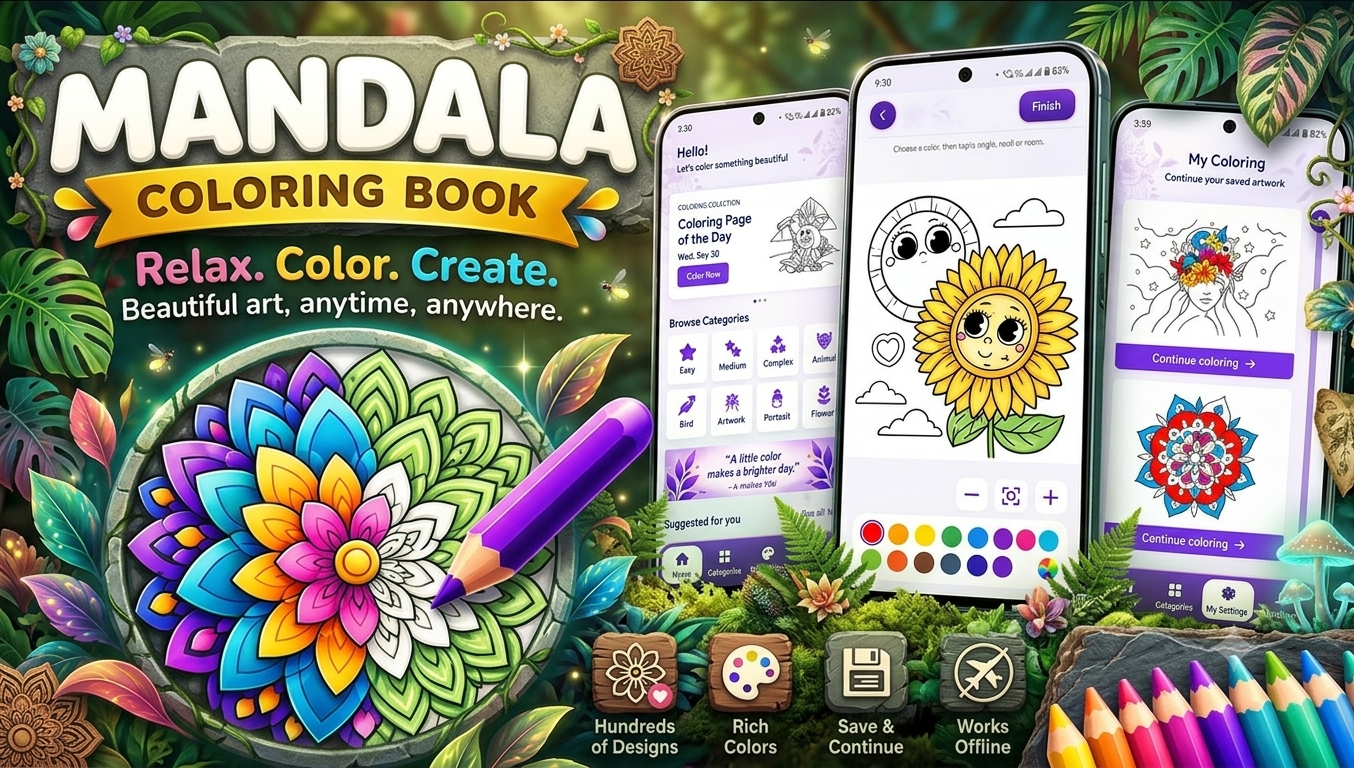
The app offers hundreds of coloring pages covering different categories, including mandalas, animals, birds, artwork, avatars, and more. Users can select different difficulty levels, choose colors from a rich palette, zoom into small areas, undo or redo changes, save their progress, and add decorative frames to finished artwork.
The app also supports offline coloring, allowing users to enjoy their coloring activities without an internet connection.
App Name
Mandala – Coloring Book
Developer
tech solver official
Category
Puzzle
Platform
Android
Content Rating
Everyone
Ads
The Google Play listing indicates that the app contains ads.
Downloads
The current Google Play listing shows 100+ downloads.
Last Updated
July 7, 2026.
Latest Release
Google Play currently describes the release as the initial release.
Google Play
Mandala – Coloring Book on Google Play
Main Features of Mandala – Coloring Book
1. Hundreds of Coloring Pages
The app provides a growing collection of coloring illustrations.
The available categories listed on Google Play include:
- 🎨 Easy
- 🌈 Medium
- 🖌️ Complex
- 🌸 Mandalas
- 🐘 Animals
- 🐦 Birds
- 🎭 Artwork
- 👤 Avatars
- ✨ More illustrations
This variety means users can choose artwork according to their mood, interest, or preferred difficulty level.
Looking for a relaxing coloring experience? Try this Mandala coloring app for creative fun
2. Mandala Coloring
Mandalas are one of the main attractions of the app.
Users can fill intricate patterns with different colors and create their own colorful digital artwork.
Mandala coloring can be particularly enjoyable for people who like:
- Detailed patterns
- Symmetrical designs
- Creative coloring
- Decorative artwork
- Relaxing activities
3. Different Difficulty Levels
Not everyone wants the same level of detail.
Mandala – Coloring Book includes:
Easy
Simple designs that can be a good starting point for beginners.
Medium
More detailed patterns for users who want a little more challenge.
Complex
Intricate artwork for users who enjoy spending more time coloring small sections and details.
This difficulty system makes the app suitable for both beginners and experienced coloring enthusiasts.
Looking for another relaxing coloring game? Try Happy Color – Coloring Games.
Play Happy Color Online
4. Rich Color Palette
The app provides a wide selection of vibrant colors.
Users can experiment with different combinations to create unique artwork rather than being limited to a single predetermined color scheme.
For example, a mandala could be created with:
- Purple + pink
- Blue + green
- Orange + yellow
- Red + violet
- Pastel combinations
- Bright multicolor patterns
This gives users plenty of freedom for creative expression.
5. Zoom for Precise Coloring
Detailed mandala artwork can contain very small sections.
The app includes pinch-to-zoom functionality, allowing users to enlarge areas of the artwork and color small details more easily.
This is particularly useful for complex designs.
6. Undo and Redo
Made a coloring mistake?
The app provides Undo and Redo functionality.
Users can quickly reverse an unwanted change and experiment with different colors without having to restart their artwork.
This makes the coloring experience more flexible and beginner-friendly.
7. Save Your Progress
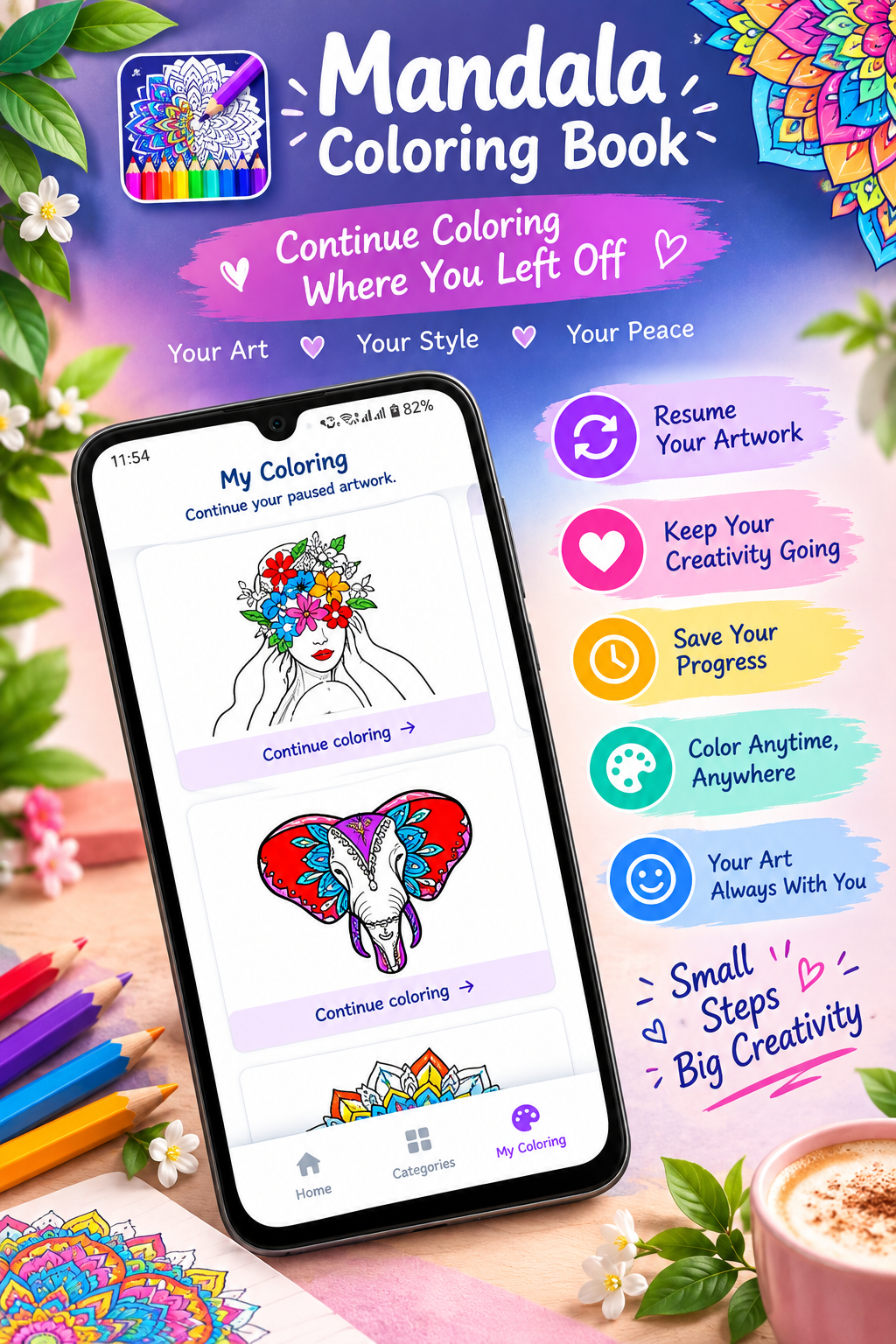
Users don’t necessarily have to finish an artwork in one sitting.
The app allows users to save their progress and continue unfinished artwork later.
For detailed mandalas, this can be especially useful because some designs may take considerable time to complete.
Want to enjoy beautiful coloring pages on your phone? Explore the Mandala – Coloring Book app.
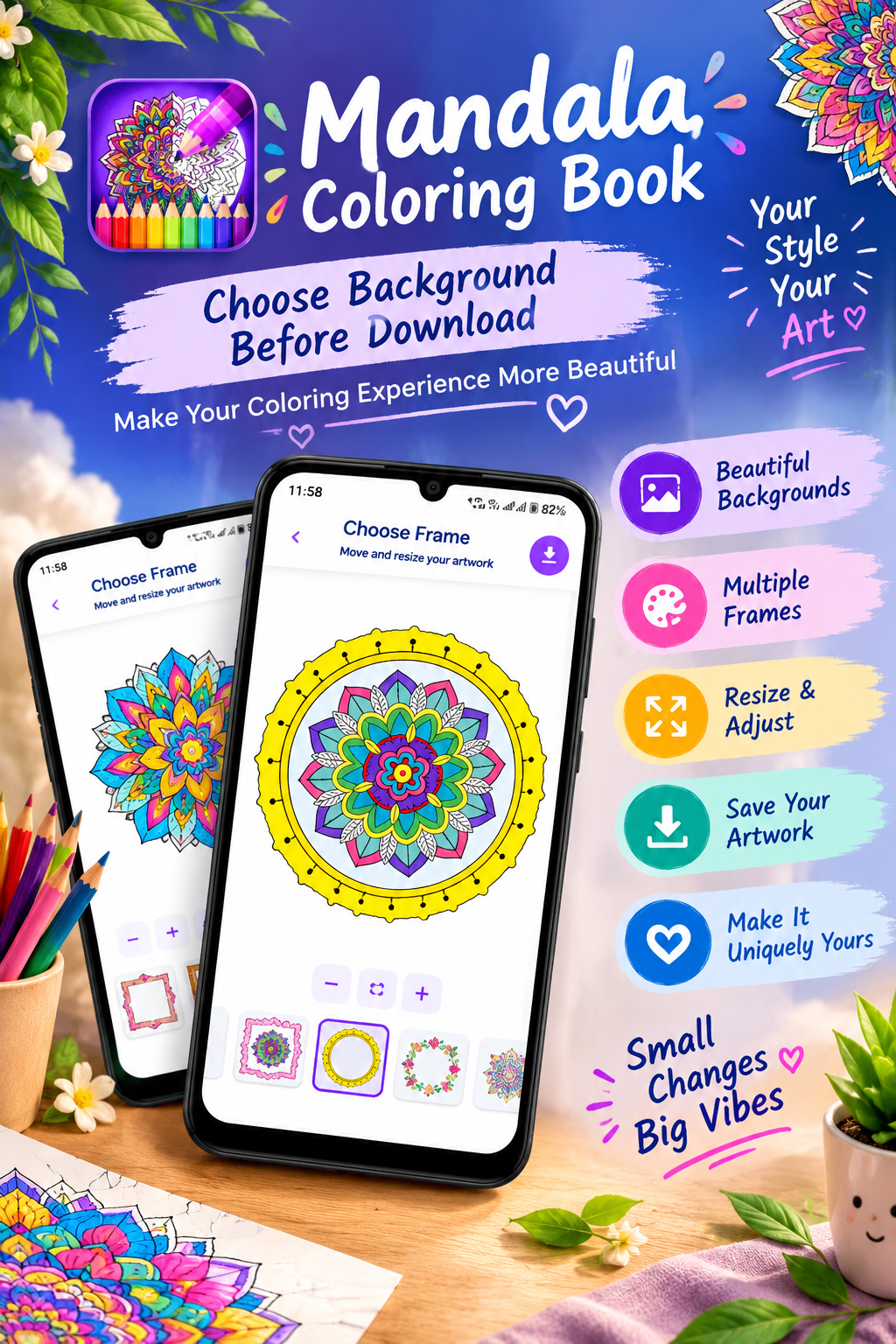
8. Decorative Frames
Once an artwork is completed, users can add beautiful decorative frames before saving the finished creation.
This gives completed coloring pages a more polished and artistic appearance.
Want to explore more paint-by-number coloring? Check out ColorPlanet.
Explore ColorPlanet Coloring Games
9. Offline Coloring
One of the useful features of Mandala – Coloring Book is offline support.
Users can enjoy the coloring experience without requiring an internet connection.
This makes it convenient for:
- Traveling
- Relaxing at home
- Using the app without Wi-Fi
- Areas with limited connectivity
- Offline entertainment
10. Simple & Intuitive Interface
The app is designed to provide a straightforward coloring experience.
Users can:
Choose artwork → Select colors → Zoom → Color → Undo/Redo → Save → Add a frame
The simple workflow makes the app accessible to both beginners and experienced coloring enthusiasts.
Benefits of Mandala – Coloring Book
Relaxing Coloring Experience
The app is designed around relaxing and creative coloring. Google Play describes coloring the designs as an activity intended to help users reduce stress, improve focus, and express creativity.
Creativity
Users can experiment with their own color combinations and create personalized artwork.
Focus & Concentration
Detailed designs require attention to individual sections, making coloring an engaging activity.
Easy to Use
The intuitive interface is intended for both beginners and experienced users.
Offline Entertainment
Users can enjoy supported coloring activities without an internet connection.
Who Can Use Mandala – Coloring Book?
The Google Play listing gives the app an Everyone content rating and specifically says it is suitable for kids, teens, and adults.
👧 Kids
Children can start with easy designs and experiment with colors.
🧑🎓 Teens
Teens can use detailed coloring pages as a creative offline activity.
👩 Adults
Adults can explore intricate mandalas, artwork, animals, birds, and other designs.
🎨 Coloring Enthusiasts
People who already enjoy digital coloring can use the different difficulty levels and color options to create personalized artwork.
How to Use Mandala – Coloring Book
Using the app is straightforward.
Step 1: Open the App
Launch Mandala – Coloring Book on your Android device.
Step 2: Choose a Coloring Page
Select an illustration from categories such as Mandalas, Animals, Birds, Artwork, Avatars, Easy, Medium, or Complex.
Step 3: Select Your Colors
Choose colors from the available color palette.
Step 4: Start Coloring
Tap the areas of the artwork you want to color.
Step 5: Zoom In
For detailed sections, pinch the screen to zoom in.
Step 6: Correct Mistakes
Use Undo or Redo whenever necessary.
Step 7: Save Your Work
Save your progress and return later if you haven’t finished.
Step 8: Add a Frame
After completing your artwork, add a decorative frame to give it a finished look.
If you love creative games, check out this relaxing mandala coloring game for Android.
If you enjoy mandala designs, try Mandala Coloring online.
Play Mandala Coloring Online
Mandala Coloring for Relaxation
Digital coloring can be a simple way to take a break from everyday screen activities.
Mandala – Coloring Book combines detailed artwork with a creative coloring process, allowing users to focus on individual shapes and patterns.
Instead of competing against a timer or other players, the experience is centered around creating artwork at your own pace.
The app’s Google Play description specifically positions coloring as a way to relax, improve focus, and express creativity.
Mandala – Coloring Book Categories
| Category | Description |
|---|---|
| Easy | Simple designs for beginners |
| Medium | Moderately detailed coloring pages |
| Complex | Intricate artwork with more details |
| Mandalas | Symmetrical decorative patterns |
| Animals | Animal-themed illustrations |
| Birds | Bird-themed artwork |
| Artwork | Creative artistic illustrations |
| Avatars | Avatar-style illustrations |
| More | Additional coloring designs |
These categories are based on the current Google Play description.
Why Choose Mandala – Coloring Book?
🎨 Creative
Create unique artwork using your preferred colors.
🧘 Relaxing
Enjoy a calm coloring activity at your own pace.
🔍 Detailed
Zoom functionality makes detailed areas easier to color.
↩️ Flexible
Undo and redo let users experiment without worrying about mistakes.
💾 Convenient
Save unfinished artwork and continue later.
🖼️ Decorative
Add frames to completed artwork.
📵 Offline
Enjoy coloring without an internet connection.
Mandala – Coloring Book vs Traditional Coloring
| Feature | Mandala – Coloring Book | Traditional Coloring |
|---|---|---|
| Paper required | ❌ | ✅ |
| Digital colors | ✅ | ❌ |
| Undo | ✅ | ❌ |
| Redo | ✅ | ❌ |
| Zoom | ✅ | ❌ |
| Save progress | ✅ | ❌ |
| Decorative frames | ✅ | Depends |
| Offline use | ✅ | ✅ |
| Portable | ✅ | Requires physical materials |
The digital format makes it possible to carry a coloring activity directly on an Android device.
Want to create colorful mandala artwork on your smartphone? Explore this easy-to-use coloring app
Great for Free Time
Mandala – Coloring Book can be used whenever you have some free time.
For example:
- During a relaxing evening
- While traveling
- During a break
- Before bedtime
- On weekends
- When looking for a creative activity
Because the app supports offline coloring, users don’t need to depend on an internet connection for the coloring experience.
Data Safety
For your Tech Solver website, this section should be written carefully.
Google Play currently states that the app may share device or other IDs with third parties and may collect device or other IDs. Google Play also says that data is encrypted in transit.
So I recommend not writing claims such as “100% private” or “no data is collected” unless your app’s actual privacy implementation and Play Console declarations support those claims.
Looking for a browser-based mandala creator? Try Mandala Creator.
Create a Mandala Online
App Support
The Google Play listing provides:
Support email: techsolverofficial@gmail.com
It also lists a developer website and privacy-policy page.
Key Features at a Glance
✅ Hundreds of coloring pages
✅ Mandala designs
✅ Animal illustrations
✅ Bird illustrations
✅ Artwork
✅ Avatars
✅ Easy, Medium & Complex levels
✅ Rich color palette
✅ Zoom for detailed coloring
✅ Undo & Redo
✅ Save progress
✅ Decorative frames
✅ Offline coloring
✅ Simple interface
✅ Suitable for kids, teens & adults
Final Thoughts
Mandala – Coloring Book is a creative digital coloring game from tech solver official that brings a variety of coloring experiences to Android devices. With hundreds of coloring pages, multiple difficulty levels, mandalas, animals, birds, artwork, avatars, a rich color palette, zoom, undo/redo, progress saving, decorative frames, and offline support, the app is designed to make digital coloring simple and enjoyable.
Whether someone wants to spend a few minutes coloring an easy design or take their time completing a complex mandala, the app provides different options to match their preferred style.
Its offline functionality and easy-to-use interface also make it convenient for users who want a portable creative activity without relying on an internet connection.
In short, Mandala – Coloring Book combines creativity, relaxation, colorful artwork, and simple digital tools in one Android coloring experience.



Leave a Reply