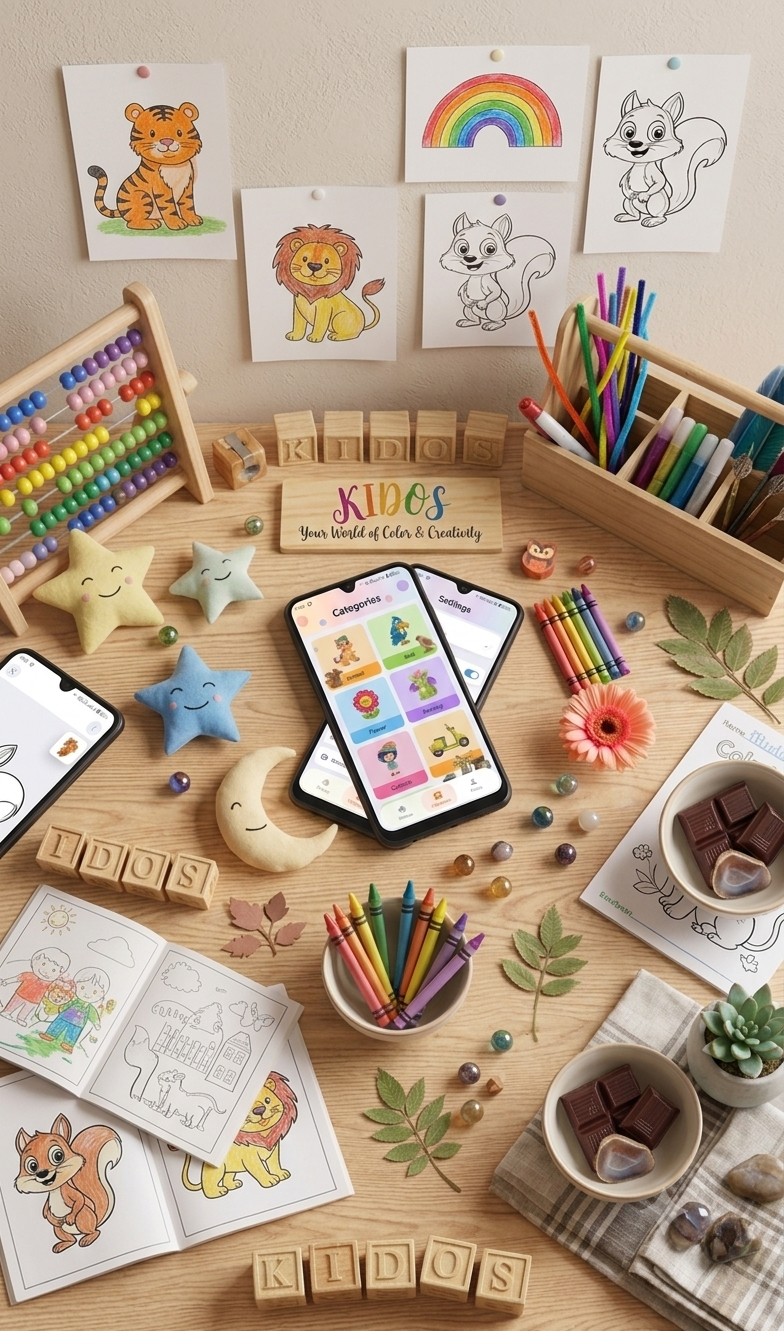
🎨 Best Free Coloring Apps for Children
Coloring is a fun and creative activity that children can enjoy at home, while traveling, or during free time. With smartphones and tablets, kids can now enjoy digital coloring without needing paper, crayons, or paint.
There are many coloring apps available for Android, but parents often look for apps that are simple, colorful, child-friendly, and easy to use. In this guide, we’ll explore what to look for in a free coloring app and introduce Kidos – Kids Coloring Game as a creative option for children.
🌈 Why Are Coloring Apps Good for Children?
Coloring is more than just filling pictures with different colors. It can encourage children to experiment, make choices, and express their imagination.
Digital coloring activities can help children practice:
- 🎨 Creativity and imagination
- 👀 Hand-eye coordination
- ✋ Fine-motor control
- 🧠 Concentration and attention
- 🌈 Color recognition
- 🖍️ Drawing and artistic expression
- 😊 Relaxation and enjoyable screen time
Coloring activities involve selecting colors, controlling a finger or stylus, and working on different areas of a picture. These activities can provide opportunities for visual-motor practice, although digital coloring should complement rather than replace hands-on drawing with crayons and pencils.
Best Free Coloring Apps for Children – Try a Fun Kids Coloring App
📱 What Should You Look for in a Free Coloring App?
Before choosing a coloring app for a child, parents can consider several important features.
1. Simple Interface
Young children should be able to understand the controls without constant assistance. Large buttons, clear icons, and simple menus can make the experience easier.
2. Kid-Friendly Pictures
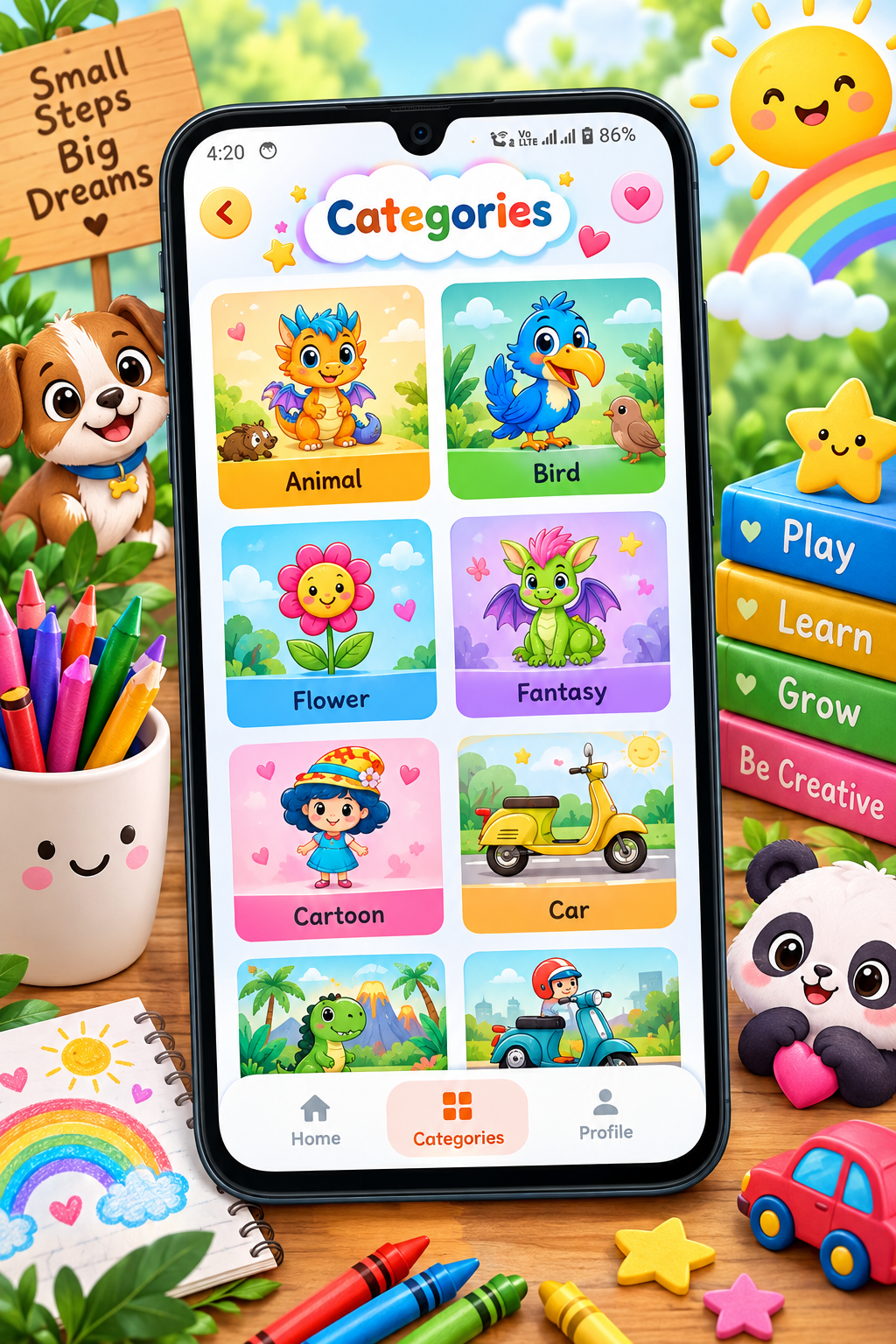
Animals, flowers, vehicles, cartoon characters, nature, toys, and simple shapes are popular themes for children’s coloring activities.
3. Different Colors
A useful coloring app should provide a variety of colors so children can experiment and create different combinations.
4. Easy Coloring Tools
Fill tools, brushes, pencils, erasers, and undo options can make digital coloring more enjoyable.
5. Safe Experience
Parents should check an app’s content, advertising, permissions, purchases, and privacy information before allowing children to use it.
6. Creativity Without Pressure
Children should have freedom to choose their own colors. There doesn’t always need to be a “correct” way to complete a picture.
🎨 Kidos – Kids Coloring Game
For parents looking for a dedicated children’s coloring experience, Kidos – Kids Coloring Game can be included in a list of coloring apps for children.
The Kidos app associated with your Tech Solver listing is available through Google Play:
Google Play:
https://play.google.com/store/apps/details?id=com.techsolver.kidos
The app can be presented as a simple option for children who enjoy drawing, coloring, and creative activities.
🌟 Features to Highlight
When introducing a kids coloring app on Tech Solver, these are some of the features parents may appreciate:
🎨 Colorful Drawing Experience
Children can explore different colors while working on pictures and expressing their creativity.
🖍️ Creative Drawing
Instead of simply watching videos, children can actively participate by creating their own colorful artwork.
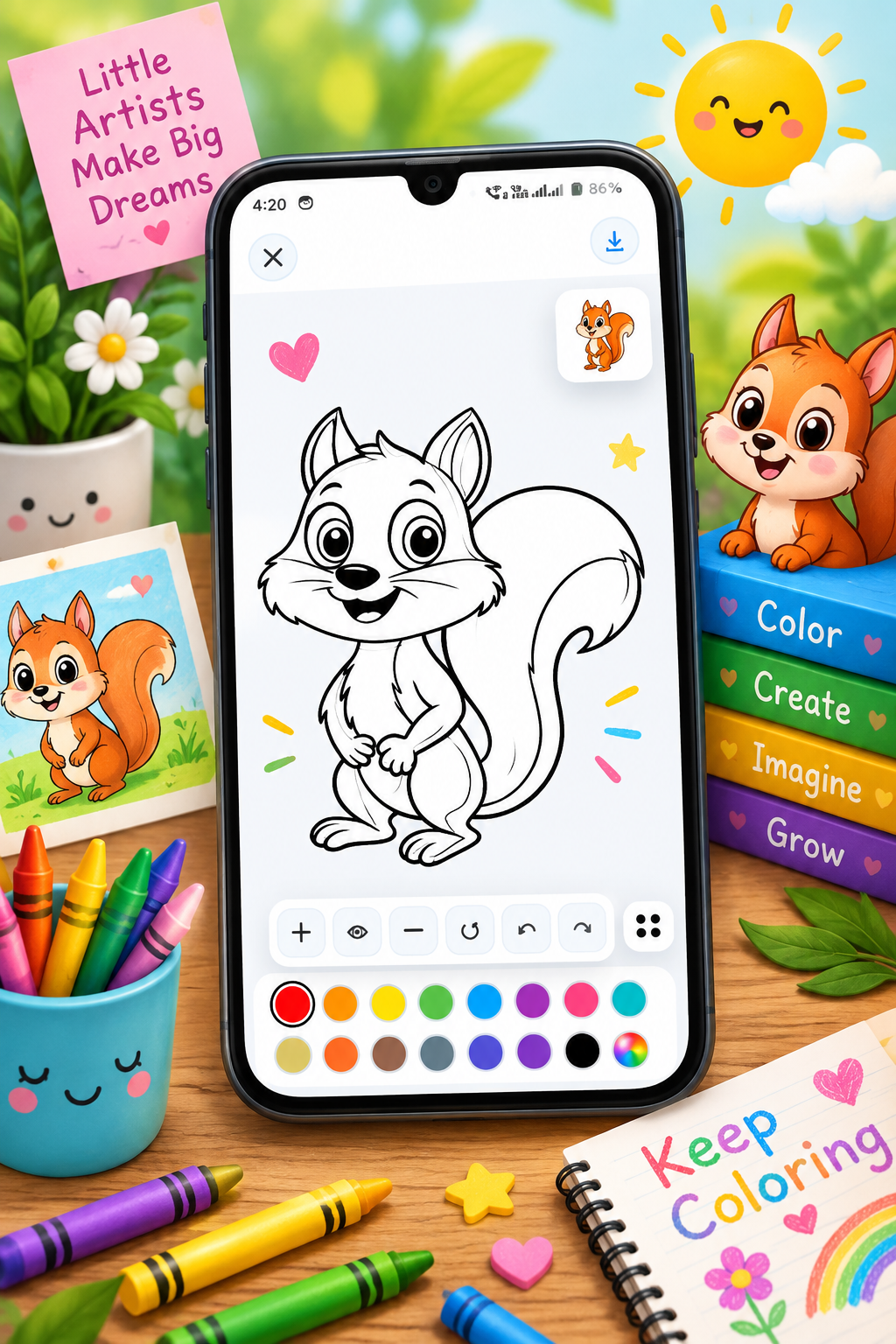
🌈 Color Exploration
Kids can experiment with different combinations and discover how different colors look together.
👧 Child-Friendly Activity
Coloring is an easy activity for preschool and young children because they can begin with simple pictures and gradually try more detailed designs.
Best Free Coloring Apps for Children – Explore Kidos Kids Coloring Game
😊 Fun Screen-Time Activity
A coloring app can provide an alternative creative activity when children are using a phone or tablet.
🧒 Best Coloring Ideas for Children
Parents can encourage children to try different themes instead of coloring the same type of picture every time.
Some fun ideas include:
- 🐶 Dogs and cats
- 🦁 Wild animals
- 🦋 Butterflies
- 🌸 Flowers
- 🌈 Rainbows
- 🚗 Cars
- 🚀 Rockets
- 🏠 Houses
- 🌳 Trees
- 🍎 Fruits
- 🧸 Toys
- 🦕 Dinosaurs
- 🐠 Underwater animals
- ☀️ Sun and clouds
- 🏰 Castles
🎯 Coloring Activities for Different Ages
👶 Toddlers
For younger children, choose very simple pictures with large areas to color. Animals, fruits, shapes, and basic objects are good themes.
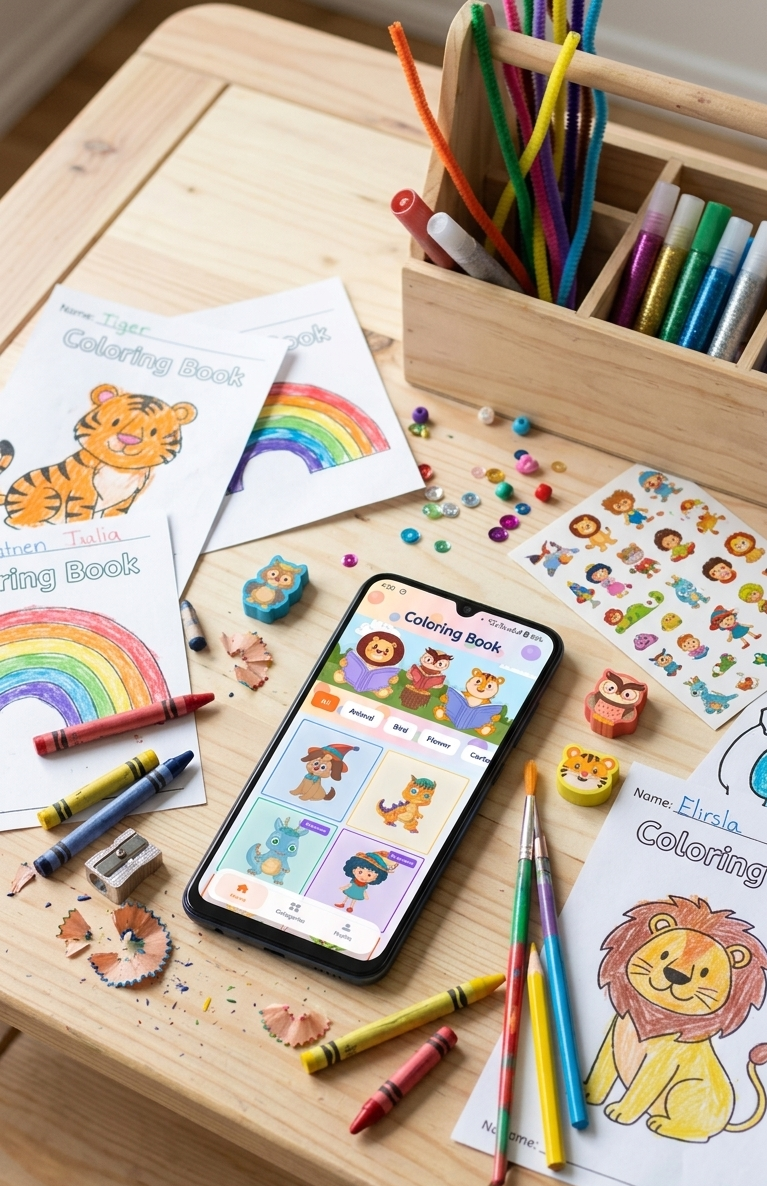
🧒 Preschoolers
Preschool children can experiment with more colors and slightly more detailed pictures.
Try:
- Animals
- Vehicles
- Flowers
- Cartoon characters
- Shapes
- Nature scenes
👦 Older Children
Older children can try more detailed drawings and create their own color combinations.
They can also experiment with:
- Patterns
- Backgrounds
- Shading
- Color combinations
- Creative scenes
Best Free Coloring Apps for Children on Android – Fun Coloring for Kids
🖍️ Digital Coloring vs Traditional Coloring
Digital coloring is convenient because children can color without paper or physical art supplies. Mistakes can often be corrected quickly using undo or erase features.
Traditional coloring, however, gives children experience holding physical crayons, pencils, or markers.
For this reason, parents can use both types of activities. Digital coloring can be a fun addition to traditional drawing rather than a complete replacement.
Best Free Coloring Apps for Children – Creative Drawing and Coloring App
💡 Tips for Parents
Parents can make coloring time more useful by turning it into a small learning activity.
Ask questions such as:
“What color would you like to use?”
“Can you find something red in the picture?”
“What happens if you combine these two colors?”
“Can you create your own rainbow?”
These simple questions encourage children to think about colors and make creative decisions.
🔒 Check Safety and Privacy
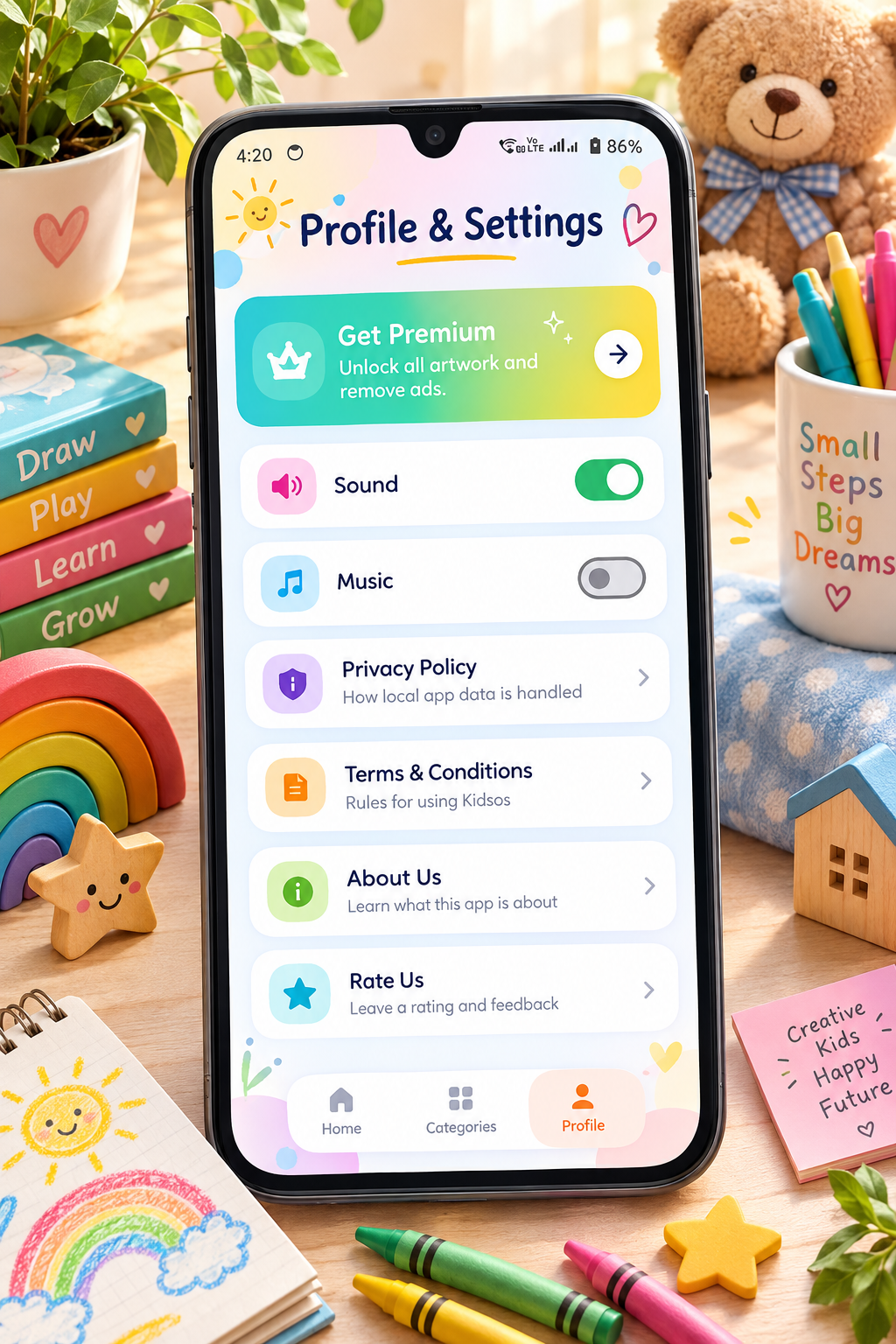
Before installing any children’s app, parents should review the Google Play listing and check its current content rating, data-safety information, advertisements, and in-app purchases.
Google Play listings can change over time, so parents should check the latest information directly before installation.
🌟 Why Coloring Apps Are Popular
Children naturally enjoy activities where they can make something themselves. Coloring apps combine familiar drawing activities with the convenience of a smartphone or tablet.
They can be especially useful when parents want a quick creative activity while traveling, waiting, or spending time indoors.
Best Free Coloring Apps for Children – Download a Fun Coloring Game for Kids
🎨 10 Fun Coloring Challenges for Kids
Parents can make coloring more exciting with small challenges:
- Color an animal using three different colors.
- Create a rainbow using your favorite colors.
- Color a flower with an unusual color.
- Make a colorful car.
- Create a blue ocean scene.
- Design a colorful house.
- Color your favorite fruit.
- Create a fantasy animal.
- Make a colorful space scene.
- Create a picture using only five colors.
📲 Why Try a Kids Coloring App?
A good children’s coloring app can combine entertainment with creative exploration. Instead of simply consuming content, children can actively create something.
For families searching for free coloring apps for children, apps such as Kidos can be worth exploring alongside other children’s drawing and coloring applications available on Android.
🏁 Final Thoughts
Coloring apps can turn a smartphone or tablet into a simple digital art space for children. They give kids opportunities to experiment with colors, create pictures, and enjoy a creative activity wherever they are.
For parents searching for a free coloring app for children, Kidos is one option to explore. Before installing any children’s app, parents should always check the latest Google Play information, including available features, age suitability, advertising, purchases, and privacy details.
If your child enjoys drawing and coloring, a combination of digital coloring and traditional crayons or pencils can provide plenty of opportunities for creativity and artistic exploration.
🎨 Let kids choose the colors, create their own pictures, and enjoy the fun of being little artists!


Leave a Reply