🎨 Best Drawing Apps for Kids in 2026
Drawing is one of the easiest and most enjoyable ways for children to express their imagination. With smartphones and tablets, kids can now draw, color, sketch, and create digital artwork without needing lots of paper or art supplies.
In 2026, there are many drawing and coloring apps for children, ranging from simple doodling tools to guided drawing and educational activities.
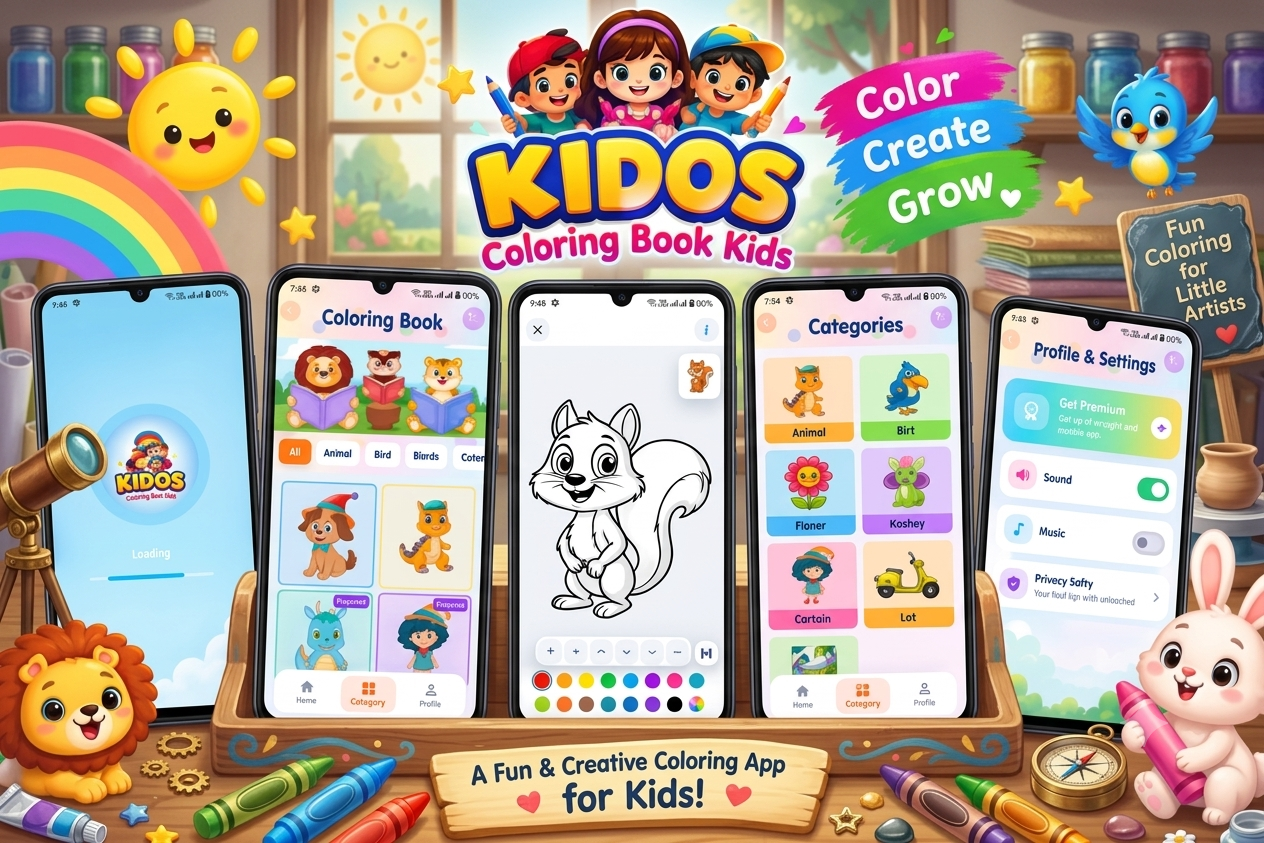
For parents looking for a simple and enjoyable creative experience, Kidos can be an interesting option to explore.
🌈 What Is Kidos?
Kidos is a children-focused creative and educational app designed around hand-drawn artwork and playful learning. The Google Play listing describes it as an ad-free, offline-friendly environment for toddlers and preschool children, with activities designed to encourage creativity, logic, memory, and learning.
The app also includes a variety of activities beyond drawing, making it suitable for children who enjoy switching between creative and educational games.
🎨 Key Features of Kidos
- 🖍️ Creative drawing activities
- 🎨 Hand-drawn artwork
- 🧩 Puzzle activities
- 🔗 Connect-the-dots activities
- 🎈 Balloon Pop
- 🔤 Word-search activities
- 🧠 Memory cards
- 🔢 Age-based math activities
- 🎮 Additional mini-games
- 📵 Ad-free experience
- ✈️ Offline play
- 👨👩👧 Designed for families
- ⏰ Built-in time-lock features
According to the Google Play listing, Kidos also includes a default 30-minute play period followed by a 15-minute rest break, intended to support healthier screen-time habits.
Best Drawing App for Kids in 2026 – Try It Today
✏️ Why Drawing Apps Are Good for Kids
Drawing isn’t only about creating beautiful pictures. It can give children opportunities to practice hand control, concentration, imagination, and visual expression.
Educational resources discussing children’s drawing apps commonly highlight areas such as fine-motor development, creativity, problem-solving, and self-expression.
1. 🎨 Encourages Creativity
Kids can experiment with colors, shapes, lines, and different drawing ideas without worrying about making mistakes.
2. ✋ Supports Fine-Motor Practice
Using a finger or stylus to draw can give children opportunities to practice controlled movements.
3. 🧠 Encourages Concentration
Completing a drawing or creative activity can encourage children to focus on one task.
4. 🌈 Helps With Self-Expression
Children can use drawings to communicate ideas, stories, emotions, and imagination.
Best Creative Drawing App for Kids on Android
5. 🧩 Combines Creativity With Learning
Apps that include drawing alongside puzzles, memory games, or other educational activities can provide variety during screen time.
👧 What Should Parents Look for in a Kids’ Drawing App?
Not every drawing app is designed specifically for young children. When choosing one, parents can consider:
Simple controls:
Large, easy-to-understand buttons can make an app easier for younger children to navigate.
Age-appropriate content:
Look for activities that match the child’s age and abilities.
Creative freedom:
Children should have opportunities to experiment rather than simply follow instructions.
Safety features:
Parents may want to check advertising, data practices, external links, and parental controls.
Offline availability:
Offline functionality can be useful during travel or when an internet connection isn’t available.
Screen-time controls:
Built-in time limits or reminders can help parents manage digital play.
Best App for Kids to Draw and Color on Android
🖍️ Best Drawing Activities for Kids
Here are some easy ideas you can include in your Tech Solver article:
🐶 Draw an Animal
Ask your child to draw a dog, cat, rabbit, elephant, or favorite animal.
🚗 Draw a Car
Kids can create a simple car and experiment with different colors.
🌸 Draw Flowers
Flowers are easy for beginners and allow children to experiment with different shapes and colors.
🏠 Draw a House
A simple house can become a complete creative scene with trees, clouds, flowers, and people.
☀️ Draw a Sunny Day
Children can create a picture containing the sun, clouds, grass, birds, and a rainbow.
🚀 Draw a Rocket
Older children can create a rocket flying through space with planets and stars.
🦋 Draw a Butterfly
Butterflies are excellent for experimenting with colorful patterns.
Best Kids Drawing App for Fun and Creative Activities
📱 Why Kidos Can Be Useful for Younger Children
Kidos is presented on Google Play as an app for toddlers and preschool children, combining creative activities with educational games. Its listing also highlights offline play, an ad-free environment, and family-oriented features.
This combination can make the app useful for parents who want children’s screen time to include both creative play and learning activities.
🔒 Safety and Parent-Friendly Features
Safety is particularly important when choosing apps for children.
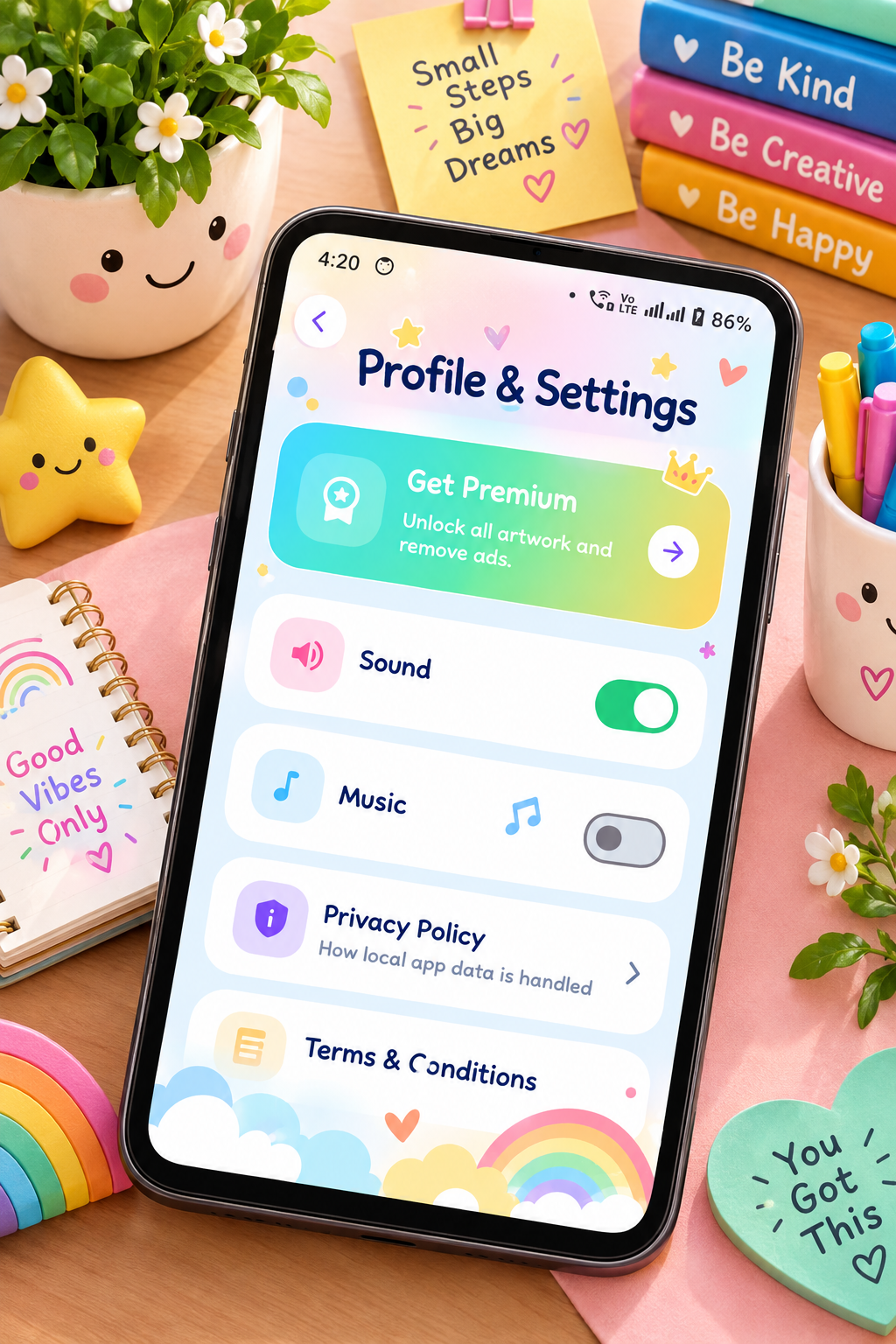
The Kidos Google Play listing states that the app does not share data with third parties and does not collect data, while also stating that it follows the Google Play Families Policy.
Parents should still check the current Google Play Data Safety information before installing any children’s app, because privacy disclosures and app features can change over time.
🎯 Drawing Apps vs Traditional Drawing
Digital drawing apps have some advantages over traditional drawing.
| Digital Drawing | Traditional Drawing |
|---|---|
| Easy to undo mistakes | Mistakes remain on paper |
| Lots of digital colors | Physical crayons/paints |
| No paper required | Requires paper and supplies |
| Easy to save artwork | Artwork can be physically stored |
| Can combine drawing with games | More tactile experience |
| Convenient while travelling | Great hands-on creative activity |
The two approaches don’t have to compete. Children can benefit from both digital and traditional creative activities.
Best App for Drawing and Coloring for Kids
🌟 Tips for Parents
To make drawing time more enjoyable:
- Let children choose what they want to draw.
- Don’t worry about perfect results.
- Encourage them to experiment with colors.
- Ask them to explain their artwork.
- Mix digital drawing with paper-and-pencil activities.
- Take regular screen breaks.
- Use age-appropriate apps.
- Check parental and privacy settings.
📲 Download Kidos
If you’re looking for a children’s creative app that combines drawing-style activities with educational mini-games, you can check out Kidos on Google Play.
Download Kidos from Google Play
⭐ Final Thoughts
The best drawing app for kids in 2026 depends on the child’s age, interests, and experience with digital art.
Younger children may prefer simple coloring apps with large controls and fun pictures, while older children may want advanced drawing applications with more professional tools.
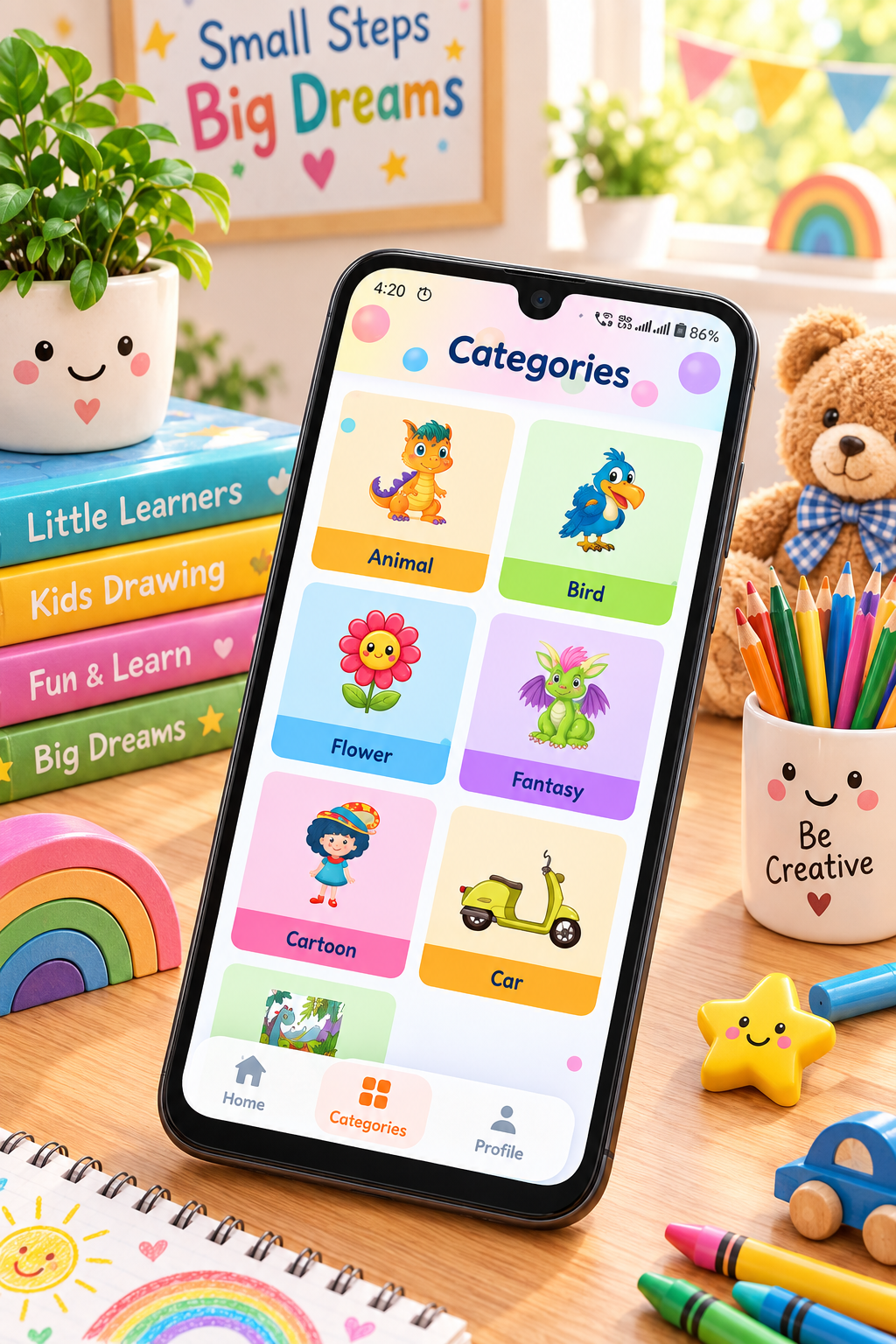
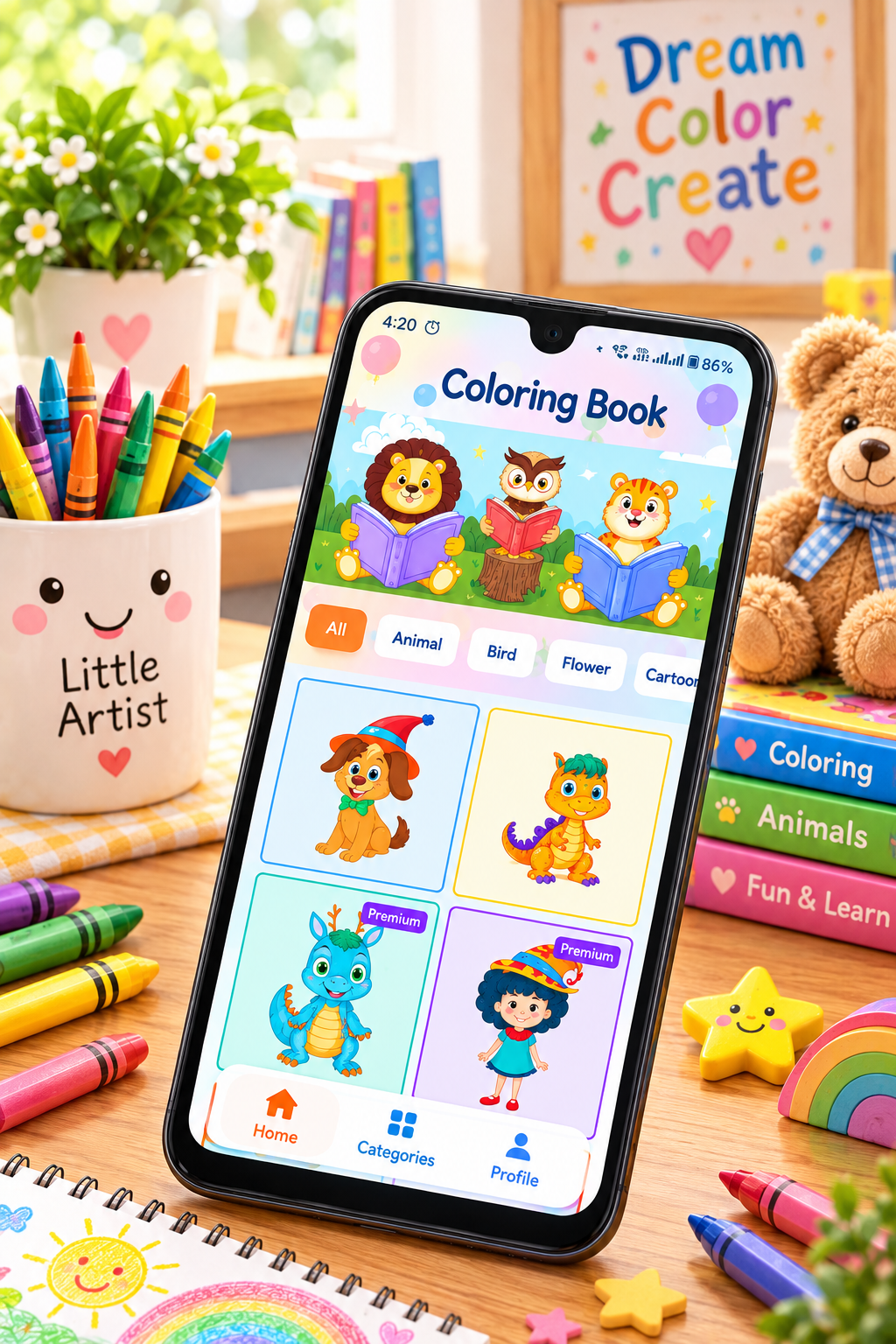
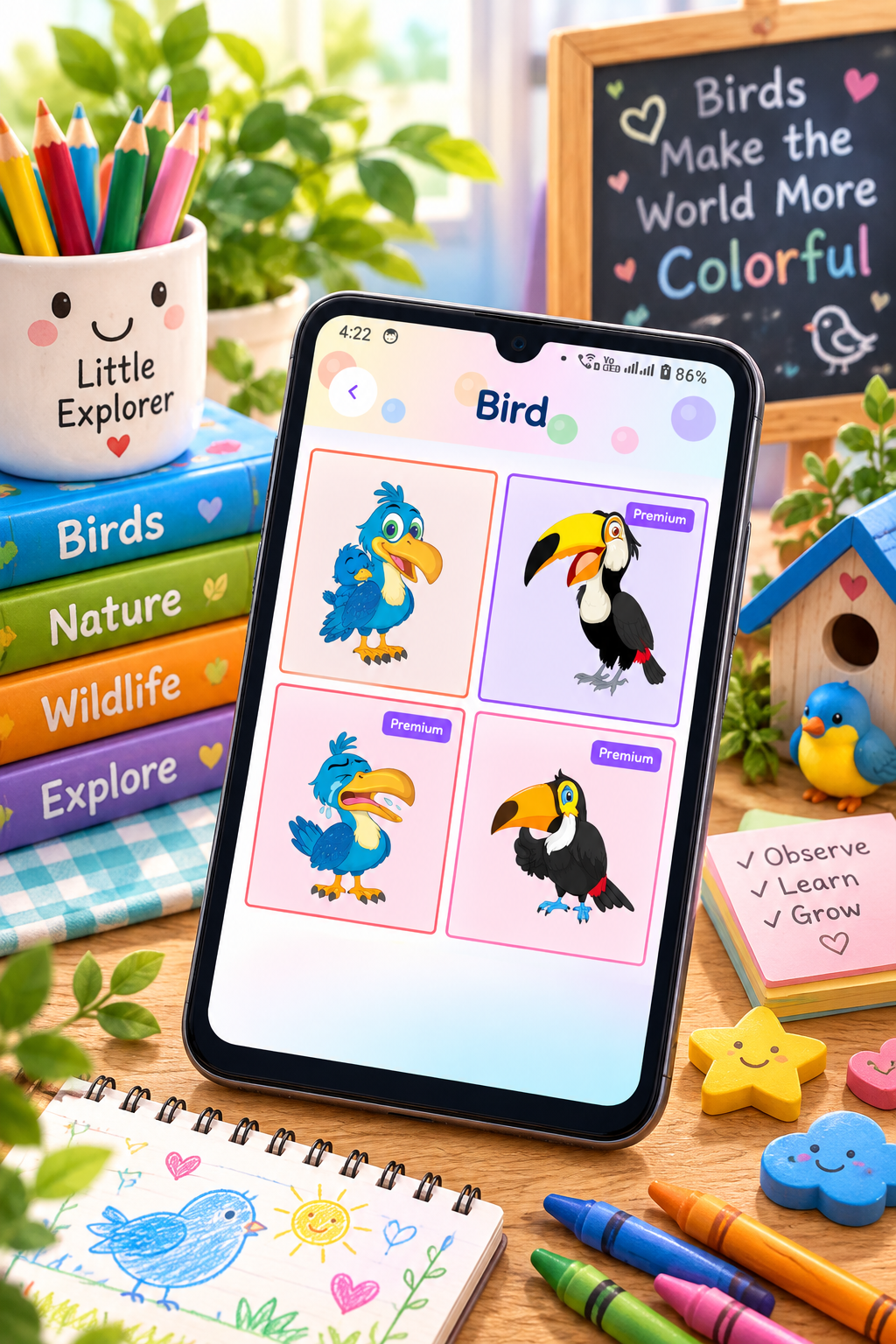
For parents looking for a simple coloring-focused experience, Kidos – Kids Coloring Game provides cute coloring pages, easy tap-to-color controls, multiple categories, painting tools, and the ability to save completed artwork. Its Google Play listing currently identifies it as an educational game with an Everyone rating.
Ultimately, the goal isn’t simply to find an app that keeps children busy. A good drawing app should encourage them to create, experiment, imagine, and express themselves.
Whether a child uses a tablet, smartphone, crayons, pencils, or paint, giving them opportunities to create is one of the simplest ways to make art part of everyday learning.


Leave a Reply