🎨 Kids Drawing: 15 Simple Drawing Activities for Preschoolers
Drawing is one of the easiest ways for preschoolers to explore creativity and express their imagination. Children don’t need complicated art supplies or advanced drawing skills to get started. Simple shapes, lines, colors, and familiar objects can turn into enjoyable learning activities.
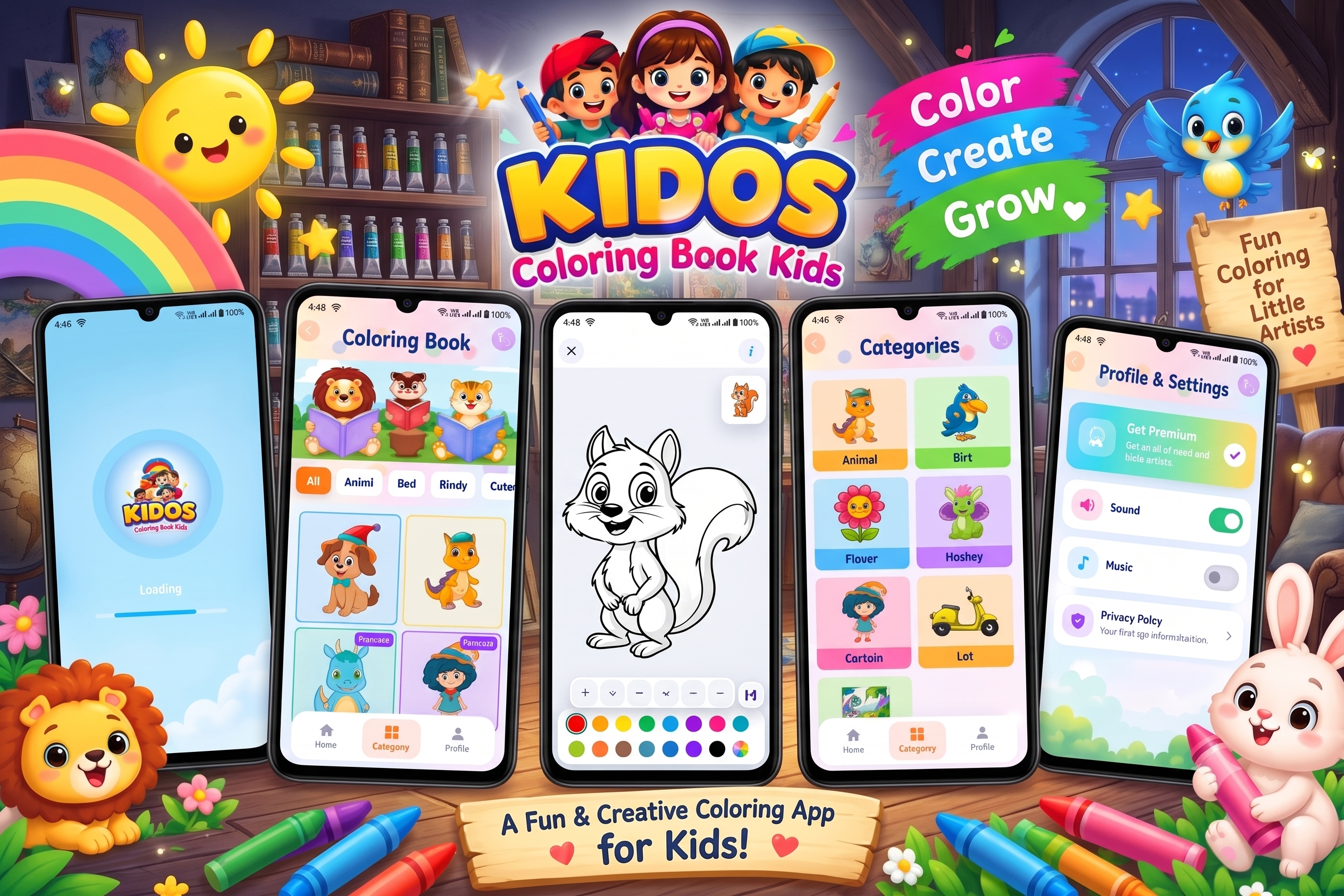
For parents looking for a convenient digital activity, Kidos – Kids Coloring Game provides a colorful environment where children can color animals, birds, cartoon characters, flowers, vehicles, nature-themed drawings, and more. The Google Play listing also describes simple tap-to-color controls and options for saving finished artwork to the device gallery.
Kidos – Kids Coloring Game on Google Play
🌈 Why Drawing Is Good for Preschoolers
Drawing can be a fun way for young children to practice several early skills.
✏️ 1. Encourages Creativity
Children can experiment with shapes, lines and colors without worrying about making everything perfect.
🎨 2. Helps Children Explore Colors
Coloring activities allow children to recognize and experiment with different colors.
🖐️ 3. Supports Fine-Motor Practice
Holding a pencil, crayon or stylus and controlling movements can give children opportunities to practice hand coordination.
🧠 4. Encourages Imagination
A simple circle can become a sun, face, balloon or animal depending on the child’s imagination.
😊 5. Makes Learning Enjoyable
When learning activities feel like play, preschoolers may be more interested in participating.
🎨 15 Simple Drawing Activities for Preschoolers
Here are easy activities parents and teachers can try.
1. Draw a Sun ☀️
Start with a simple circle and add lines around it for the sun’s rays.
2. Draw a Flower 🌸
Draw a small circle in the middle and add simple petals around it.
3. Draw a Butterfly 🦋
Use a small body and two large wings. Children can decorate the wings with different colors.
4. Draw a House 🏠
Combine a square and triangle to create a simple house.
5. Draw a Tree 🌳
Use a rectangle or curved lines for the trunk and a large cloud-like shape for the leaves.
6. Draw a Fish 🐟
Start with an oval body and add a triangular tail, eyes and fins.
7. Draw a Car 🚗
Use rectangles, circles and simple lines to create a basic car.
8. Draw a Balloon 🎈
Draw an oval or circle, then add a small string underneath.
9. Draw a Cloud ☁️
Use several connected curved shapes to make a fluffy cloud.
10. Draw a Bird 🐦
Create a simple bird using an oval body, small head, beak and wings.
11. Draw a Butterfly Garden 🌷
Let children draw flowers, butterflies, grass, clouds and a sun together.
12. Draw Your Favorite Animal 🐶
Ask children to choose an animal and create their own simple version.
13. Draw Shapes and Color Them 🔵🟡
Draw circles, squares, triangles and rectangles, then let children choose different colors.
14. Connect-the-Dots Drawing 🔢
Create numbered dots that form a simple object when connected. Children can then color the completed picture.
15. Free Drawing 🎨
Give children a blank page and let them draw anything they want. There is no correct answer—this activity is mainly about imagination and self-expression.
📱 Kidos – Kids Coloring Game
Kidos – Kids Coloring Game is a children’s coloring application from tech solver official. According to its current Google Play listing, the app is designed around simple coloring activities with a colorful, child-friendly interface.
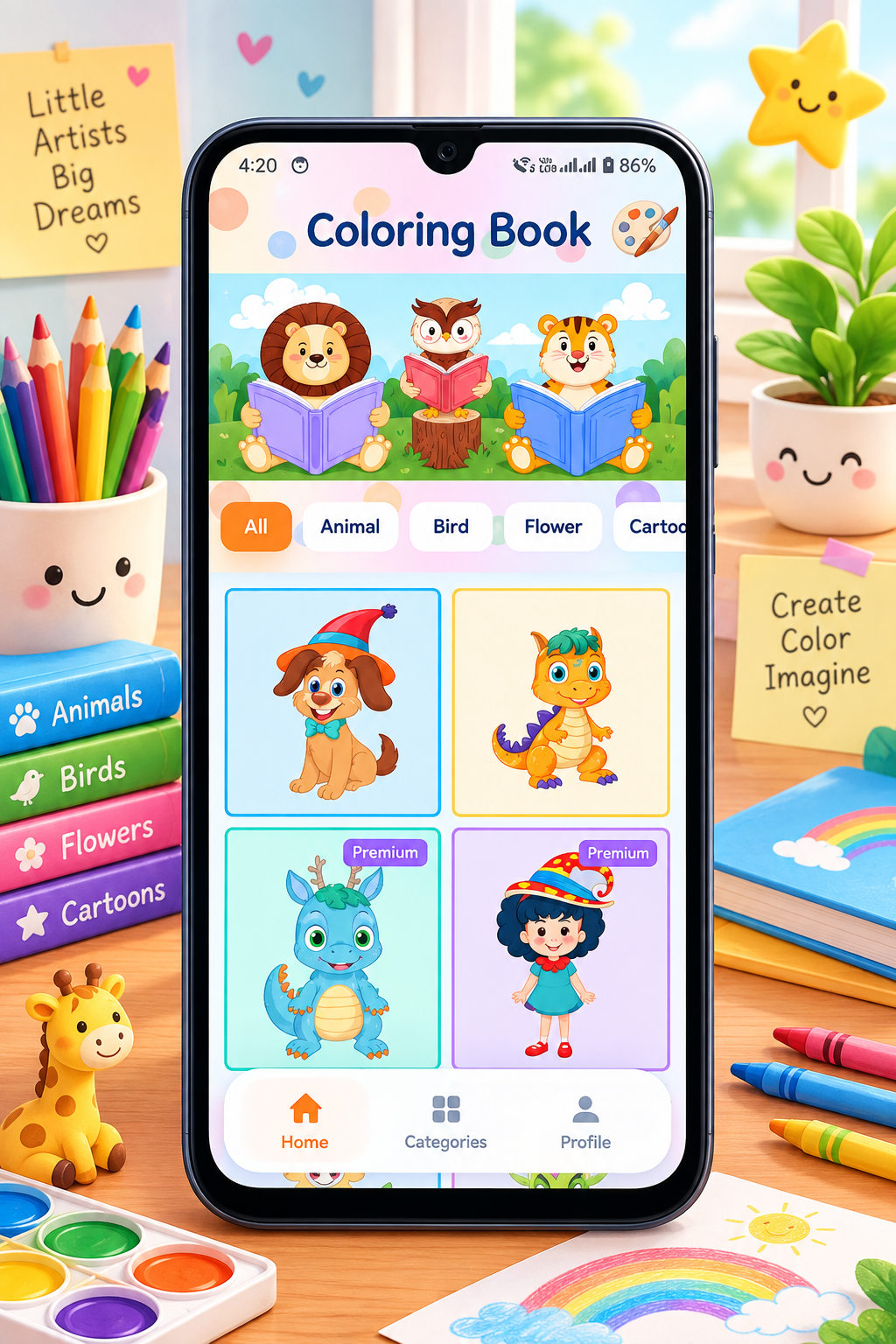
The app currently includes several types of drawings, including:
- 🐶 Animals
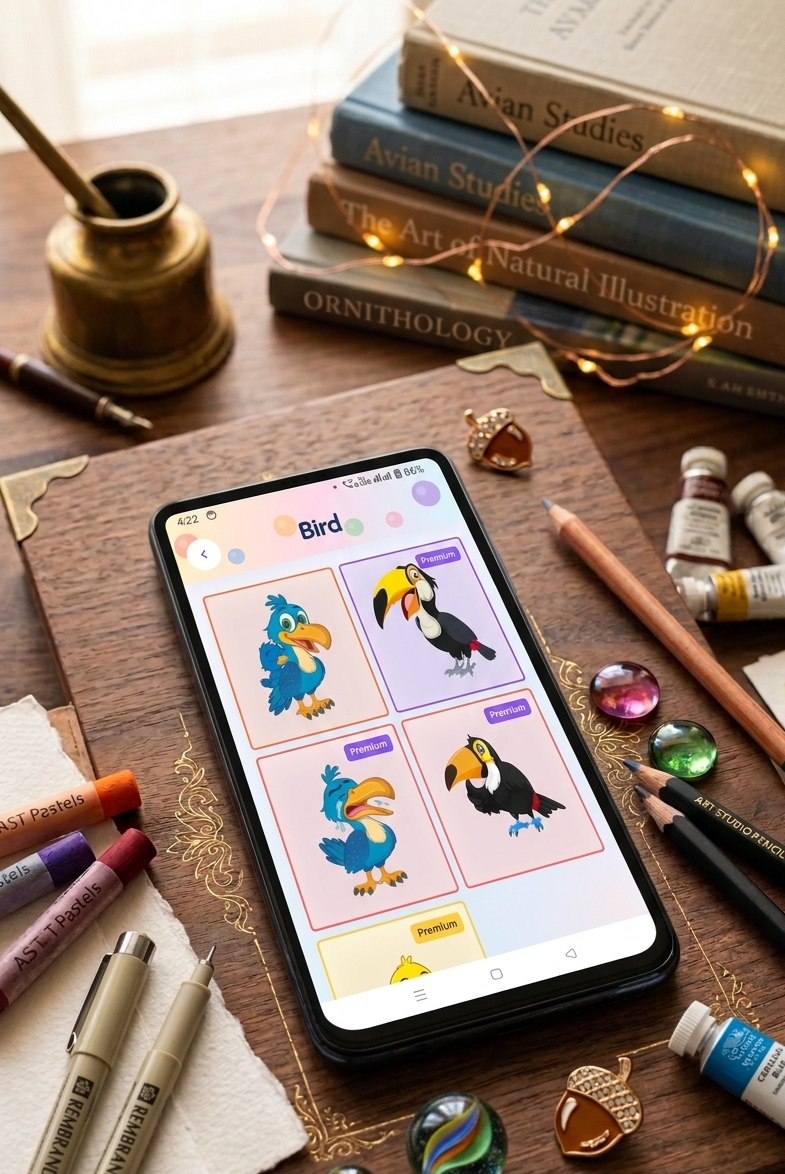
- 🐦 Birds
- 🌸 Flowers
- 🚗 Vehicles
- 🧸 Cartoon characters
- 🌳 Nature
- 🎨 Other fun drawings
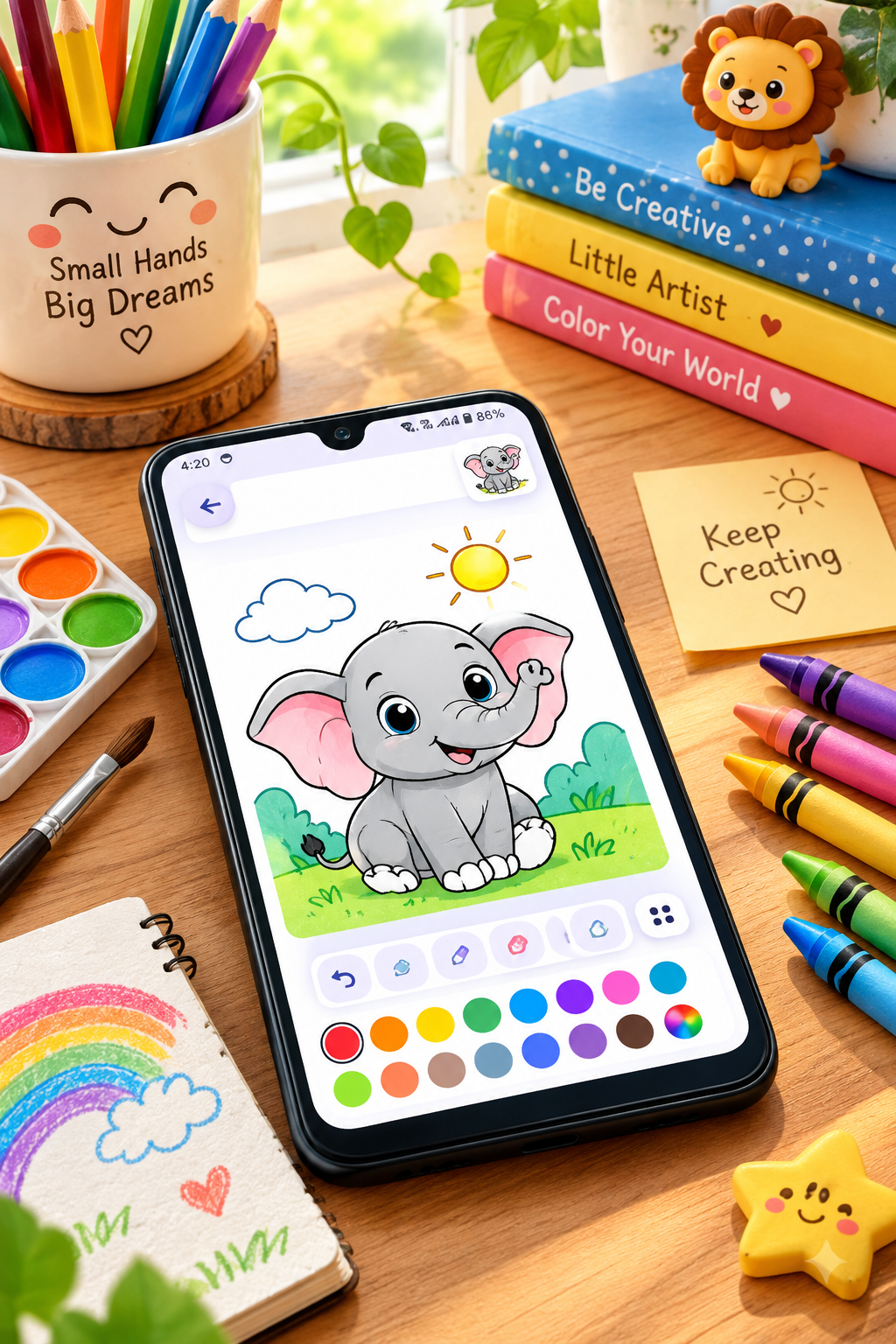
The listing says children can use simple tap-to-color controls, experiment with painting tools and save completed artwork to their gallery.
⭐ Main Features of Kidos
🎨 Cute Coloring Pages
Children can choose from different drawings and add their favorite colors.
👆 Easy Tap-to-Color Gameplay
The simple interaction is designed to make coloring straightforward for young users.
🐾 Different Categories
The app includes animals, birds, flowers, cartoons, vehicles and nature-themed content.
🖼️ Save Finished Artwork
The Google Play description says completed colored artworks can be saved to the device gallery.
🌈 Color Recognition
Using different colors repeatedly can give children an opportunity to become familiar with color names and differences.
👶 Kid-Friendly Interface
The app describes itself as having a colorful and child-friendly design intended for toddlers and children.
👨👩👧 How Parents Can Use Kidos
Parents can turn a simple coloring session into a small learning activity.
For example:
Step 1: Let the child choose a picture.
Step 2: Ask what the picture represents.
Step 3: Ask the child to identify some colors.
Step 4: Let the child color the picture independently.
Step 5: Talk about the finished artwork.
You can ask questions such as:
- “What animal did you color?”
- “Which color did you use?”
- “What color is the sky?”
- “Can you draw another flower?”
- “What would you add to this picture?”
This turns screen-based coloring into a more interactive parent-child activity.
🎯 Drawing Activities vs Coloring Activities
Drawing and coloring are related but slightly different.
| Drawing | Coloring |
|---|---|
| Child creates shapes or pictures | Child fills an existing picture |
| Encourages imagination | Encourages color exploration |
| Can be completely free-form | Usually has a defined image |
| Uses lines and shapes | Focuses more on colors |
| Great for creative expression | Great for practicing color choices |
A simple routine can include drawing first and coloring afterward.
For example, ask a child to draw a flower and then use Kidos to explore coloring activities involving flowers.
💡 Tips for Making Drawing More Fun
Keep It Simple
Preschoolers don’t need complicated instructions.
Don’t Focus on Perfection
A child’s drawing doesn’t have to look realistic.
Let Kids Choose Colors
A purple tree or blue dog can be part of creative exploration.
Ask Questions
Questions can encourage children to explain their artwork.
Display Their Artwork
If they create something they like, save or display it.
Mix Digital and Offline Activities
Children can color digitally and then try drawing the same object with crayons or pencils.
🔐 Safety & App Information
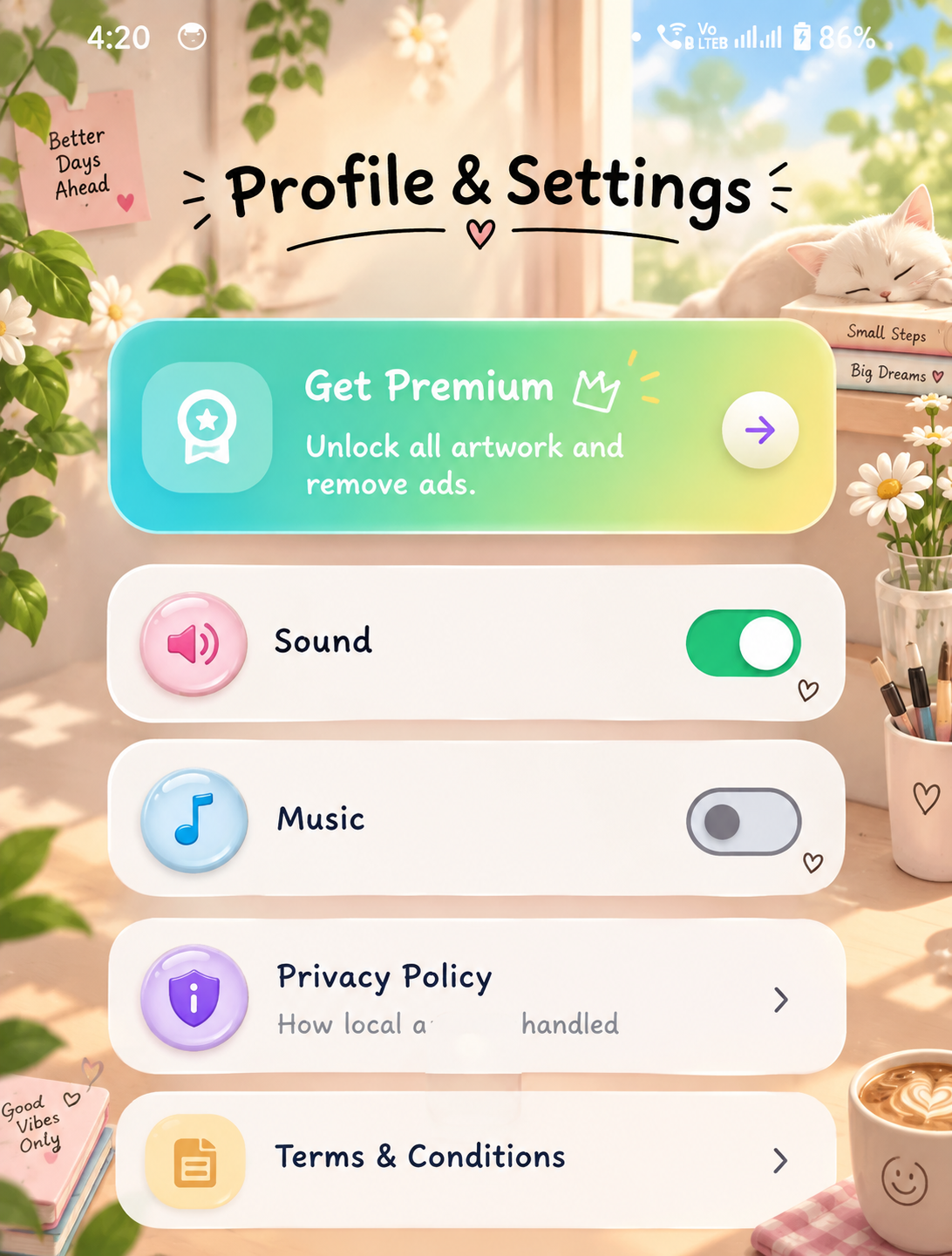
The current Google Play listing shows the app as Everyone rated. It also states that the developer reports no data shared with third parties and no data collected, and that the app is committed to following the Google Play Families Policy.
The listing also currently shows ads and in-app purchases, so parents should review the app’s current Play Store information and their device’s purchase controls before allowing children to use it independently.
Developer: tech solver official
Category: Educational
Content rating: Everyone
Current update: August 9, 2026
Google Play downloads shown: 10+
Package ID: com.techsolver.kidos
📲 How to Download Kidos
Parents can find the app through its Google Play listing:
Download Kidos – Kids Coloring Game
Before installing, check the current Play Store page for the latest version, permissions, ads, in-app purchases and other app information.
🌟 Why Kids May Enjoy Kidos
Kidos combines familiar children’s themes with simple coloring interaction. Instead of requiring children to learn complicated drawing tools, they can select pictures and experiment with colors.
The available categories—such as animals, birds, flowers, cartoons, vehicles and nature—also provide plenty of themes that can be connected to everyday learning.
❤️ Final Thoughts
Drawing doesn’t need to be complicated to be enjoyable. Simple activities such as drawing flowers, animals, houses, vehicles and shapes can give preschoolers an opportunity to explore creativity and colors.
Kidos – Kids Coloring Game adds a digital coloring option to these activities, with simple tap-to-color interaction and categories such as animals, birds, flowers, cartoons, vehicles and nature. The current Google Play listing also says finished artwork can be saved to the device gallery.


Leave a Reply