🎨 Best Coloring Apps for Relaxation
Coloring is no longer limited to paper and crayons. With modern Android coloring apps, you can enjoy beautiful patterns, mandalas, and creative designs directly on your phone. For people looking for a simple activity to slow down, focus their attention, and enjoy some quiet creative time, coloring apps can be a great choice.
Research has also found potential benefits from mindful coloring. A randomized controlled trial involving nurses found that mindful mandala coloring reduced perceived stress, while a 2026 randomized study reported reductions in anxiety and stress following a mandala-coloring intervention.
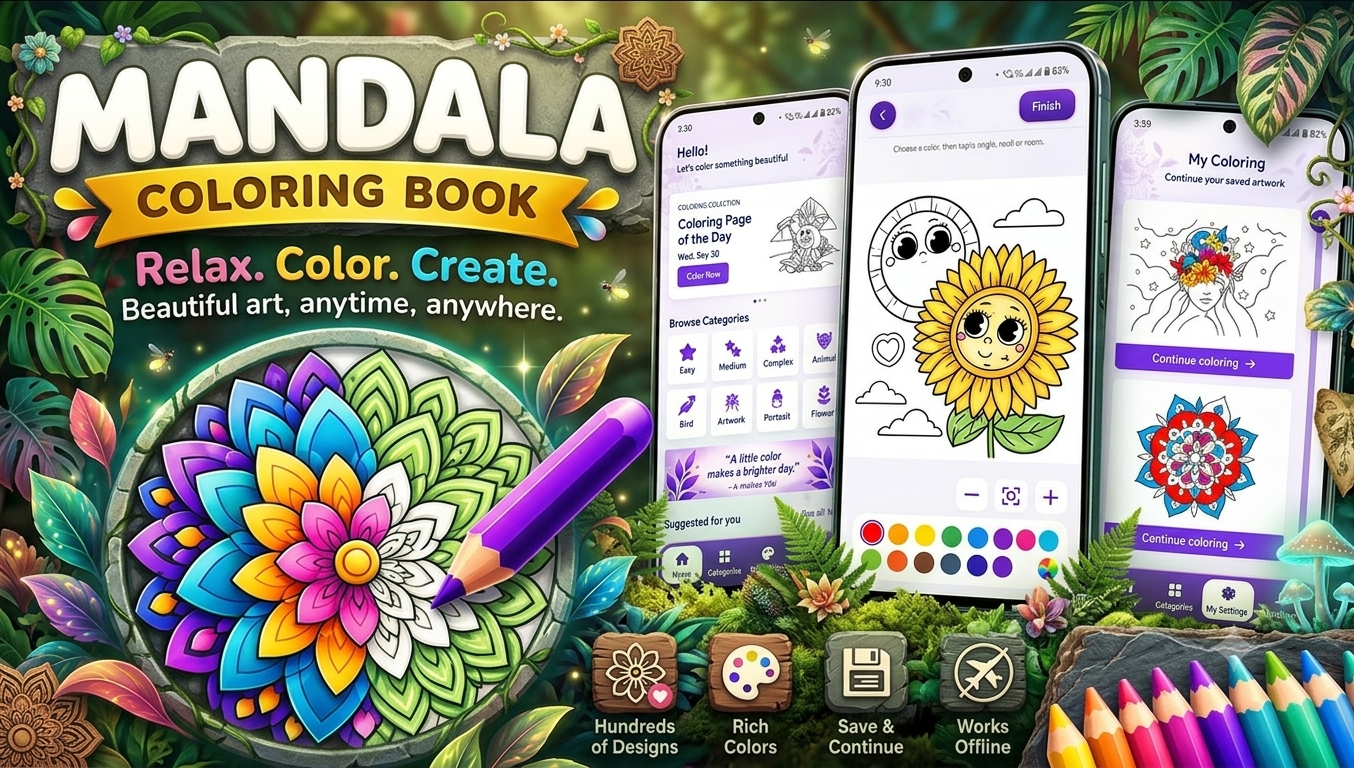
One option worth trying is Mandala – Coloring Book, available for Android through Google Play:
Mandala – Coloring Book on Google Play
🌸 Why Coloring Apps Are Good for Relaxation
Coloring gives you something simple to concentrate on without requiring advanced artistic skills. Instead of worrying about creating a perfect drawing, you can choose colors, fill patterns, and gradually complete an artwork.
Some common reasons people enjoy coloring apps include:
- Helps create a quiet creative routine
- Gives you something relaxing to focus on
- Encourages creativity and experimentation
- Makes short breaks more enjoyable
- Doesn’t require physical art supplies
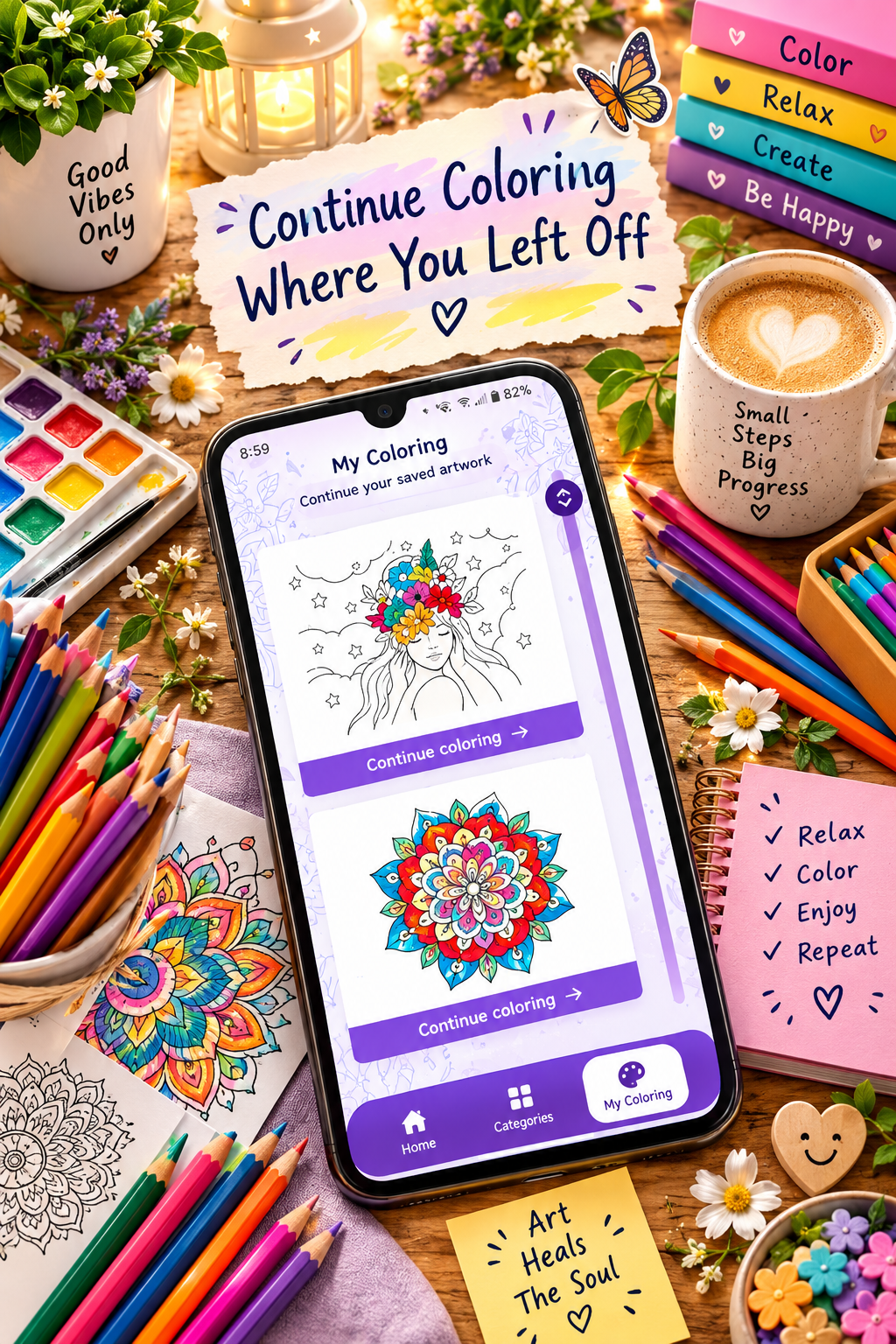
- Lets you save your finished artwork
- Can be enjoyed at home or while travelling
Coloring shouldn’t be considered a replacement for professional treatment for anxiety, stress, or other mental-health conditions. However, it can be a pleasant recreational and mindfulness activity.
🧘 What Makes a Coloring App Relaxing?
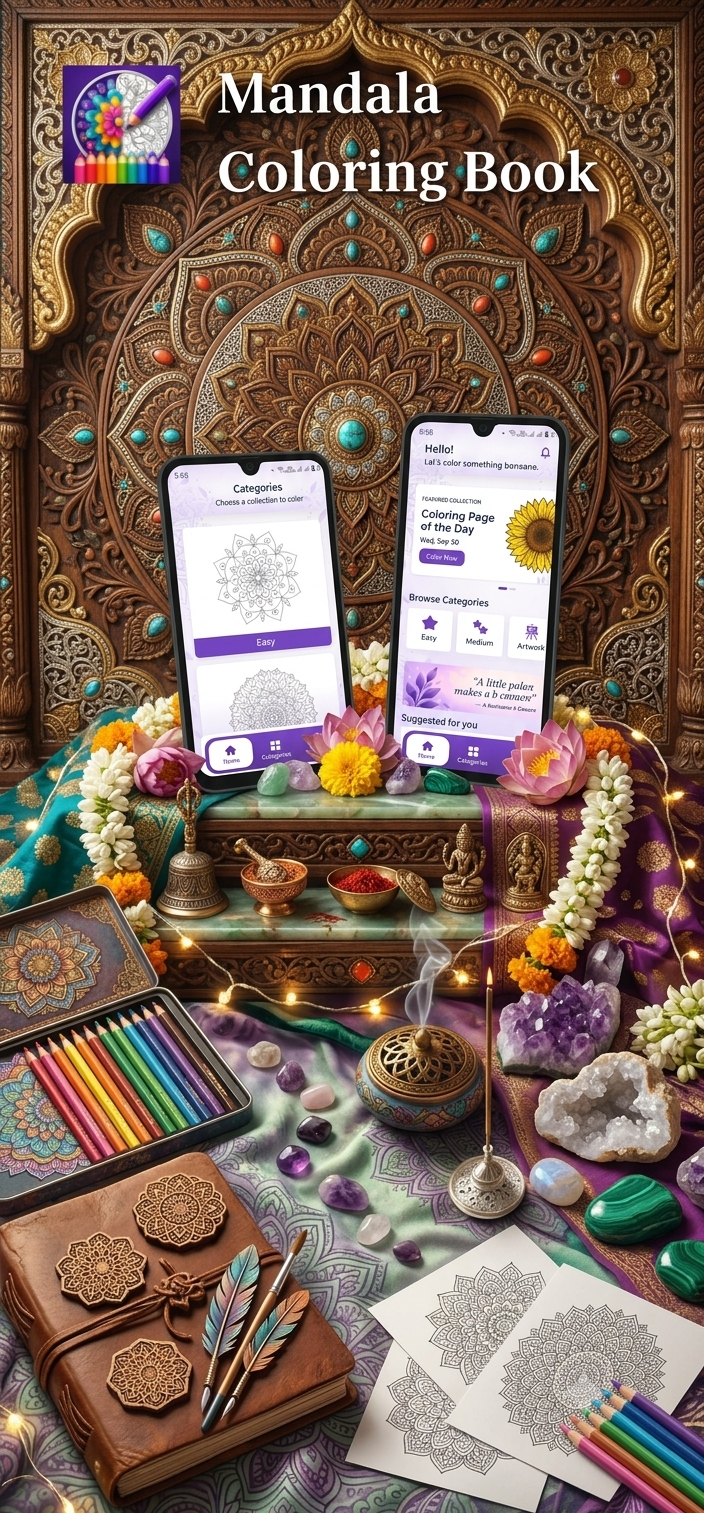
Not every coloring app provides the same experience. When choosing an app for relaxation, look for features that make coloring comfortable and enjoyable.
1. Beautiful Coloring Patterns
Detailed patterns can make the coloring experience more engaging. Mandala designs are especially popular because their repeated shapes give you a structured canvas to work with.
2. Simple Controls
A good coloring app should make it easy to select colors, zoom into small sections, and correct mistakes.
3. Different Color Choices
Having plenty of colors allows you to experiment with different combinations instead of being restricted to a single style.
4. Save Your Artwork
Saving completed pictures is useful because you can return to your favorite creations later or build a personal collection.
5. Comfortable Coloring Experience
The best relaxation apps should feel simple rather than complicated. Too many confusing tools can take away from the calming experience.
🎨 Mandala – Coloring Book for Relaxation
Mandala – Coloring Book is a natural fit for readers who enjoy mandala artwork and digital coloring.
The idea is simple: choose a mandala design, select colors, and spend some time filling the different sections. This makes it suitable for short creative breaks as well as longer coloring sessions.
Try Mandala – Coloring Book on Google Play
⭐ App Highlights
You can present the app on your Tech Solver page with highlights such as:
- 🎨 Mandala-focused coloring experience
- 🌈 Creative color combinations
- 🧘 Relaxing activity for quiet breaks
- 📱 Designed for Android users
- ✨ Suitable for beginners who enjoy digital coloring
- 🖌️ Encourages creative experimentation
- 💾 Save your completed artwork when supported by the app
- 🌸 Enjoy mandala-inspired designs digitally
🌿 How to Use a Coloring App for Relaxation
You don’t need a long session to enjoy digital coloring. Try creating a simple routine.
Step 1: Find a Comfortable Place
Sit somewhere comfortable where you won’t be constantly interrupted.
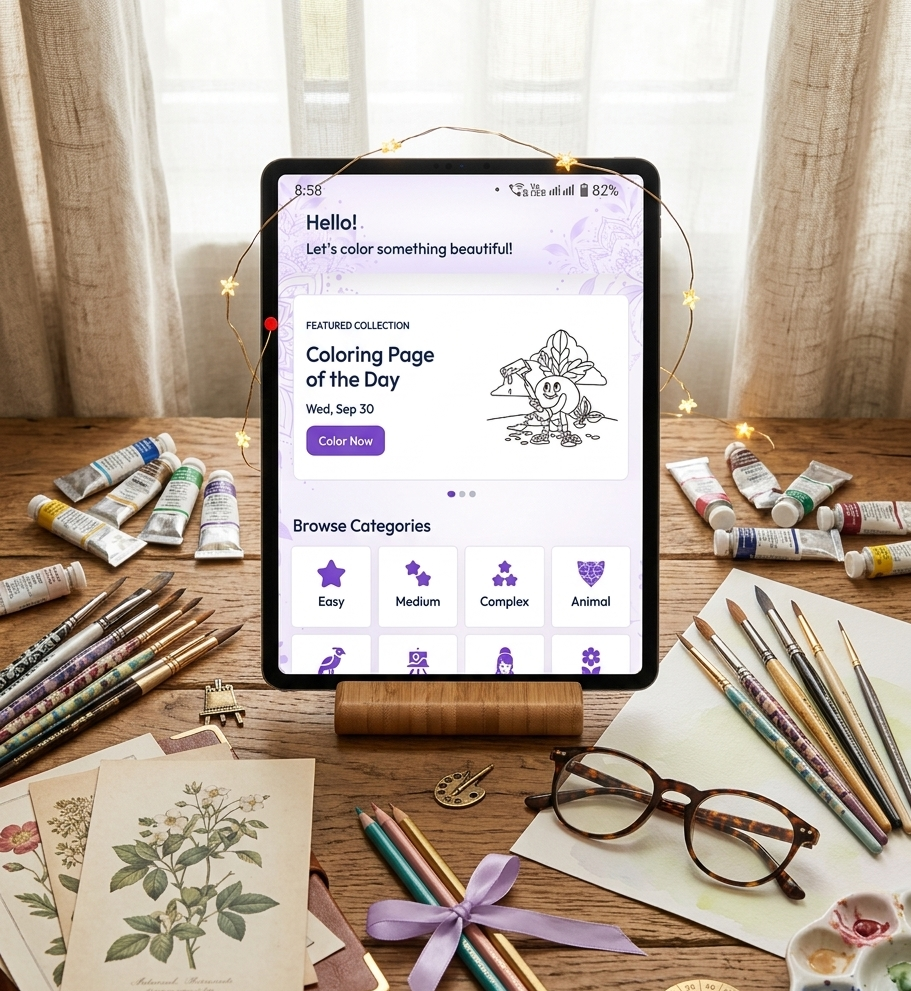
Step 2: Choose a Design
Pick a mandala or coloring page that matches your mood. If you’re new to digital coloring, start with a relatively simple design.
Step 3: Select Your Colors
You can choose a few colors that work well together. For example, try:
- Blue + purple
- Green + yellow
- Pink + orange
- Red + purple
- Pastel combinations
Step 4: Focus on the Pattern
Instead of rushing to finish the picture, concentrate on the individual sections and colors.
Step 5: Experiment
There is no need to follow a strict color scheme. Try unusual combinations and see what you create.
Step 6: Finish and Save
Once you’re happy with the result, save your artwork if the app provides a saving option.
💡 Benefits of Digital Coloring
Digital coloring has several practical advantages over traditional coloring books.
No Paper or Pencils Required
Everything happens on your smartphone, so you don’t need to carry coloring books, pencils, sharpeners, or markers.
Easy to Carry
Your Android phone can give you access to coloring activities almost anywhere.
Easy to Correct Mistakes
Digital tools can make it easier to undo an unwanted coloring choice than traditional coloring.
Lots of Creative Possibilities
Digital apps can offer different colors and visual styles that would require many physical art supplies.
Great for Short Breaks
You can color for a few minutes when you need a break from work, study, or everyday activities.
🌈 Coloring Ideas for a Relaxing Session
Want to make your coloring sessions more interesting? Try these ideas:
Monochrome Challenge:
Use different shades of one color throughout the mandala.
Sunset Theme:
Try combinations of orange, pink, purple, and yellow.
Ocean Theme:
Use different shades of blue, turquoise, and green.
Pastel Theme:
Experiment with soft pink, lavender, light blue, peach, and mint.
Rainbow Theme:
Give different sections a variety of rainbow colors.
Night Theme:
Use dark blue, purple, black, and small touches of bright colors.
🧘 Tips for a Better Relaxation Experience
To make coloring more enjoyable:
- Put your phone on silent mode.
- Find a comfortable sitting position.
- Choose a design you actually enjoy.
- Don’t worry about making the artwork perfect.
- Experiment with colors.
- Take your time.
- Stop whenever you feel finished.
- Try making coloring part of a regular creative routine.
The goal isn’t to produce a professional artwork. The goal is to enjoy the process.
📱 Who Can Enjoy Coloring Apps?
Coloring apps can appeal to a wide range of users.
Adults
Adults may enjoy digital coloring as a creative break from work and everyday routines.
Searching for the best app to color mandalas and unwind? Give Mandala – Coloring Book a try.
Students
Students can use coloring as a short recreational activity between study sessions.
Beginners
You don’t need drawing experience to start coloring a mandala.
Art Lovers
People who already enjoy drawing, painting, or design may enjoy experimenting with digital colors.
Casual Users
Even if you only have a few minutes, you can open an app and color a small section of a design.
🔎 What to Look for in the Best Coloring Apps
Before installing a coloring app, consider:
| Feature | Why It Matters |
|---|---|
| Variety of designs | Gives you more artwork to explore |
| Easy controls | Makes coloring more comfortable |
| Color selection | Allows creative experimentation |
| Zoom | Helps with small details |
| Undo/redo | Makes correcting mistakes easier |
| Save option | Keeps your completed creations |
| Offline functionality | Useful when internet access isn’t available |
| Simple interface | Keeps the experience focused |
Google Play listings for other mandala apps commonly highlight features such as multiple palettes, zooming, saving artwork, offline use, and sharing, showing the kinds of features users often look for in digital coloring experiences.
🎯 Why Choose Mandala Coloring?
Mandala designs are particularly suitable for people who enjoy repetitive shapes and structured patterns. Instead of starting with a blank canvas, you have an existing design to work with.
This can make coloring less intimidating for beginners because you don’t have to decide what to draw first.
You simply choose a pattern, choose your colors, and start creating.
📲 Download Mandala – Coloring Book
If you’re searching for a coloring app for relaxation, mandala coloring is an easy place to start. Open the app, select a design, choose your colors, and enjoy a few quiet minutes of creativity.
App: Mandala – Coloring Book
Platform: Android
Category: Coloring / Art & Creativity
Best for: Mandala lovers, casual coloring, creative breaks and relaxation
Download Mandala – Coloring Book from Google Play
📝 Final Thoughts
Coloring can be a simple way to step away from everyday distractions and spend time doing something creative. Digital coloring apps make the activity even more convenient because you can carry your coloring book wherever your Android phone goes.
If you enjoy detailed patterns, colorful artwork, and mandala designs, Mandala – Coloring Book can be a useful addition to your collection of creative apps. Rather than focusing on creating a perfect picture, take your time, experiment with colors, and enjoy the coloring process.
Color. Create. Relax. 🌸🎨


Leave a Reply