🕹️ Best Arcade Games to Play Without Internet
When you don’t have Wi-Fi or mobile data, you can still enjoy plenty of exciting arcade games on Android. Offline arcade games are especially useful during travel, flights, commutes, waiting periods, or simply when you want to save mobile data.
From classic shooting games to fast-paced action challenges, offline arcade games offer quick entertainment without requiring a constant internet connection.
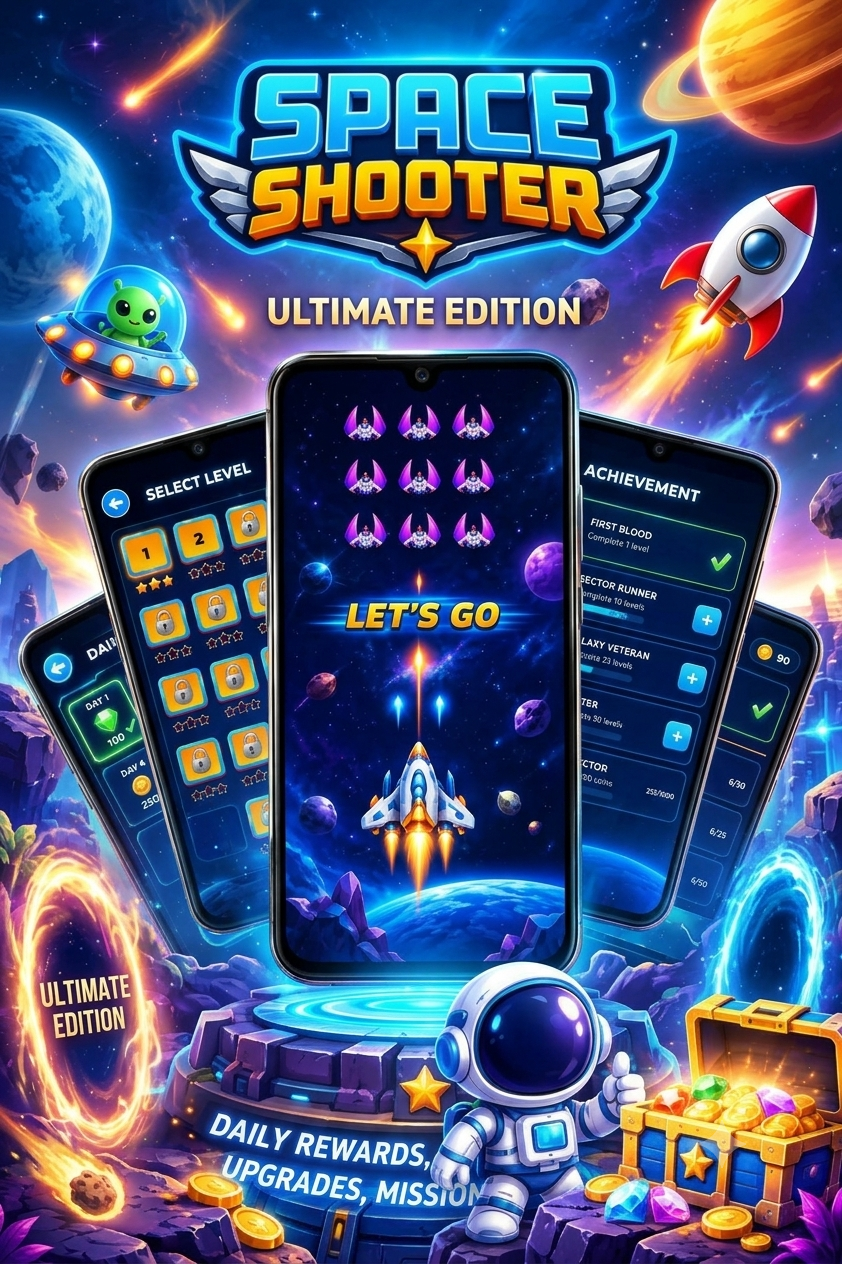
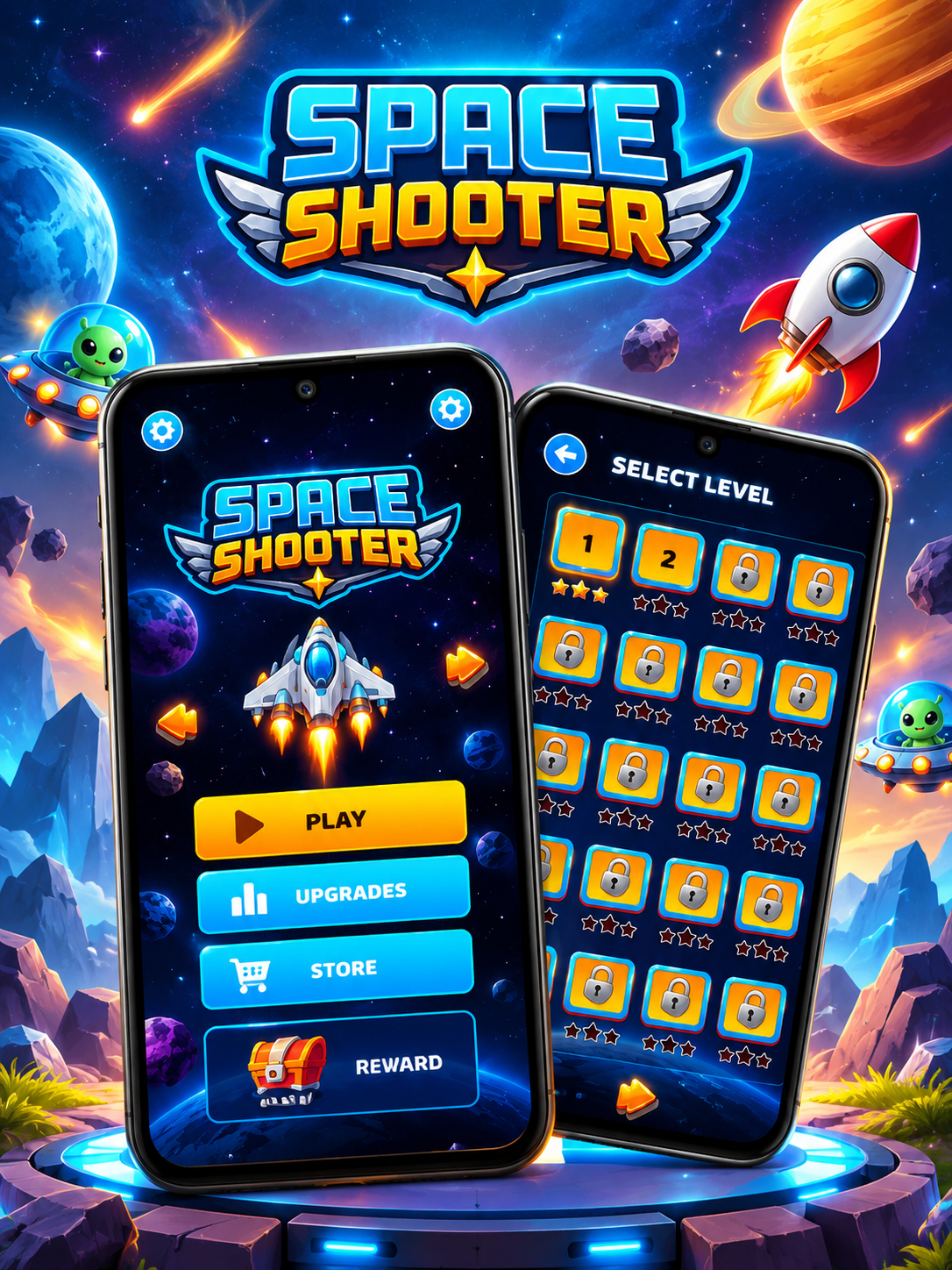
One interesting option for arcade-shooter fans is Space Shooter, which combines classic shoot-’em-up gameplay with modern graphics, spaceship upgrades, enemy waves, challenging bosses, and numerous campaign levels. The Google Play listing identifies its gameplay as offline and single-player, while also offering separate online features such as PvP.
🚀 What Are Offline Arcade Games?
Offline arcade games are games that allow at least their core gameplay to be played without an active internet connection.
They are ideal for:
- ✈️ Airplane journeys
- 🚆 Train and bus travel
- 📶 Areas with weak network coverage
- 🔋 Saving mobile data
- 🎮 Quick gaming sessions
- 🏠 Playing without Wi-Fi
- ⏰ Passing time while waiting
However, offline does not always mean every feature works without internet. Online multiplayer, leaderboards, cloud synchronization, advertisements, events, and some rewards may require a connection.
⭐ Features to Look for in Offline Arcade Games
Before downloading an offline arcade game, check for these features:
1. Offline Gameplay
The most important feature is the ability to play the main game without an internet connection.
Best app to play arcade games without internet
2. Simple Controls
Arcade games should ideally have easy touch controls so players can start playing quickly.
3. Multiple Levels
A good arcade game should offer enough missions or levels to keep gameplay interesting.
4. Challenging Enemies
Different enemy types can make the game more exciting and require better reflexes.
5. Boss Battles
Boss fights add extra challenges and give players something to work toward.
6. Upgrades
Games with weapon, character, or vehicle upgrades can provide longer-term progression.
7. Power-Ups
Power-ups can temporarily improve abilities and make difficult sections easier.
👾 Best Arcade Game to Play Without Internet
🚀 Space Shooter – Galaxy Attack
If you enjoy classic space-shooting arcade games, Space Shooter – Galaxy Attack is a natural fit for this category.
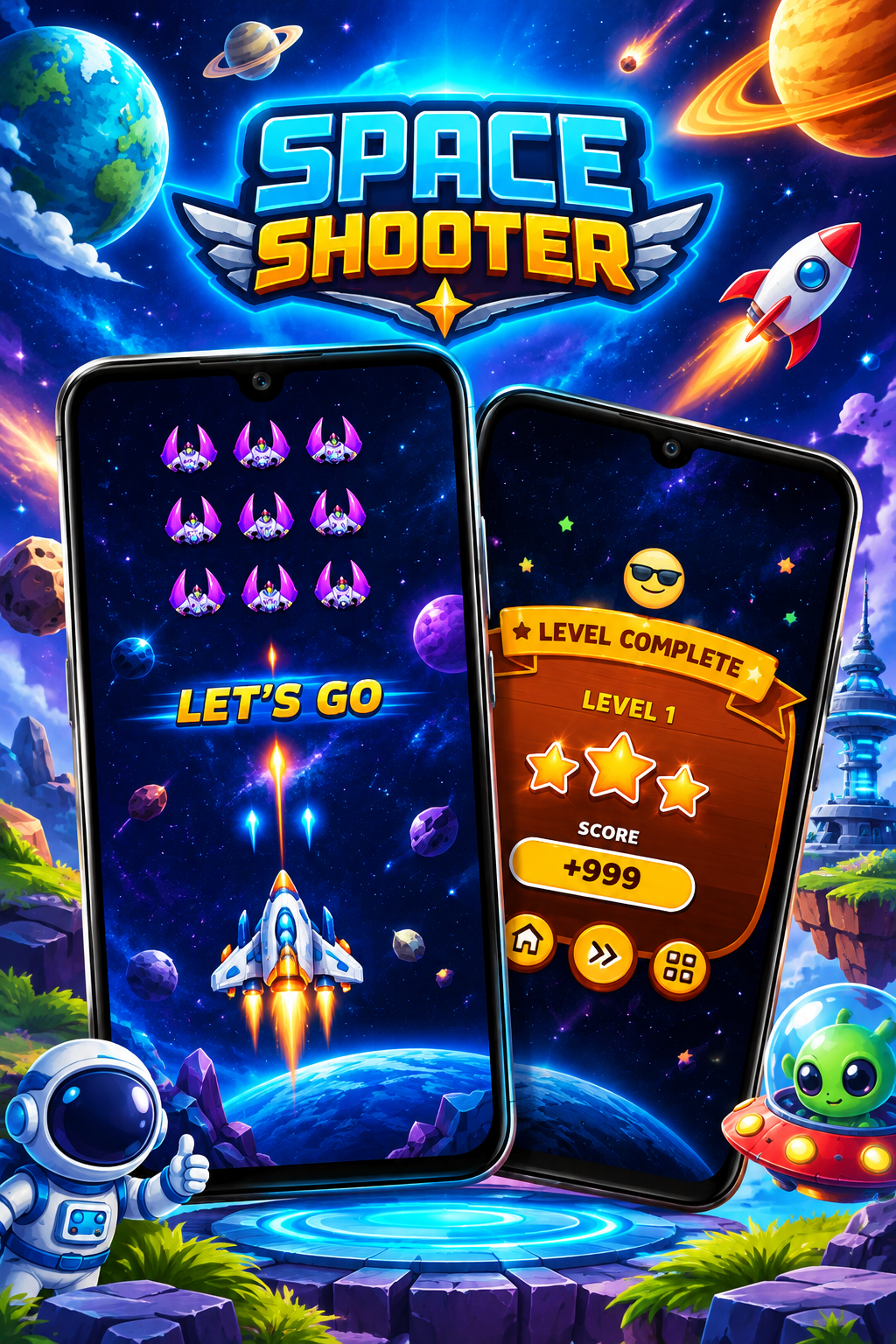
The Google Play listing describes the game as an arcade-style space shooter with 200+ campaign levels, alien enemies, large boss battles, spaceship choices, upgrades, power-ups and boosters. It is categorized as a single-player, offline game.
🎮 Main Features
- 🚀 Space-based arcade shooting
- 👾 Alien enemies
- 💥 Fast-paced shoot-’em-up action
- 🛸 Multiple spaceships
- ⚡ Power-ups and boosters
- 👹 Large boss battles
- 🎯 200+ campaign levels
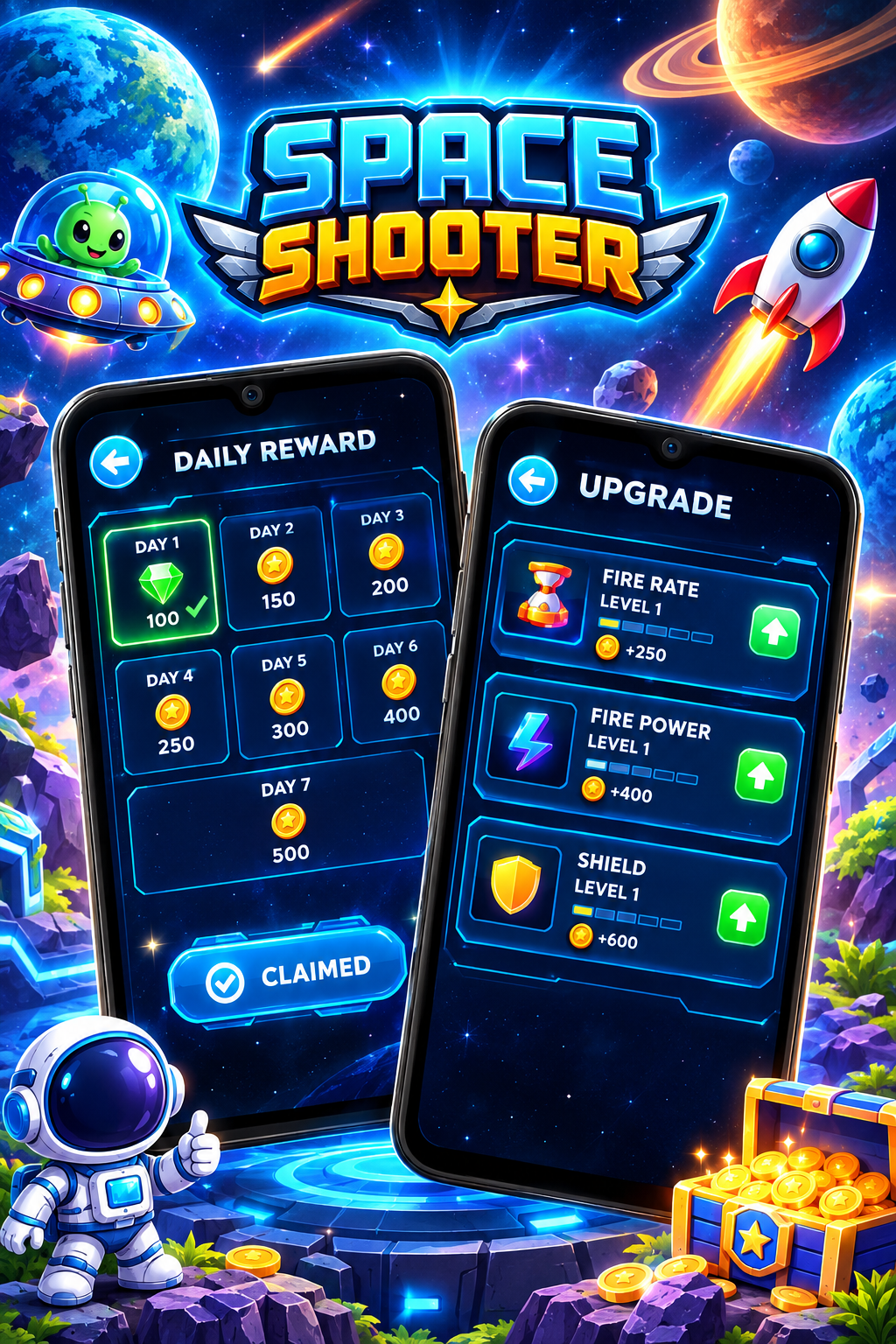
- 💰 Coins and gems
- 🔧 Spaceship upgrades
- 📱 Android gameplay
- 📶 Offline single-player gameplay
The game also includes online-oriented features such as PvP and global leaderboard functionality, meaning those particular features may require internet access.
🎯 How to Play
The controls are designed around moving your spaceship while avoiding enemy attacks.
Best offline arcade game app for Android
Basic gameplay:
- Launch the game.
- Select your spaceship.
- Start a mission.
- Move your ship to avoid enemy bullets.
- Attack incoming enemies.
- Collect useful items and rewards.
- Use upgrades to improve your spaceship.
- Defeat the boss at the end of challenging stages.
The game’s Google Play description specifically recommends choosing suitable spaceships and strategies for different levels and bosses.
🕹️ Why Play Arcade Games Without Internet?
📶 1. No Constant Connection
Offline games can be useful when you’re somewhere without reliable internet.
✈️ 2. Great for Travel
Download the game beforehand and you can enjoy the core gameplay during journeys.
📱 3. Save Mobile Data
Playing offline can reduce the amount of mobile data used for gameplay.
⚡ 4. Quick Entertainment
Arcade games are often designed around short missions and quick action.
🎮 5. Easy to Start
Many arcade games use simple controls, making them suitable for casual players.
🔥 Tips for Playing Offline Arcade Games
Tip 1: Download Before You Travel
Install the game while you have a reliable internet connection.
Best app for playing arcade games offline
Tip 2: Open It Once Online
Some games may need an initial launch, download, or setup before offline use. Testing the game in airplane mode beforehand is a good idea.
Tip 3: Upgrade Your Character or Ship
Use earned coins and rewards to improve your equipment.
Tip 4: Learn Enemy Patterns
In shooter-style arcade games, observing enemy movement can help you avoid attacks.
Tip 5: Save Power-Ups
Don’t always use every power-up immediately. Saving useful boosts for difficult sections or bosses can be helpful.
Tip 6: Keep Your Phone Charged
Arcade games can use considerable battery power, especially with bright graphics and effects.
Best offline shooting game app for Android
👾 Other Types of Offline Arcade Games
Offline arcade gaming isn’t limited to space shooters. You can also find:
- 🏎️ Offline racing games
- 🥊 Fighting games
- 🧩 Arcade puzzle games
- 🏃 Endless runners
- 🏹 Action games
- 👾 Retro arcade games
- 🛸 Space shooters
- ⚔️ Adventure arcade games
The important thing is to check the game’s current Play Store information because an “offline” label generally refers to supported gameplay, not necessarily every online feature.
🚀 Space Shooter for Arcade Fans
For players who enjoy classic arcade shooting, Space Shooter offers a combination of fast action, enemy waves, spaceship upgrades and boss battles.
Its Play Store listing currently describes a campaign containing more than 200 levels and identifies the game as single-player and offline, while also listing online PvP and other connected features.
This makes it suitable for players looking for a space-themed arcade experience when they don’t have an active internet connection for the core single-player gameplay.
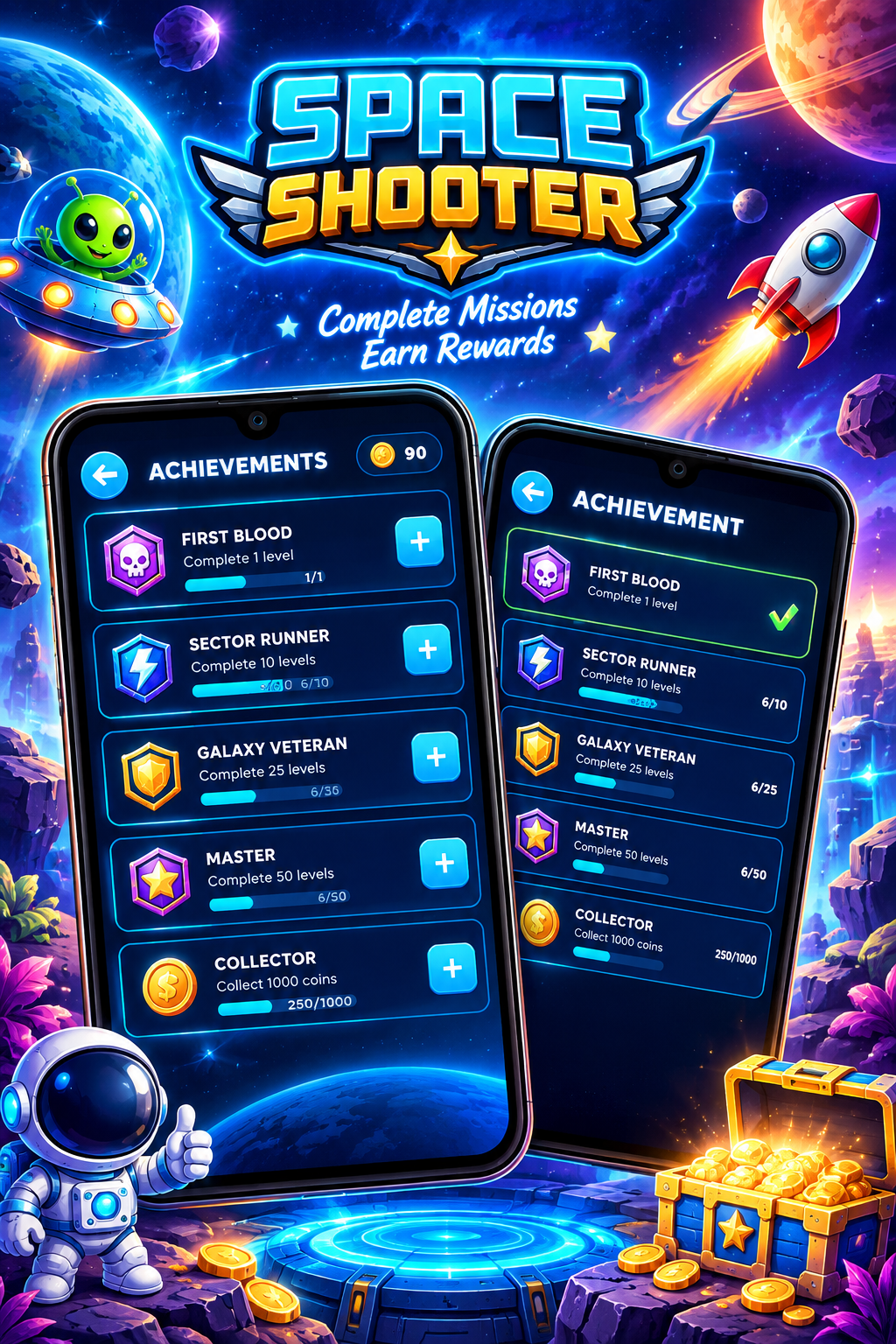
Download/play page:
Space Shooter on Google Play
❓ Frequently Asked Questions
Can arcade games be played without internet?
Yes. Many Android arcade games support offline gameplay. However, individual online features such as multiplayer, leaderboards, events, or cloud services may still require a connection.
Is Space Shooter an offline game?
The Google Play listing identifies the Space Shooter game as Offline and Single player. It also includes online features such as PvP, so the offline designation should be understood primarily for its supported single-player gameplay.
Can I play arcade games while travelling?
Yes. Offline arcade games can be useful during flights, train journeys, road trips, or places with poor connectivity.
Do offline games need internet after installation?
It depends on the individual game. Some games may require internet for the first launch, additional downloads, advertisements, updates, or online services. It’s a good idea to test a game in airplane mode before relying on it during travel.
Best space shooter app to play without internet
Are offline arcade games good for short gaming sessions?
Yes. Arcade games often work well for short sessions because they typically focus on quick missions, challenges, scoring, and action.
🏆 Final Thoughts
Offline arcade games are a convenient way to enjoy mobile gaming when Wi-Fi or mobile data isn’t available. They can be especially useful during travel, commutes, or whenever you simply want a quick gaming session without depending on an internet connection.
For fans of space battles and arcade shooting, Space Shooter – Galaxy Attack offers an action-focused experience with spaceship controls, alien enemies, upgrades, power-ups, campaign levels and boss battles. Its Play Store listing currently identifies its single-player gameplay as offline, while online features such as PvP remain separate.


Leave a Reply