🎨 How to Color Mandalas Digitally – Complete Beginner’s Guide
Digital mandala coloring is a fun and creative way to enjoy beautiful patterns directly on your Android phone or tablet. Instead of using colored pencils, markers, or paper, you can choose colors digitally and create colorful mandala artwork with just a few taps.
With the right coloring app, beginners can zoom into tiny sections, experiment with different colors, undo mistakes, save their artwork, and continue coloring whenever they have free time.
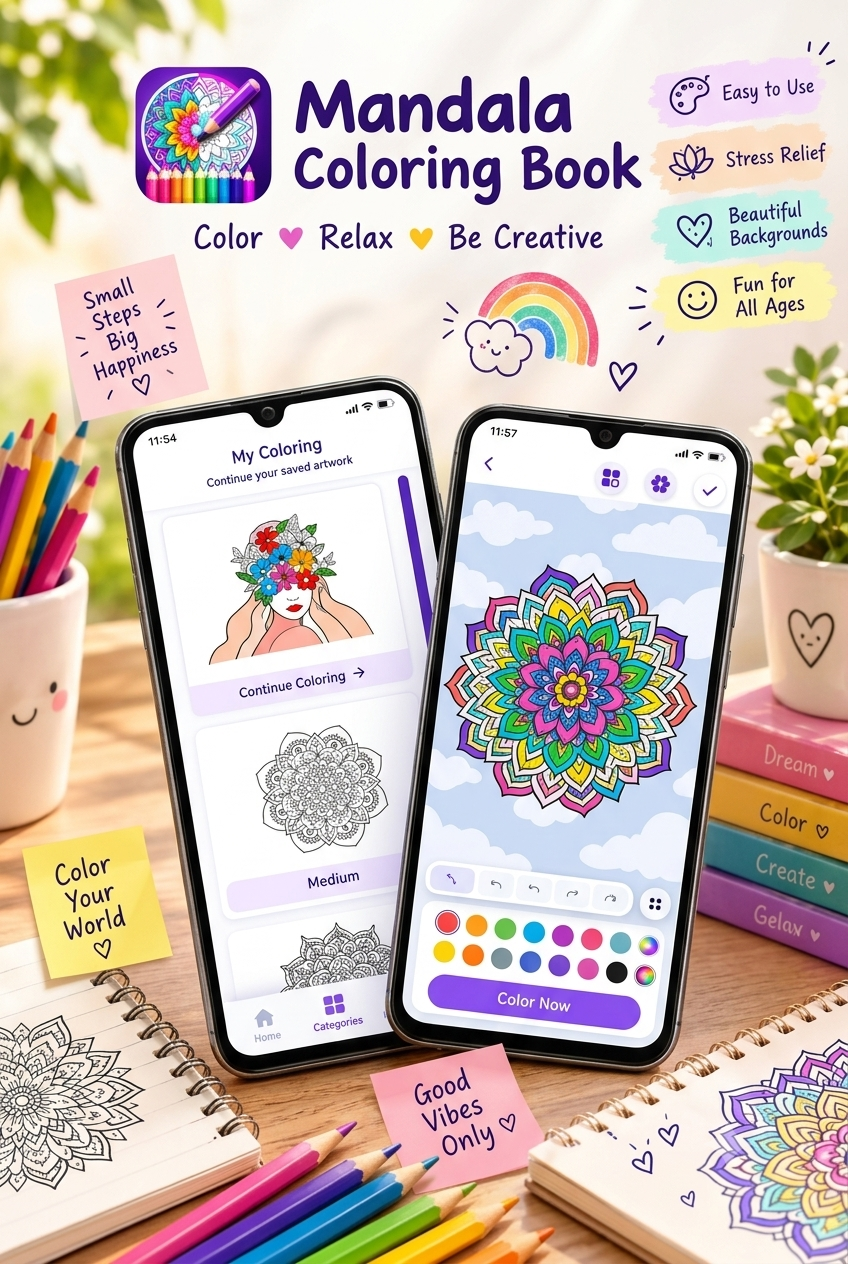
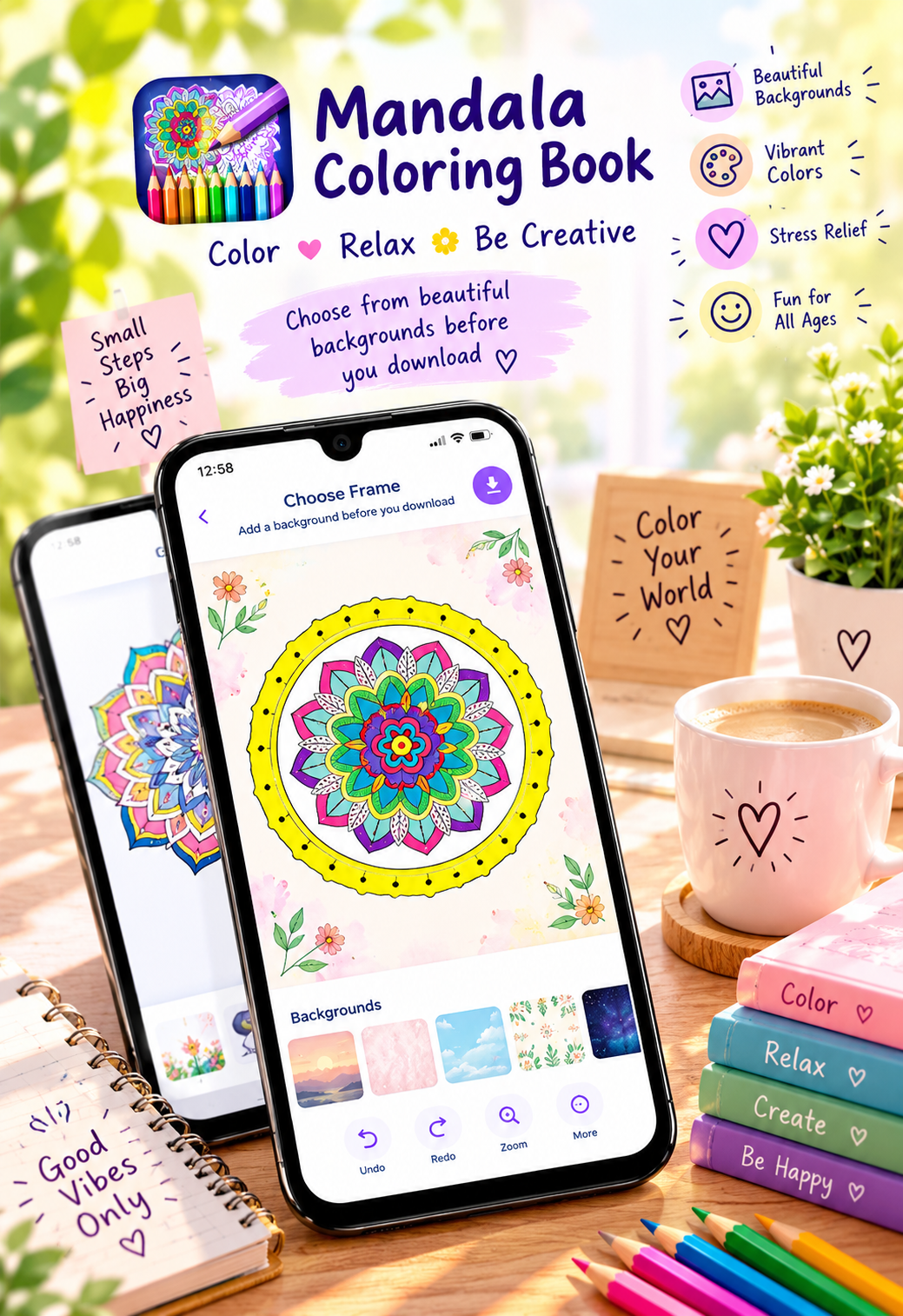
One option for Android users is Mandala – Coloring Book, which offers hundreds of coloring pages, mandalas, animals, birds, artwork, avatars, and other illustrations. The app also includes a rich color palette, zooming, undo/redo, saving progress, decorative frames, and offline coloring.
🌀 What Is Digital Mandala Coloring?
A mandala is a circular artwork made with repeating shapes, patterns, and symmetrical designs. Digital mandala coloring means filling these designs with colors using a smartphone, tablet, or another digital device.
Instead of worrying about pencils or markers, you can simply select a color and work on different sections of the design.
Digital coloring is particularly convenient because you can:
- Try different colors quickly
- Zoom into small sections
- Undo mistakes
- Save unfinished artwork
- Experiment with color combinations
- Color whenever you have free time
- Create artwork without using physical coloring supplies
Best app to color mandalas digitally on Android
📱 What Do You Need to Color Mandalas Digitally?
You don’t need expensive equipment to get started.
1. An Android Phone or Tablet
A smartphone is enough for simple mandala coloring. A larger tablet screen can be useful when working with very detailed designs.
2. A Mandala Coloring App
Choose an app that provides coloring pages and useful tools such as zoom, color selection, undo, redo, and saving.
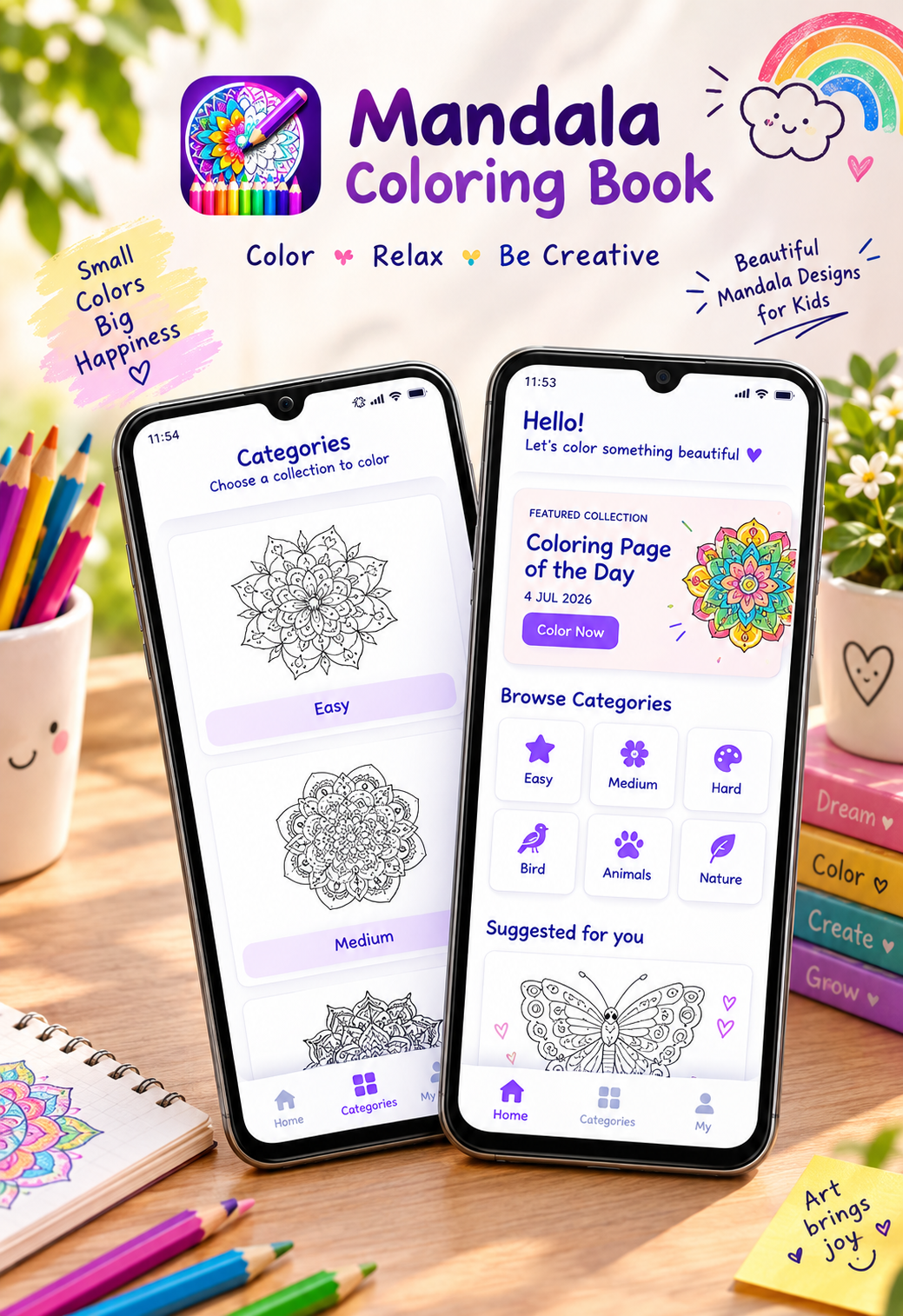
Mandala – Coloring Book provides these features and includes different categories of artwork, including easy, medium, complex designs and mandalas.
3. Your Favorite Colors
Start with a small selection of colors. You don’t have to use every color available.
4. Optional Stylus
A stylus can make it easier to work with very small details, although you can also color using your finger.
🎨 How to Color Mandalas Digitally Step by Step
Step 1: Choose a Mandala Design
Start by selecting a design that matches your experience level.
If you’re a beginner, choose a simple design with larger sections. Once you’re comfortable, move toward more detailed mandalas.
Starting with a manageable design can make digital coloring more enjoyable and easier to follow.
Step 2: Pick a Color Theme
Before filling the entire mandala, think about your color combination.
For example, you could choose:
- 💙 Blue + purple + pink
- 🌸 Pink + peach + yellow
- 🌿 Green + turquoise + blue
- 🌈 Multiple bright colors
- 🤎 Brown + beige + orange
- 💜 Purple + lavender + white
Using a limited palette can help your finished mandala look more organized.
Step 3: Start With the Center
The center of a mandala can act as the focal point of your artwork.
Try choosing one strong color for the center and then build complementary colors around it.
You can also begin with the outer ring if that feels more natural to you. The important thing is to use a consistent approach.
Best mandala coloring app for Android
Step 4: Work Around Repeated Patterns
One useful technique is to identify repeated shapes.
For example, if the mandala has eight similar petals, try using the same color or color pattern on each petal.
This creates visual balance and emphasizes the symmetry of the design.
Step 5: Use the Zoom Feature
Small mandala sections can sometimes be difficult to color accurately on a phone screen.
Use the zoom function to enlarge detailed areas before coloring them.
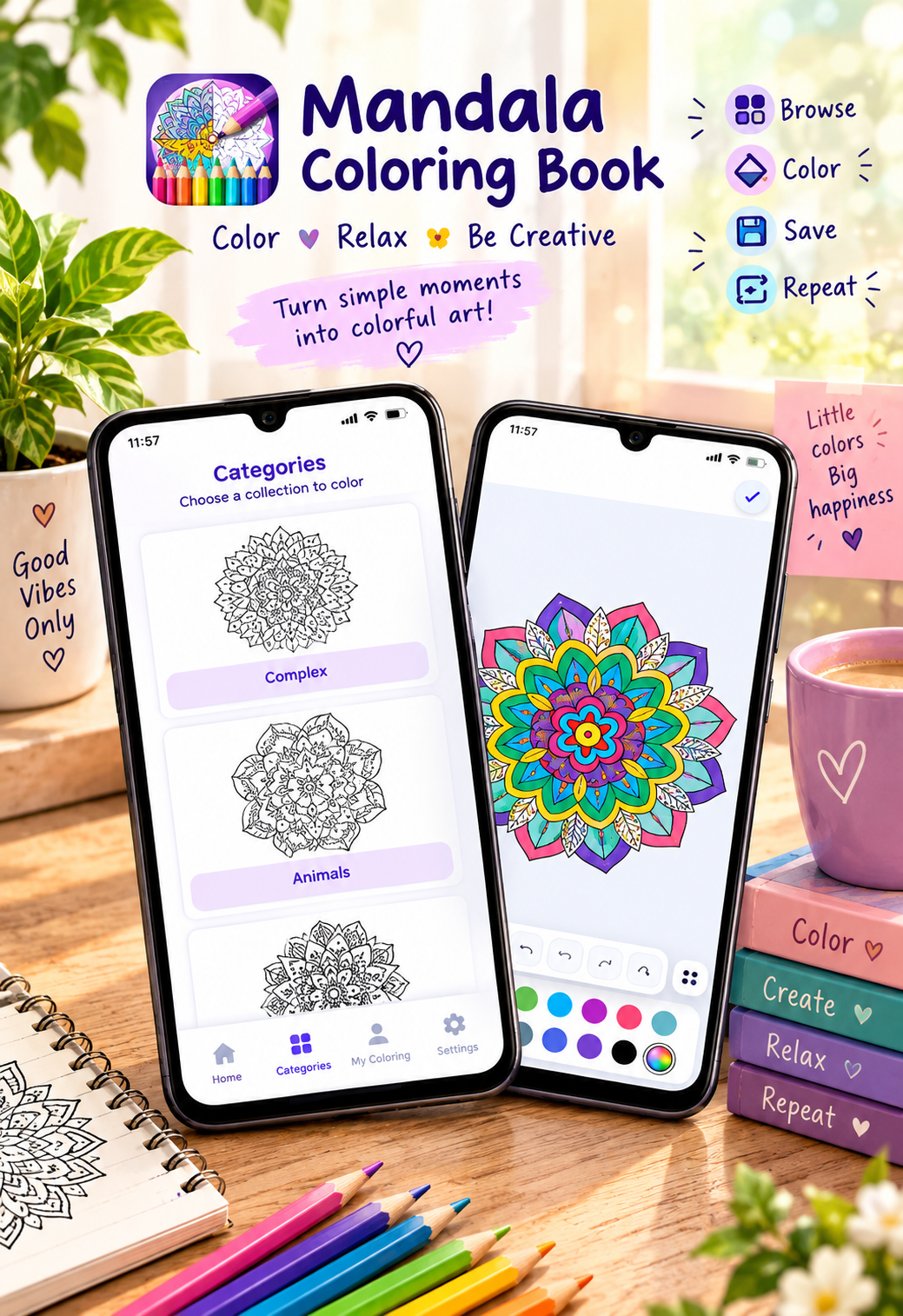
Mandala – Coloring Book includes pinch-to-zoom functionality to help with precise coloring of small details.
Step 6: Experiment With Different Colors
Digital coloring makes experimentation easy.
Try coloring one section in blue and another in purple. If you don’t like the result, you can change your approach rather than starting from scratch.
Digital coloring guides commonly recommend using a small, coordinated palette rather than introducing too many unrelated colors at once.
Step 7: Use Contrast
Contrast can make individual sections stand out.
For example:
- Light pink next to dark purple
- Yellow next to blue
- Light green next to dark green
- Orange next to purple
You don’t need dozens of colors to create an attractive mandala.
Try the best app for digital mandala coloring
Step 8: Use Undo When Needed
Making mistakes is completely normal when coloring.
Instead of worrying about an incorrect color, simply use the undo function when available and try another combination.
Mandala – Coloring Book includes undo and redo options so users can correct mistakes and experiment with different combinations.
Step 9: Complete the Smaller Details
Once the larger sections are finished, move toward the smaller decorative areas.
Zoom in when necessary and use colors that complement the main palette.
Small details can add personality to the final artwork.
Step 10: Add a Decorative Frame
After completing your artwork, you can make it look more polished by adding a decorative frame.
The Mandala – Coloring Book app includes decorative frames that can be added to completed artwork before saving.
Best app to create beautiful mandala artwork online
🌈 Digital Mandala Color Ideas
Here are some simple color themes you can try.
💜 Purple Dream
Use lavender, purple, pink, and white.
🌊 Ocean Theme
Try blue, turquoise, light green, and white.
🌅 Sunset Theme
Combine orange, yellow, pink, red, and purple.
🌿 Nature Theme
Use green, light green, brown, and yellow.
🌸 Floral Theme
Try pink, peach, lavender, yellow, and green.
🌈 Rainbow Theme
Use several bright colors and repeat them around the mandala.
📱 Why Use a Digital Mandala Coloring App?
Digital coloring has several practical advantages.
No Physical Supplies Needed
You don’t need coloring books, pencils, markers, sharpeners, or erasers.
Easy to Correct Mistakes
Digital undo and redo tools make experimentation easier.
Easy to Zoom
Detailed areas can be enlarged so you can work more precisely.
Save Your Artwork
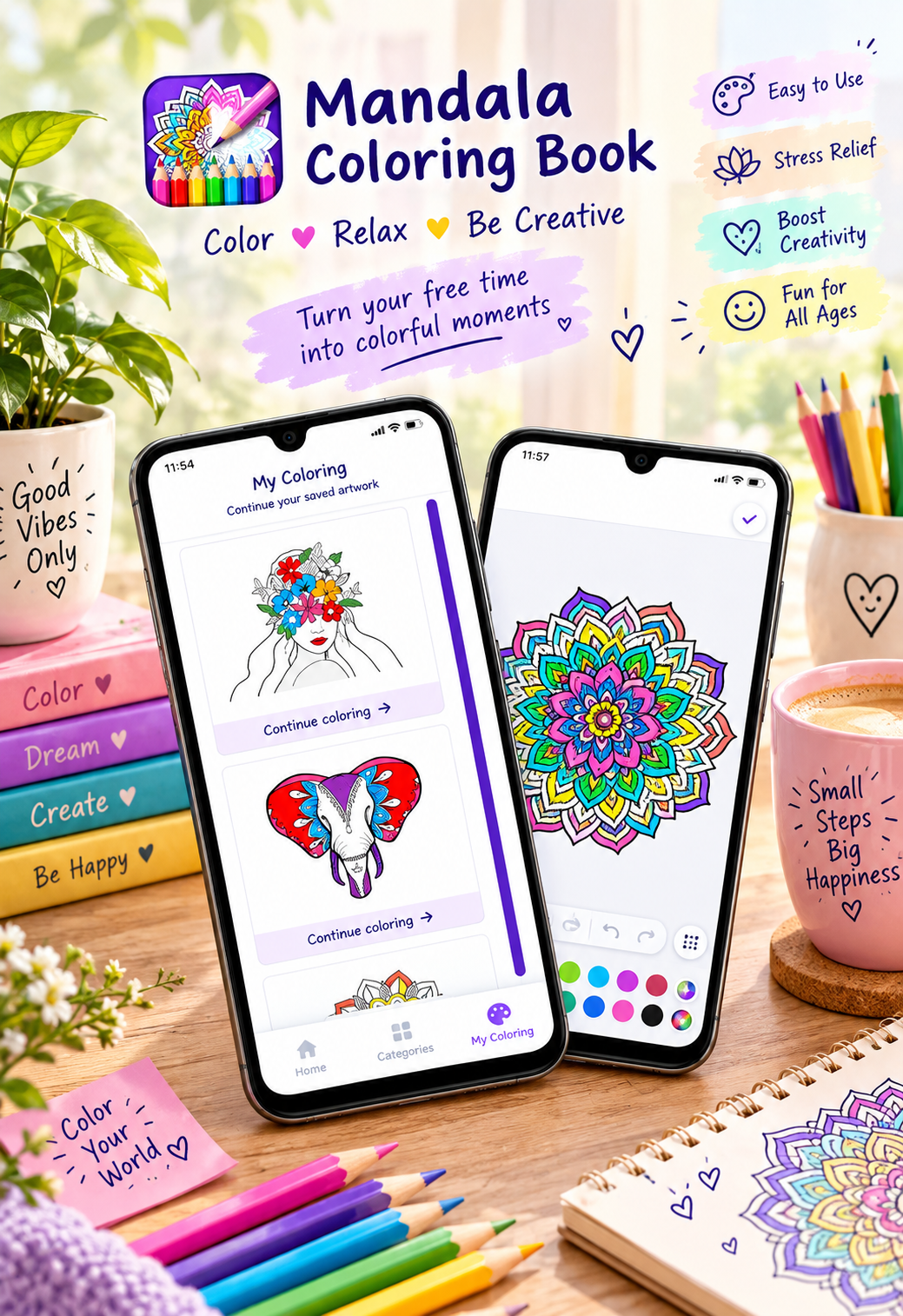
You can save your progress and continue working on unfinished designs later.
Color Offline
The current Google Play listing states that the app supports offline coloring, allowing users to enjoy the coloring experience without an internet connection.
Download a mandala coloring app for relaxing digital coloring
🎨 Tips for Beginners
1. Don’t Use Too Many Colors
Start with three to five main colors and add more only if necessary.
2. Repeat Your Color Pattern
If a mandala contains repeating shapes, repeating the same color sequence can create a balanced appearance.
3. Use Light and Dark Colors Together
Combining lighter and darker shades can make sections easier to distinguish.
4. Zoom Into Tiny Areas
Don’t rush through small sections. Zoom in and color them carefully.
5. Don’t Worry About Perfection
Digital coloring is about creativity and experimentation. There is no single correct color combination.
6. Try Different Styles
Color one mandala using bright colors and another using only shades of blue or purple.
7. Save Your Favorite Designs
Keep your completed artwork so you can compare your coloring style as you improve.
📲 Try Mandala – Coloring Book
If you’re looking for an easy way to start digital mandala coloring on Android, Mandala – Coloring Book offers hundreds of coloring pages and multiple artwork categories.
The app includes easy, medium, and complex designs along with mandalas, animals, birds, artwork, and avatars. It also provides a color palette, zoom, undo/redo, saving progress, decorative frames, and offline support.
👉 Download Mandala – Coloring Book on Google Play:
https://play.google.com/store/apps/details?id=com.techsolver.mandala
🧘 Digital Mandala Coloring for Relaxation and Creativity
Many people enjoy mandala coloring because the repetitive patterns provide a structured creative activity.
A 2026 study specifically examined digital mandala coloring among university students and investigated the relationship between coloring, flow, and anxiety-related outcomes. The study provides research evidence worth noting, but it should not be interpreted as proof that a coloring app treats anxiety or other medical conditions.
For everyday use, digital mandala coloring can simply be a pleasant creative activity during a break, while traveling, before bed, or whenever you want to spend some time creating artwork.
✨ Final Thoughts
Digital mandala coloring is an easy way to explore creativity without needing physical art supplies. Choose a simple design, select a small color palette, zoom into detailed sections, repeat colors around symmetrical patterns, and experiment with different combinations.
With features such as zoom, undo/redo, saving progress, decorative frames, and offline coloring, Mandala – Coloring Book provides useful tools for creating digital mandala artwork on Android.
Whether you’re a complete beginner or already enjoy coloring, try different palettes and styles until you find a look that feels right for you.




Leave a Reply