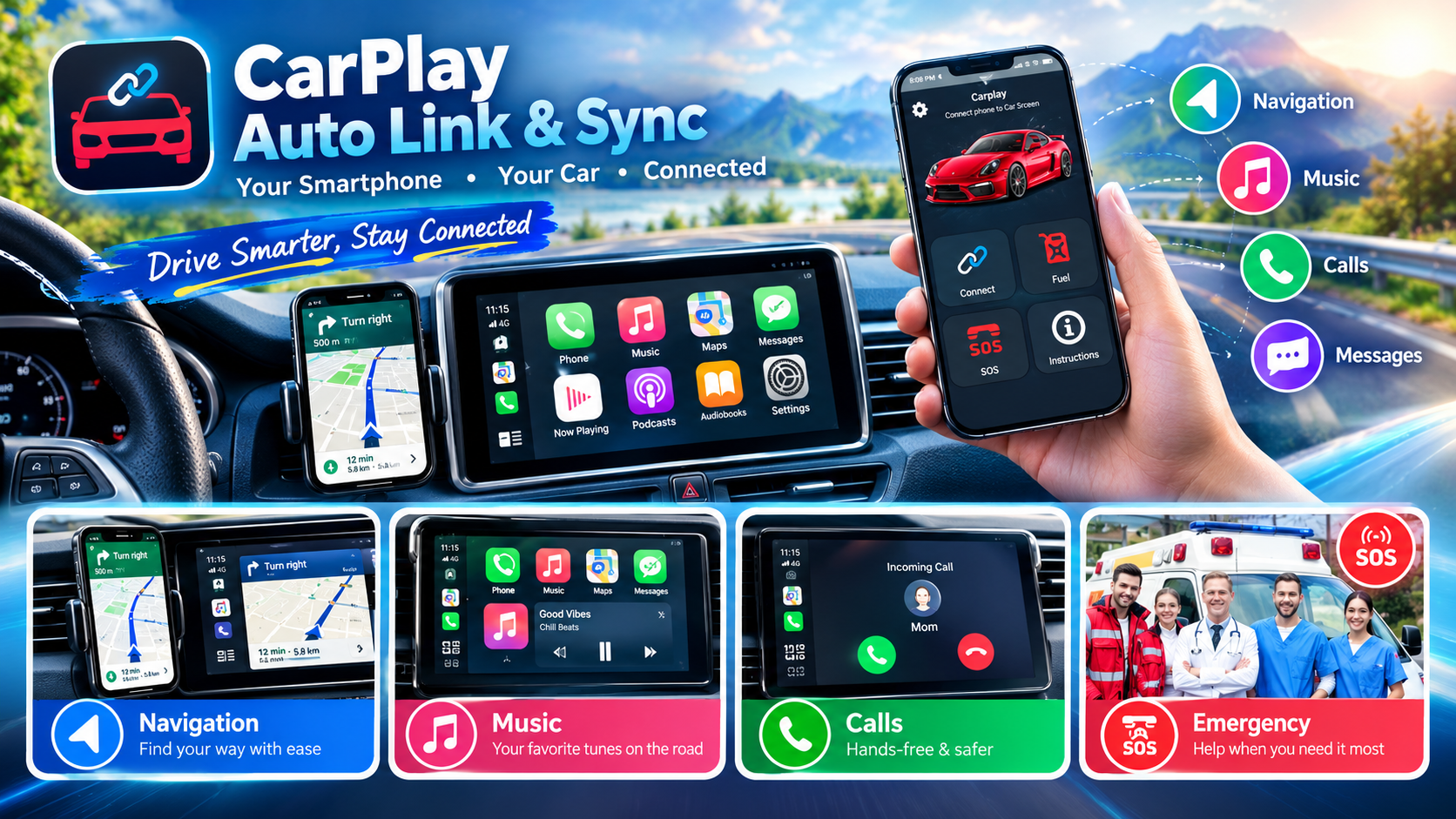
CarPlay Auto Link & Sync – Complete App Article
Introduction
CarPlay Auto Link & Sync is a mobile application designed to help users connect and mirror their Android smartphone with compatible car infotainment systems. The app focuses on making it easier to access selected phone features through the car’s display while driving.
With a suitable compatible vehicle, users can use smartphone navigation, music, calls, and other supported functions through the car entertainment system.
What is CarPlay Auto Link & Sync?
CarPlay Auto Link & Sync is an Android connectivity and screen-mirroring app. It is intended for users who want a convenient way to connect their smartphone to a compatible car multimedia system.
The app can be particularly useful when your vehicle supports technologies such as Apple CarPlay, Android Auto, or MirrorLink, depending on the vehicle and hardware configuration.
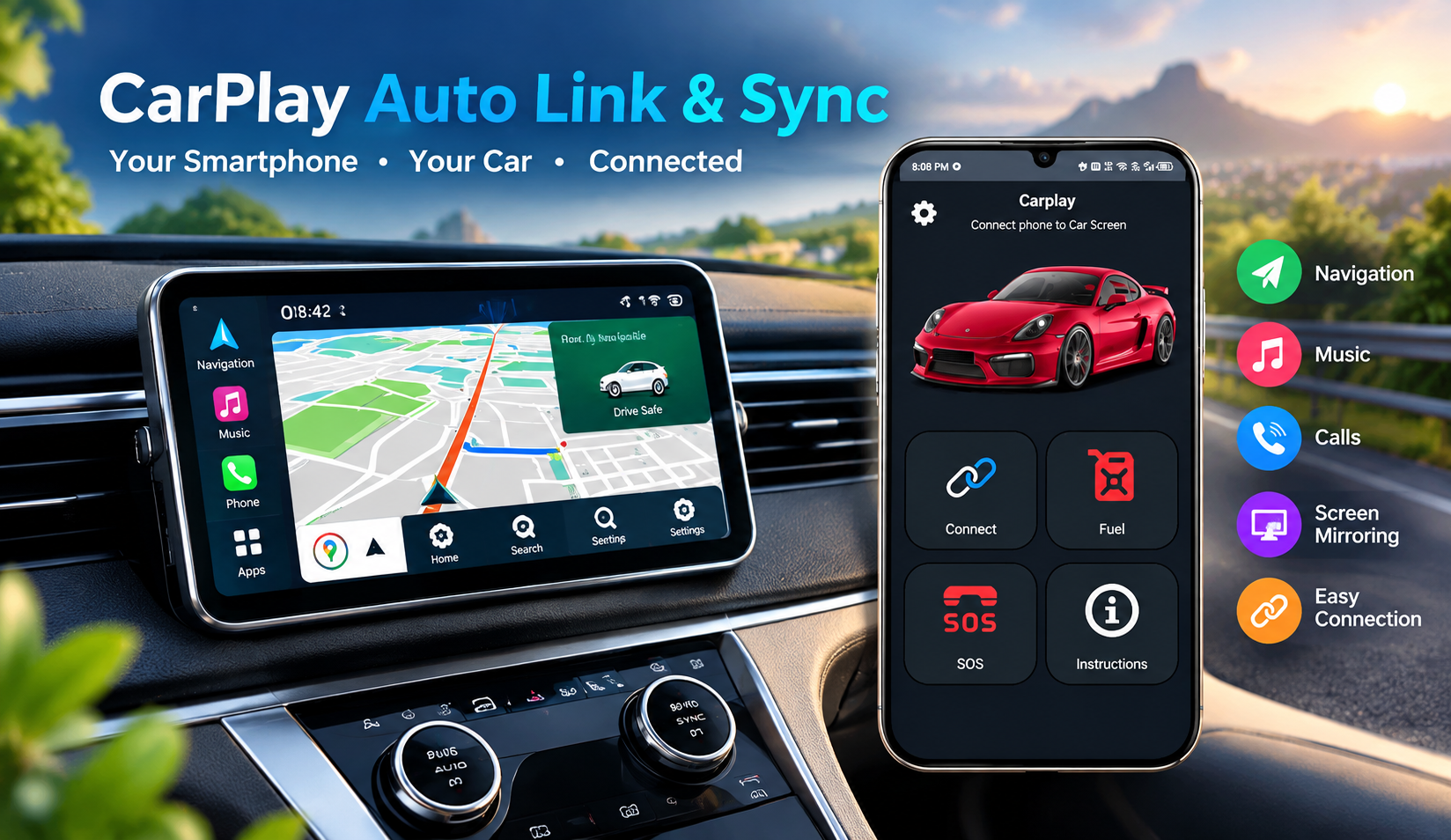
Key Features
1. Car Connectivity
The app is designed to help establish a connection between your smartphone and a compatible car infotainment system.
2. Screen Mirroring
Users can mirror supported smartphone content onto a compatible vehicle display.
3. Navigation Access
When supported by the connected system, users can access navigation applications from the car’s display.
4. Music & Media
The app can make it more convenient to enjoy compatible music and media functions while connected to the vehicle.
5. Hands-Free Calling
Compatible setups may allow users to handle phone calls through the car’s infotainment system.
6. Easy Smartphone Integration
The main purpose of the app is to provide a simpler bridge between a smartphone and compatible vehicle multimedia hardware.
Looking for navigation apps that work with CarPlay? Explore popular options such as Google Maps and Waze.
Explore CarPlay Navigation Apps
How Does CarPlay Auto Link & Sync Work?
The basic process is straightforward:
- Install CarPlay Auto Link & Sync on your Android smartphone.
- Open the application and provide the required permissions.
- Make sure your vehicle’s infotainment system supports the required connectivity technology.
- Connect your phone using the supported connection method.
- Follow the instructions displayed by the app and vehicle system.
- Once connected, use the supported functions from the car’s infotainment display.
Important: Compatibility can vary significantly between smartphones, Android versions, car models, head units, cables, and wireless adapters.
Benefits of Using CarPlay Auto Link & Sync
- Convenient smartphone-to-car connectivity
- Access to supported navigation functions
- Easier media and music control
- Potential hands-free calling support
- Screen-mirroring capabilities on compatible systems
- Useful for compatible aftermarket car multimedia systems
- Designed to provide a more connected driving experience
Who Should Use This App?
CarPlay Auto Link & Sync may be useful for:
- Android smartphone users
- Drivers with compatible infotainment systems
- Users with aftermarket car displays
- People interested in smartphone screen mirroring
- Drivers who want easier access to navigation and media
Want to learn more about using apps with CarPlay? Check out Apple’s guide to compatible CarPlay apps.
Use Other Apps with CarPlay
Things to Check Before Using
Before installing or relying on the app, check:
- Whether your car infotainment system is compatible
- Whether your smartphone supports the required connection
- Whether USB or wireless connectivity is required
- Whether your vehicle/head unit supports Android Auto, CarPlay, MirrorLink, or another relevant standard
- Whether the necessary permissions are enabled
Not every Android phone or car supports every connectivity feature.
Safety While Driving
Apps that connect smartphones to car displays can be useful, but safe driving should always come first. Set up navigation and media before starting your journey whenever possible, and avoid interacting with your phone while driving.
CarPlay Auto Link & Sync – Pros & Cons
| Pros | Cons |
|---|---|
| Useful smartphone-to-car connectivity | Compatibility may vary |
| Can support screen mirroring on compatible setups | Not every car/head unit will work |
| Convenient access to supported functions | Some features may require specific hardware |
| Helpful for compatible aftermarket displays | Performance can depend on the phone and vehicle |
More About CarPlay Auto Link & Sync
CarPlay Auto Link & Sync is designed to provide a bridge between an Android smartphone and a compatible vehicle infotainment system. The main idea is to make selected smartphone functions more accessible through the car’s display instead of requiring the driver to constantly handle the phone.
Depending on the connected vehicle or aftermarket head unit, the available functions can include navigation, music, phone calls, and screen mirroring.
Smartphone-to-Car Connectivity
One of the main purposes of CarPlay Auto Link & Sync is smartphone connectivity. After establishing a supported connection with the vehicle’s multimedia system, users can potentially interact with compatible smartphone features through the larger car display.
This can be particularly useful for people who frequently use their phones for navigation or entertainment during road trips.
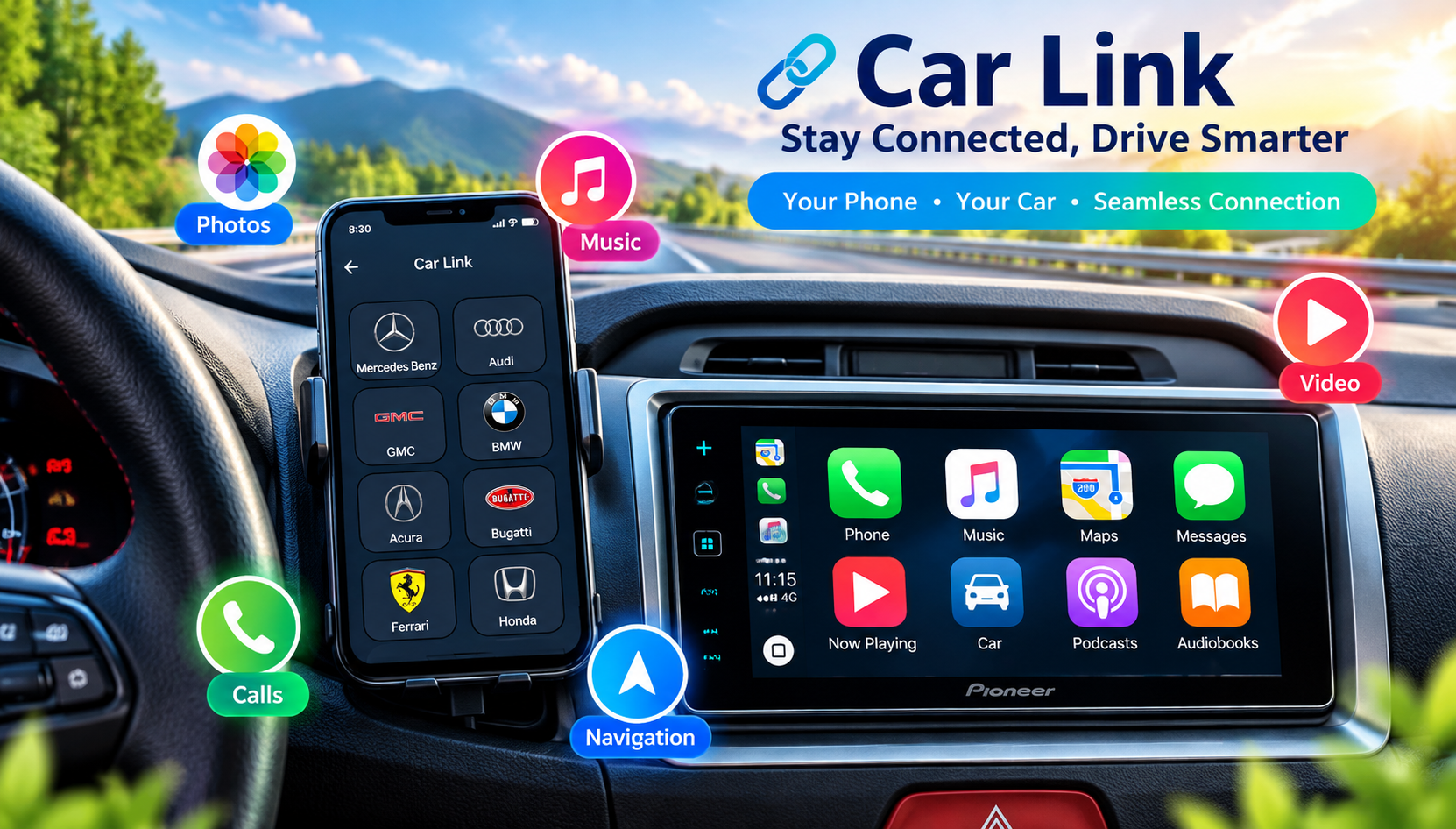
Screen Mirroring Experience
Screen mirroring is another important aspect of the application. On compatible systems, users may be able to display supported smartphone content on the vehicle’s screen.
The actual mirroring experience can depend on:
- Smartphone model
- Android version
- Vehicle infotainment system
- Aftermarket head unit
- USB or wireless connection
- Supported connectivity protocol
Therefore, users should check compatibility before expecting every feature to work on their particular setup.
Interested in how CarPlay works with different car displays and apps? Learn more about Apple CarPlay.
Learn More About Apple CarPlay
Navigation
Using navigation through a car’s larger display can be more convenient than looking at a smartphone screen. With a compatible setup, users may be able to access supported navigation applications after connecting their device.
For safety, navigation should ideally be configured before starting a journey.
Music and Entertainment
The app can also be useful for users who want to access supported music or media features through their car’s infotainment system.
Instead of keeping the smartphone in hand, compatible systems may allow users to control supported media through the vehicle’s interface.
Calling and Communication
Compatible car systems may allow users to handle phone calls through the vehicle’s speakers and controls. This can provide a more convenient hands-free experience.
However, available calling features depend on the vehicle, head unit, smartphone, and connection method.
Useful for Aftermarket Car Displays
CarPlay Auto Link & Sync can be especially interesting for people using aftermarket Android-based car stereos or multimedia displays.
Some aftermarket systems support several smartphone-integration technologies, while others have more limited compatibility. Users should therefore check their head-unit specifications before installation.
Compatibility
Compatibility is one of the most important things to consider with this type of application.
The app’s performance can vary depending on:
Phone: Different Android smartphones may behave differently.
Android version: Certain functions may depend on the Android version installed on the phone.
Car: Vehicle infotainment systems have different hardware and software configurations.
Head unit: Aftermarket displays can have different connectivity requirements.
Connection: USB and wireless connections can provide different experiences depending on the supported hardware.
Because of these variables, an app that works correctly on one vehicle may not necessarily work the same way on another.
Common Uses
Here are some common situations where an app like CarPlay Auto Link & Sync can be useful:
🚗 Daily Commuting
Users can potentially connect their smartphone to a compatible car system for navigation and media.
🛣️ Road Trips
A larger infotainment display can make navigation and supported entertainment functions more convenient.
🎵 Music
Users can access compatible music services through the connected vehicle system.
📞 Hands-Free Communication
Compatible systems may allow calls to be managed through the car.
📱 Screen Mirroring
Users with supported hardware can potentially mirror smartphone content to the car display.

How to Get the Best Experience
For better results, users should:
- Keep the smartphone’s Android software updated.
- Use a good-quality USB cable when a wired connection is required.
- Make sure Bluetooth/Wi-Fi is enabled when required by the connection method.
- Check the car/head-unit compatibility.
- Give the application the permissions it needs.
- Keep the phone sufficiently charged.
- Test the connection while the vehicle is parked.
- Avoid manually operating the phone while driving.
Troubleshooting Connection Problems
If CarPlay Auto Link & Sync doesn’t connect properly, users can try these basic steps:
Restart the connection: Disconnect the phone and reconnect it.
Check the cable: If using USB, try a compatible high-quality cable.
Check permissions: Make sure required permissions have been granted.
Restart both devices: Restart the smartphone and infotainment system.
Check compatibility: Confirm that the vehicle/head unit supports the required technology.
Update software: Check whether the smartphone or car system has available updates.
Try another connection method: If the hardware supports both wired and wireless connectivity, testing the alternative method may help.
Developers and tech enthusiasts can also explore the official CarPlay Simulator and development tools.
Apple CarPlay Developer Resources
Why Users May Find It Useful
The biggest advantage of this type of application is convenience. Smartphones contain navigation, music, communication, and other useful tools, while a vehicle’s infotainment display provides a larger and more accessible interface.
CarPlay Auto Link & Sync attempts to bring these two environments together for users with compatible hardware.
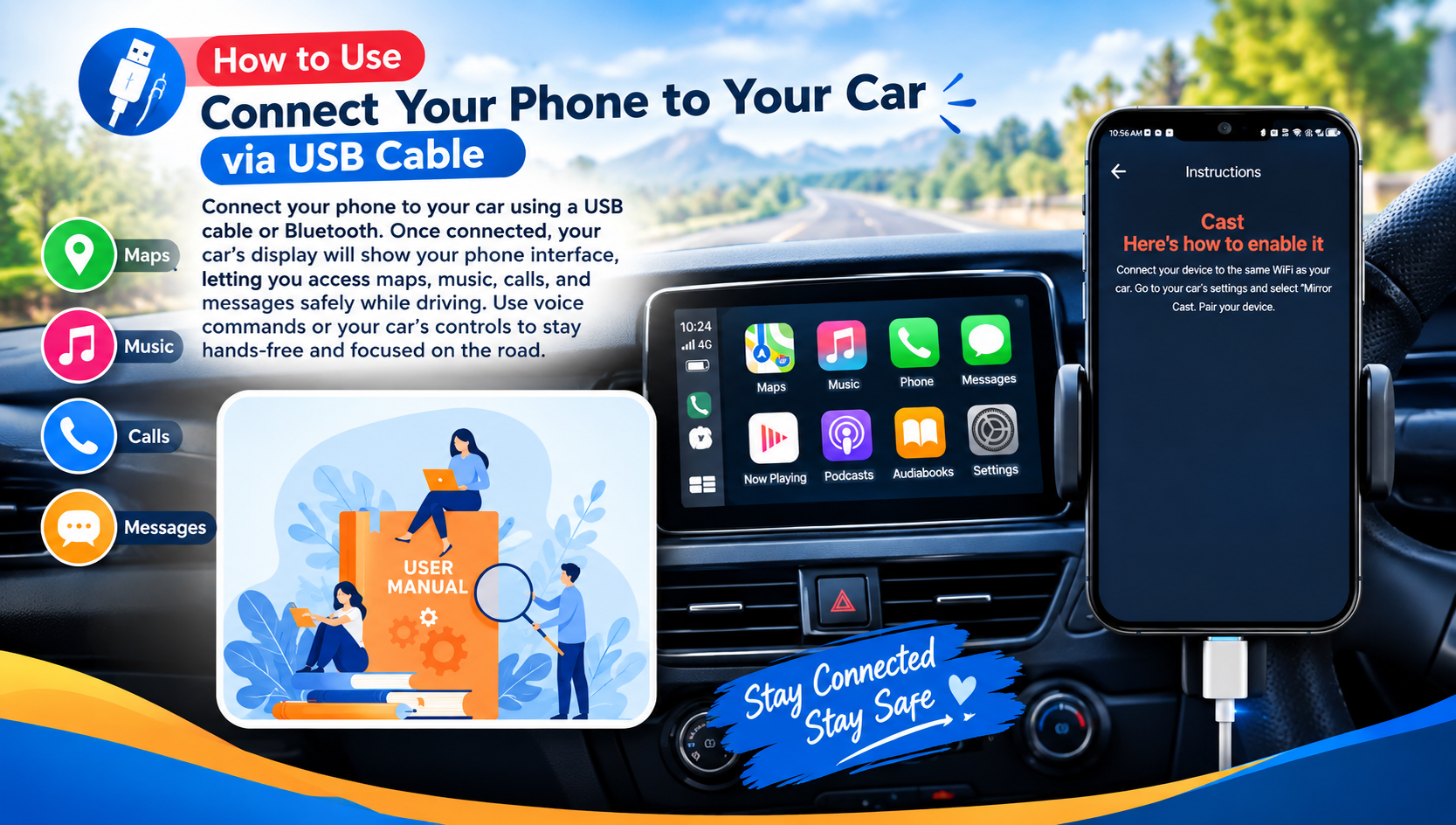
Important Limitations
It’s important not to assume that the application will turn any car display into a fully compatible CarPlay or Android Auto system.
The available functionality depends on the underlying hardware and software. Some features may work only with specific vehicles, head units, smartphones, or connection standards.
Therefore, compatibility should be checked before installation or purchase of additional car hardware.
Final Thoughts
CarPlay Auto Link & Sync is aimed at users who want to connect their Android smartphone with a compatible car infotainment system. Its focus on connectivity, screen mirroring, navigation, media, and hands-free functionality can make it a useful option for compatible setups.
However, the most important factor is compatibility. Before using the app, users should verify that their smartphone and vehicle/head unit support the required technology.




Leave a Reply